Private Budgeting Without Bank Sync
Plan budgets, log spending quickly, and see what is safe to spend while your financial data stays on your device and in iCloud only if you enable sync.
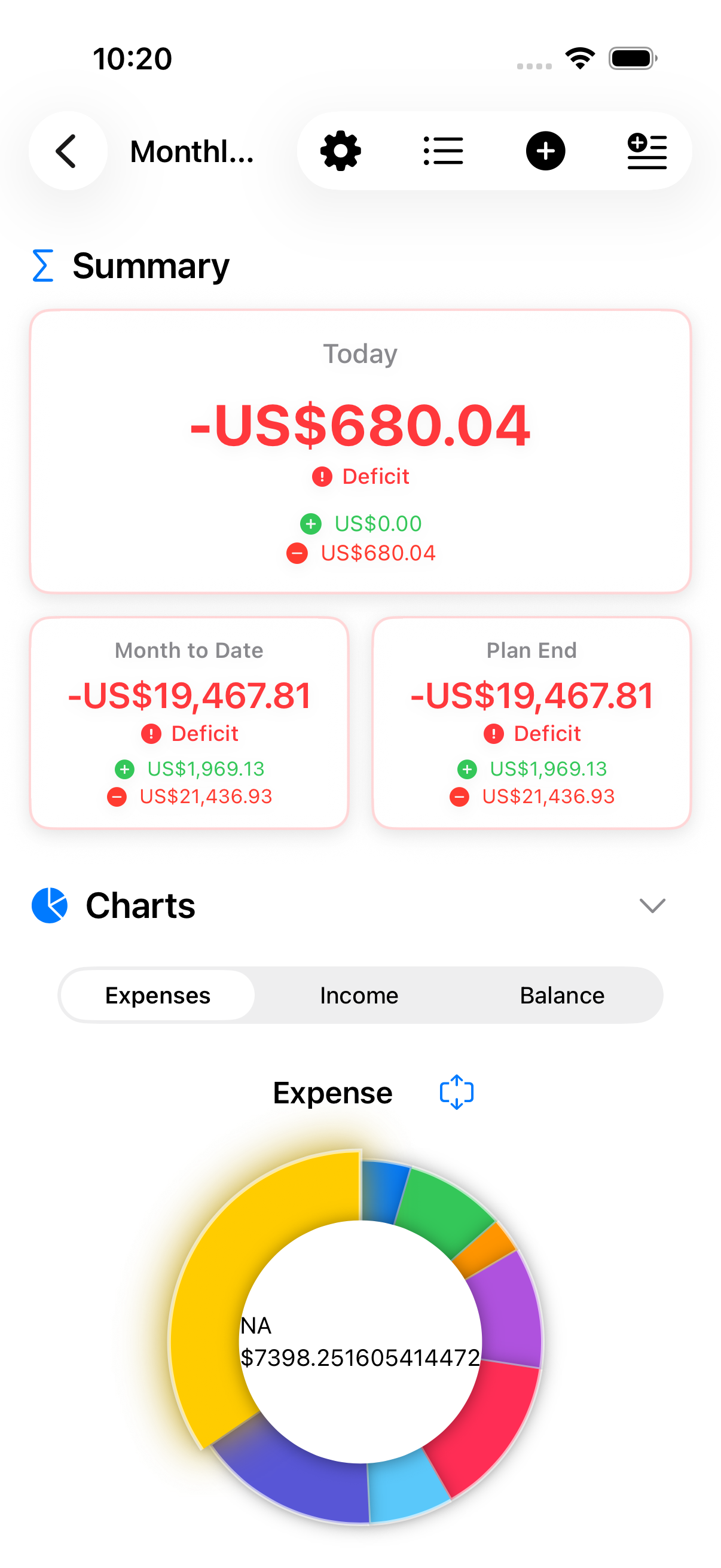
Plan budgets, log spending quickly, and see what is safe to spend while your financial data stays on your device and in iCloud only if you enable sync.
Manual-first budgeting with local storage by default and optional iCloud sync when you choose it.
Budget data is stored locally and only syncs if you enable iCloud. No bank login or account connection is required.
We don't collect analytics, track usage, or send telemetry. Your financial data is yours alone.
Optional CloudKit sync uses your private iCloud database. You can also share a plan with trusted iCloud participants, with access managed by Apple's native sharing controls.
Auto-tagging suggestions, budget checks, and digest summaries are generated on device from the data you enter. Where the app uses Apple Intelligence — Ask, and the report summary — the model runs on your device too. Your entries and questions are never sent to a server.
A clear daily answer based on your monthly budget, spending pace, and upcoming card window.
Safe to Spend starts with your monthly limit and subtracts expenses already logged this month.
Upcoming card exposure is held back, so the dashboard stays conservative before bill day.
No bank sync or account aggregation. The estimate comes from the manual entries and settings on your device.
After this month's spending and upcoming card window.
"What did I spend most on last month?" Ask puts the question in plain language and answers from the figures already in your plans — generated on your device by Apple Intelligence.
Answers are generated on your iPhone or iPad. Your entries, plans, and questions are never sent to a server, and nothing is sent to us or to anyone else.
Every figure is measured by Budgets For Plans itself, the same way the rest of the app measures it. The model only puts it into words — it never calculates a number.
Tap Sources under any answer to see exactly what was measured and which period it covers. An assistant that will not say what it looked at is one you are right not to trust.
Ask can explain and compare, but it cannot add, edit, or delete anything in your plans. Nothing you ask can change your data.
The conversation is kept in memory only and is discarded when you close it. Nothing is stored, and nothing is synced.
A pill at the top says which plan the answers are about, and switches between them. Suggested questions change with the last answer, so you can keep going without typing.
Ask needs Advanced Tools (or Lifetime Access) and a device that supports Apple Intelligence, with it turned on in Settings. It describes what your numbers show — it does not give financial advice.
Start from a household, freelancer, travel, project, student, or blank plan. Templates seed useful categories and budget suggestions, but never lock the plan type.
Templates suggest a name, monthly budget, starter categories, currency, and card billing day so Safe to Spend works from day one.
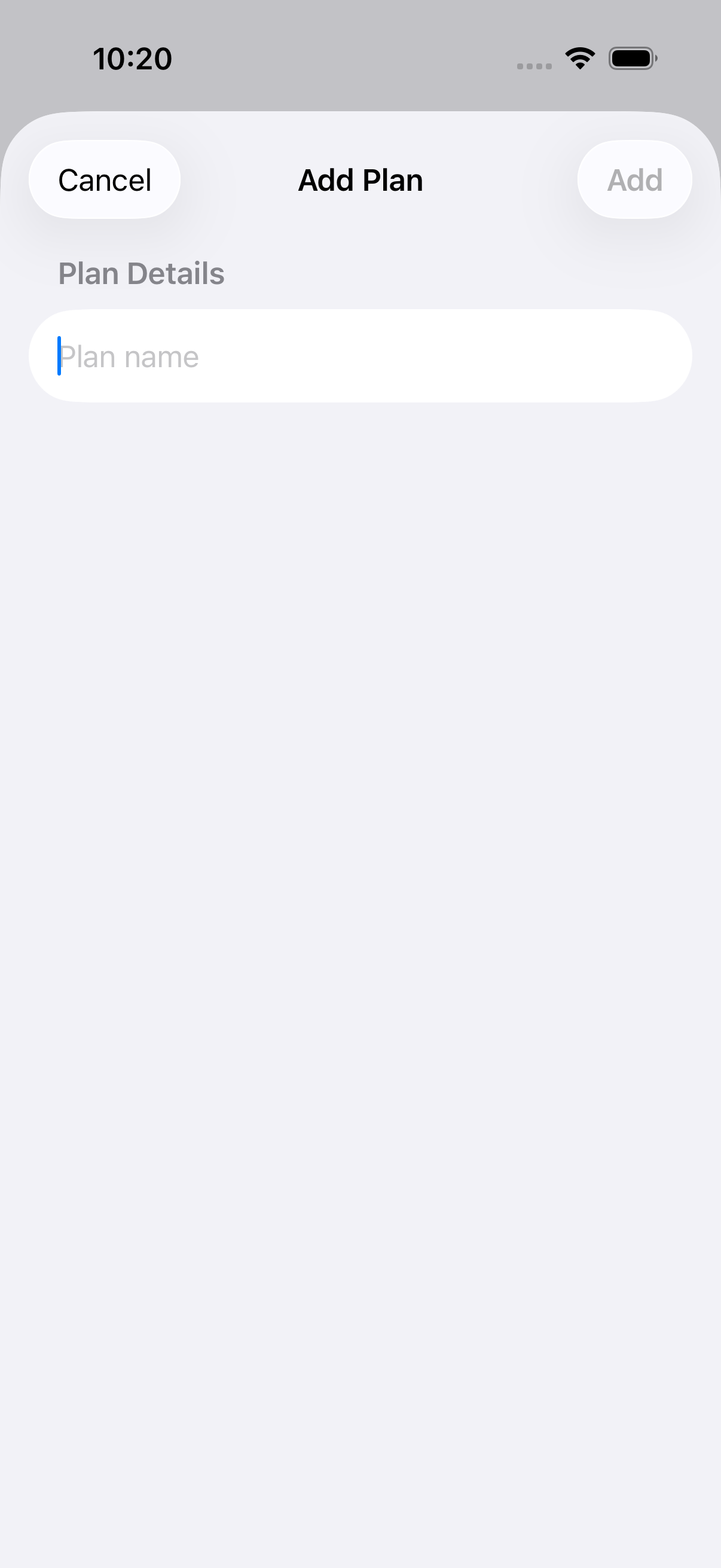
Templatized plans use household, freelancer, travel, project, or student icons in their avatars while still falling back gracefully for custom plans.
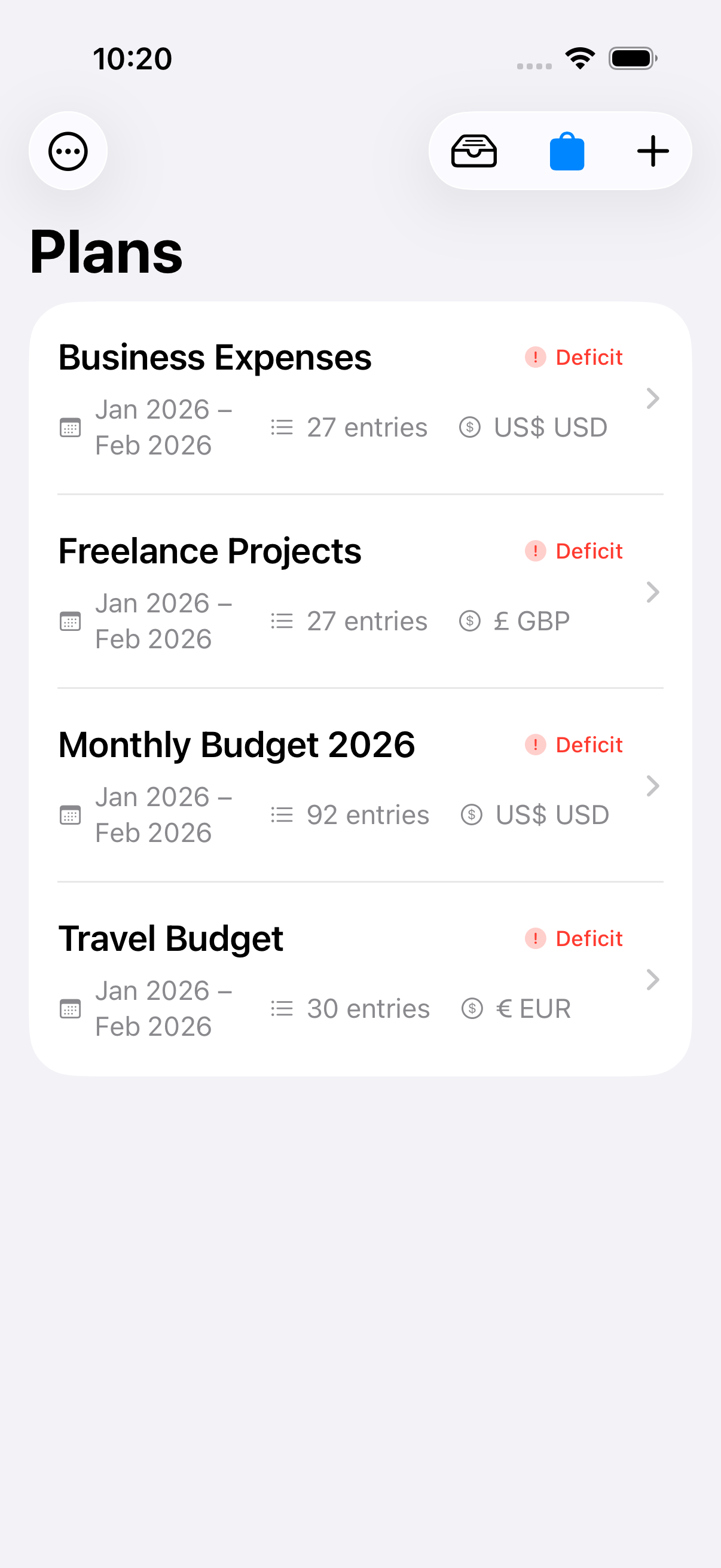
Starter categories feed the category chips, receipt review, reports, widgets, and recaps without adding setup friction.
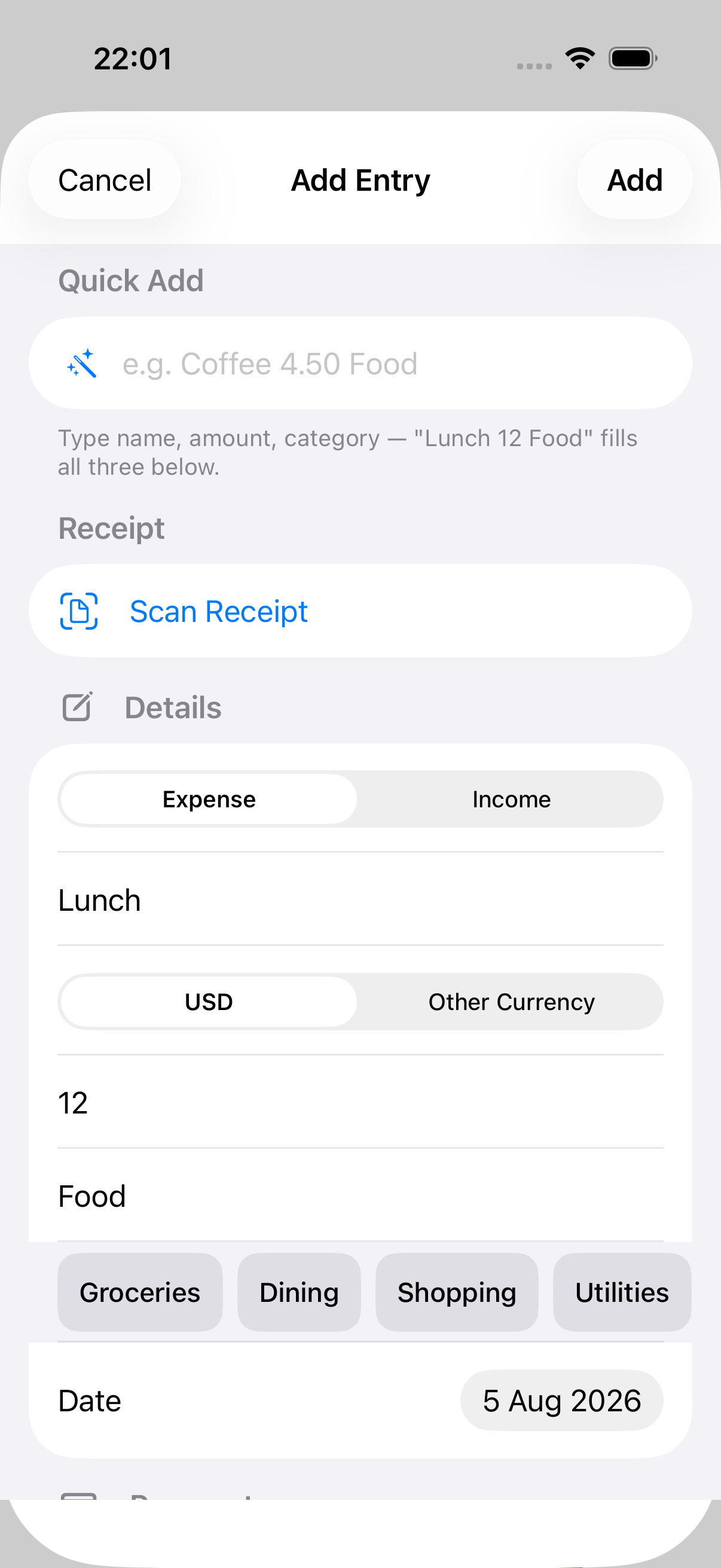
Start with a clear plan, stay on top of daily spending, and grow into deeper insights when you need them.
Set up plans for households, freelance work, projects, travel, or student spending with starter categories, template-aware avatars, currency, monthly budget, and billing day built in.
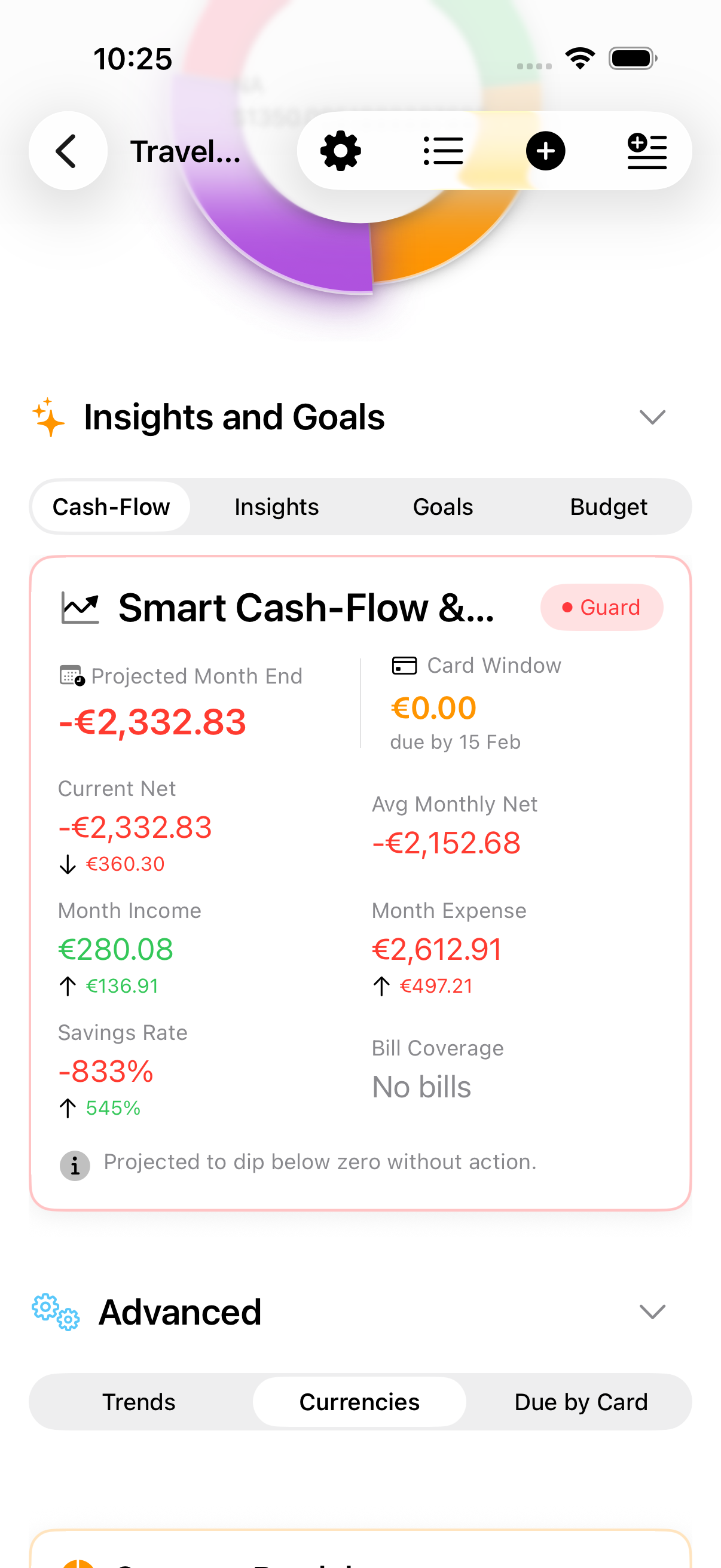
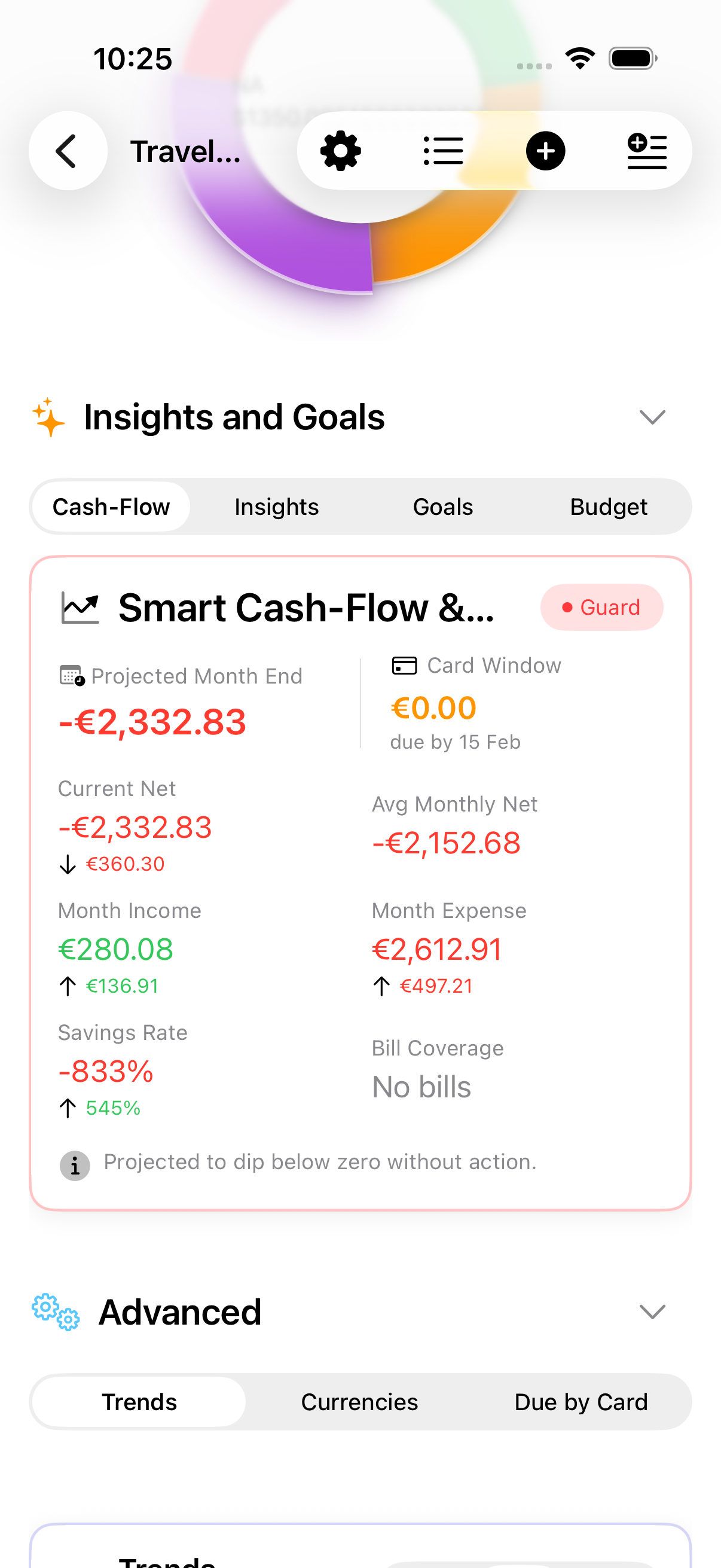
See a conservative daily estimate after current spending and upcoming card bills.
Log spending fast with quick entry, reusable tags, receipt scanning, and bulk entry tools when you need them.
Every plan has a complete report you can read without paying — a written summary, what stood out, balances, categories, how you did against your budgets, and goals, over any period. Upgrade only when you want it as a PDF, workbook, or CSV.
Put a question to your own figures in plain language and get an answer generated on your device. The app does the arithmetic; tap Sources to see exactly what was measured.
Sync with iCloud, share selected plans with trusted participants, glance at widgets, and check your plan on Apple Watch. Your data stays in your Apple ecosystem.
Professional multi-window layouts, drag & drop, keyboard shortcuts, and side-by-side workflows that transform iPad into your financial command center.
Log expenses, check your balance, or open a plan with your voice. Siri shortcuts work hands-free and integrate with the Shortcuts app.
Protect budgets with Face ID or Touch ID, on-device intelligence, and diagnostics that keep you in control.
After your plan and entries are in place, local suggestions help surface patterns and next steps. Your data syncs via iCloud only if you enable it.
Question your own budget in plain language. Apple Intelligence runs on your device and puts the app's own figures into words — it never calculates one itself.
A report's opening summary is rewritten on your device so it reads like a person wrote it, rather than like a spreadsheet caption.
Digest summaries compare recent activity with your own history to highlight spending changes, budget health, and goal progress.
On-device suggestions and rules help categorize familiar entries without sending transaction text to external services.
Sophisticated metrics engine calculates 20+ insight types including spending pace, income volatility, category spikes, and bill coverage ratios.
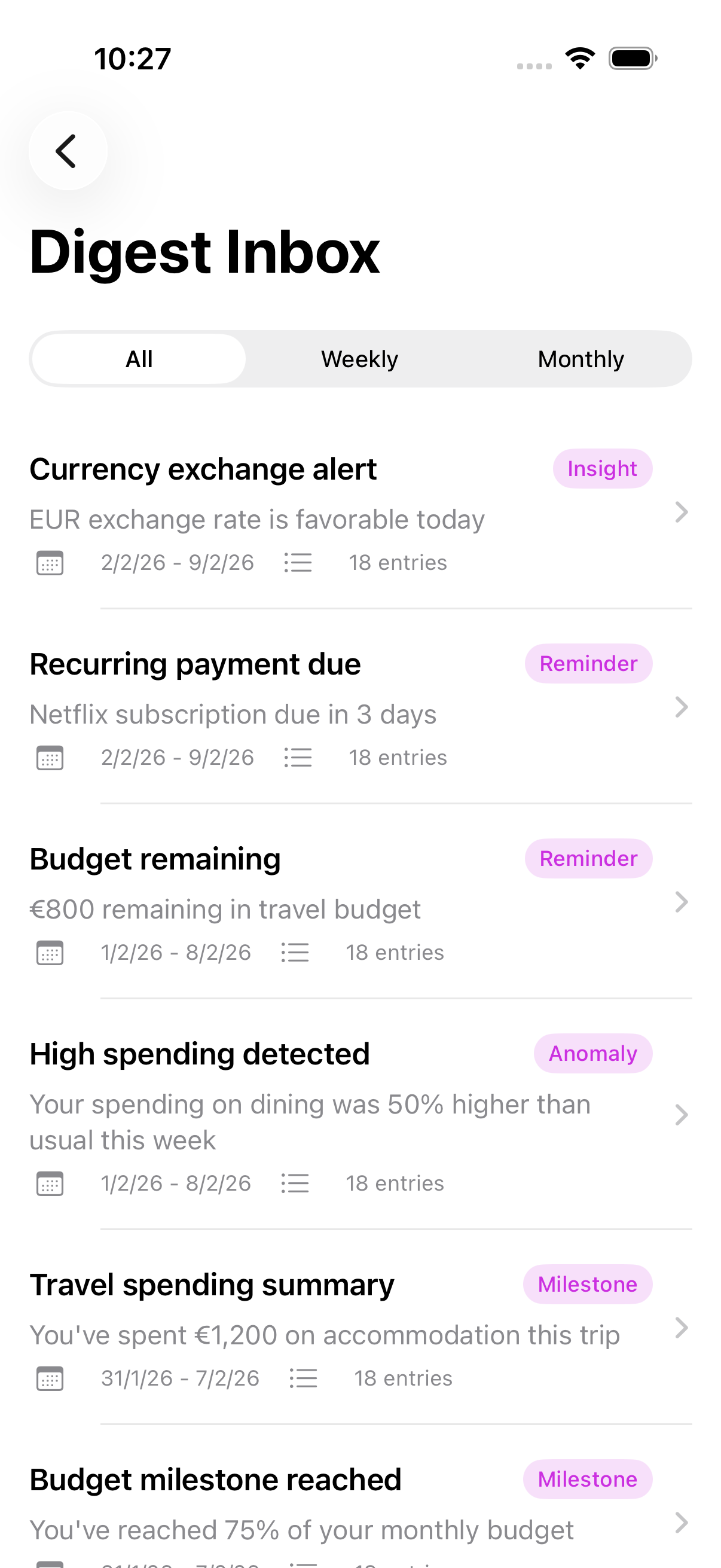
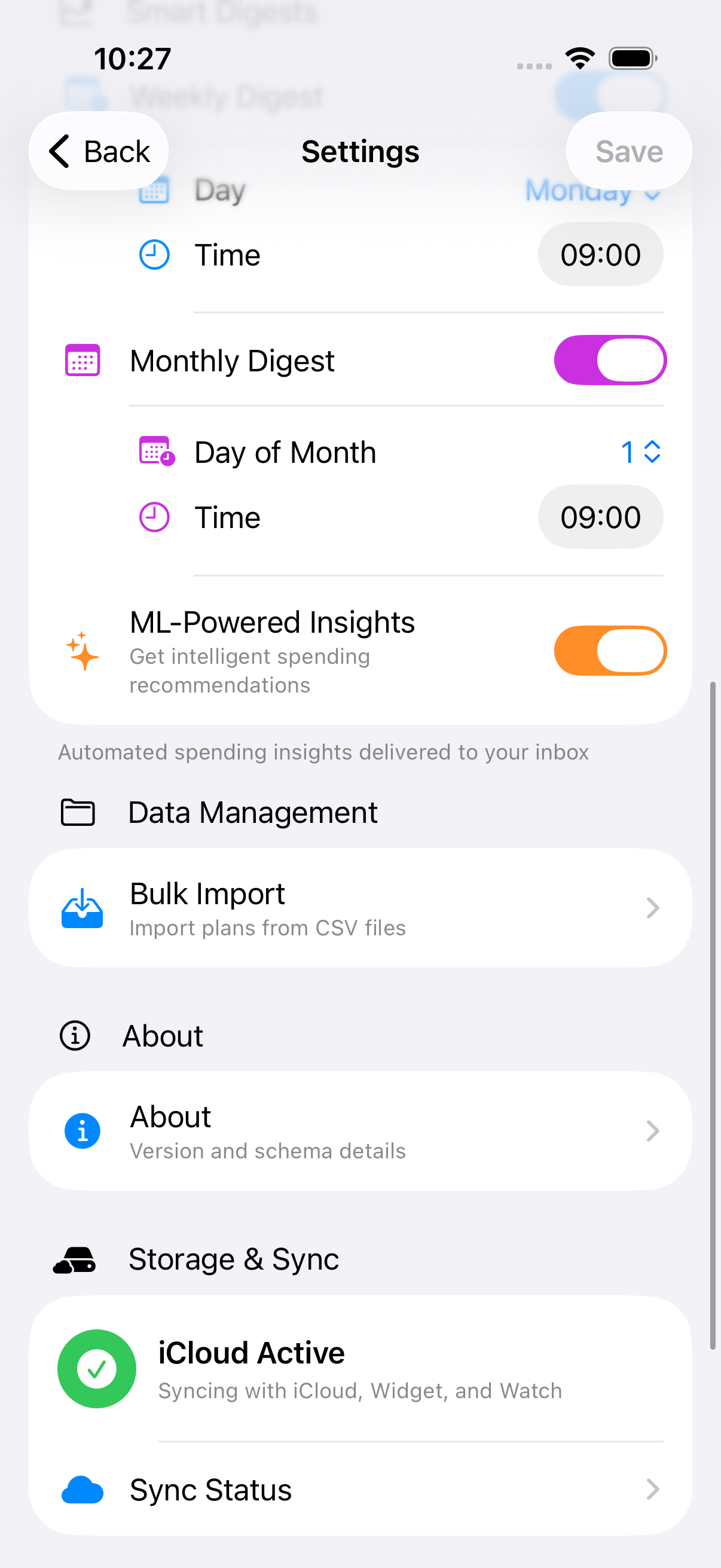
Weekly or monthly digests with summary headlines and trend comparisons based on your history. Every plan's digests land in one inbox, titled by the period they cover.
Hands-free budgeting with five built-in voice commands. Works with Siri, the Shortcuts app, and Spotlight suggestions.
"Log expense in Budgets For Plans" — Siri asks for amount, name, and category, and can put the purchase on your credit card so voice-logged spending still counts toward your card bill.
Siri: "Logged $45.00 for Groceries."
"Log income in Budgets For Plans" — same flow as expenses, with the entry marked as income. Category defaults to "Income".
Siri: "Logged $3,500.00 income for Salary."
"Check balance in Budgets For Plans" — hear this month's income, expenses, and net balance.
Siri: "This month in 2025 Budget: $4,200 income, $2,850 expenses. Balance is $1,350. You've used 71% of your budget."
"Am I over budget in Budgets For Plans" — focused answer on budget remaining or overspend.
Siri: "You have $650 left in your 2025 Budget budget. 71% used."
"Open plan in Budgets For Plans" — Siri asks which plan, then opens the app directly to it.
When biometric lock is enabled, Siri shortcuts are blocked until you unlock the app. Your financial data stays secure.
Open the Shortcuts app and search for "Budgets For Plans" to see all five actions. Every option — plan, category, date — is visible up front, so you can pre-fill them for one-tap shortcuts. Category suggests the categories you already use, and plans are listed with their currency.
Pin your most-used shortcut to the Home Screen. A "$5 daily coffee" shortcut logs your expense in a single tap.
Build multi-step shortcuts — log an expense, then check your balance, all in one automation.
Plans you open frequently appear in Spotlight suggestions, so you can jump to them from search.
For iPad-first workflows, Budgets For Plans uses larger-screen layouts and interactions that keep planning fast and focused. Swipe horizontally through the highlights below.
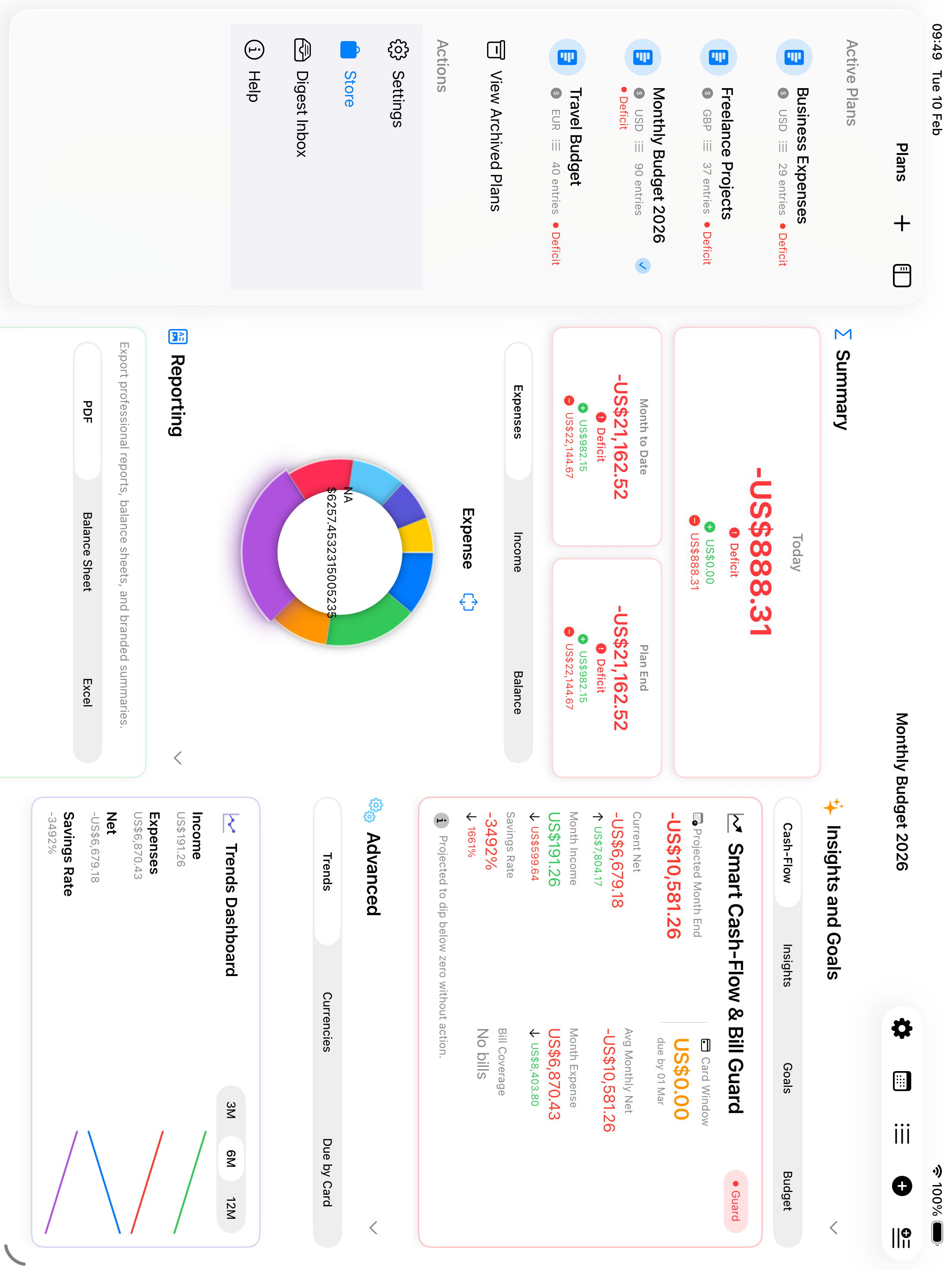
Keep plans available in a polished sidebar while viewing detailed breakdowns, charts, and entries side-by-side. In portrait, the sidebar stays out of the way by default but can still be opened to change plans, then collapses after selection.
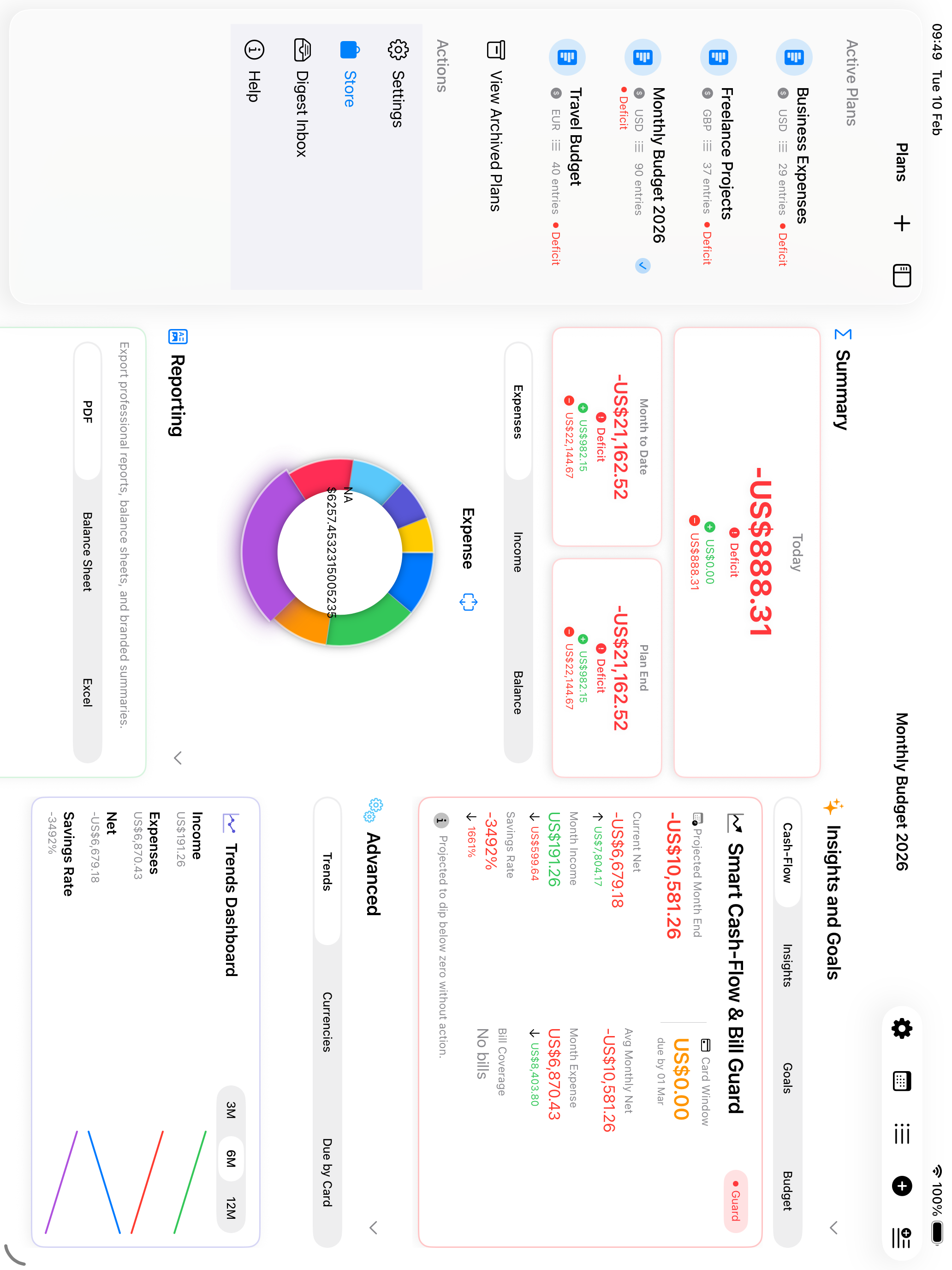
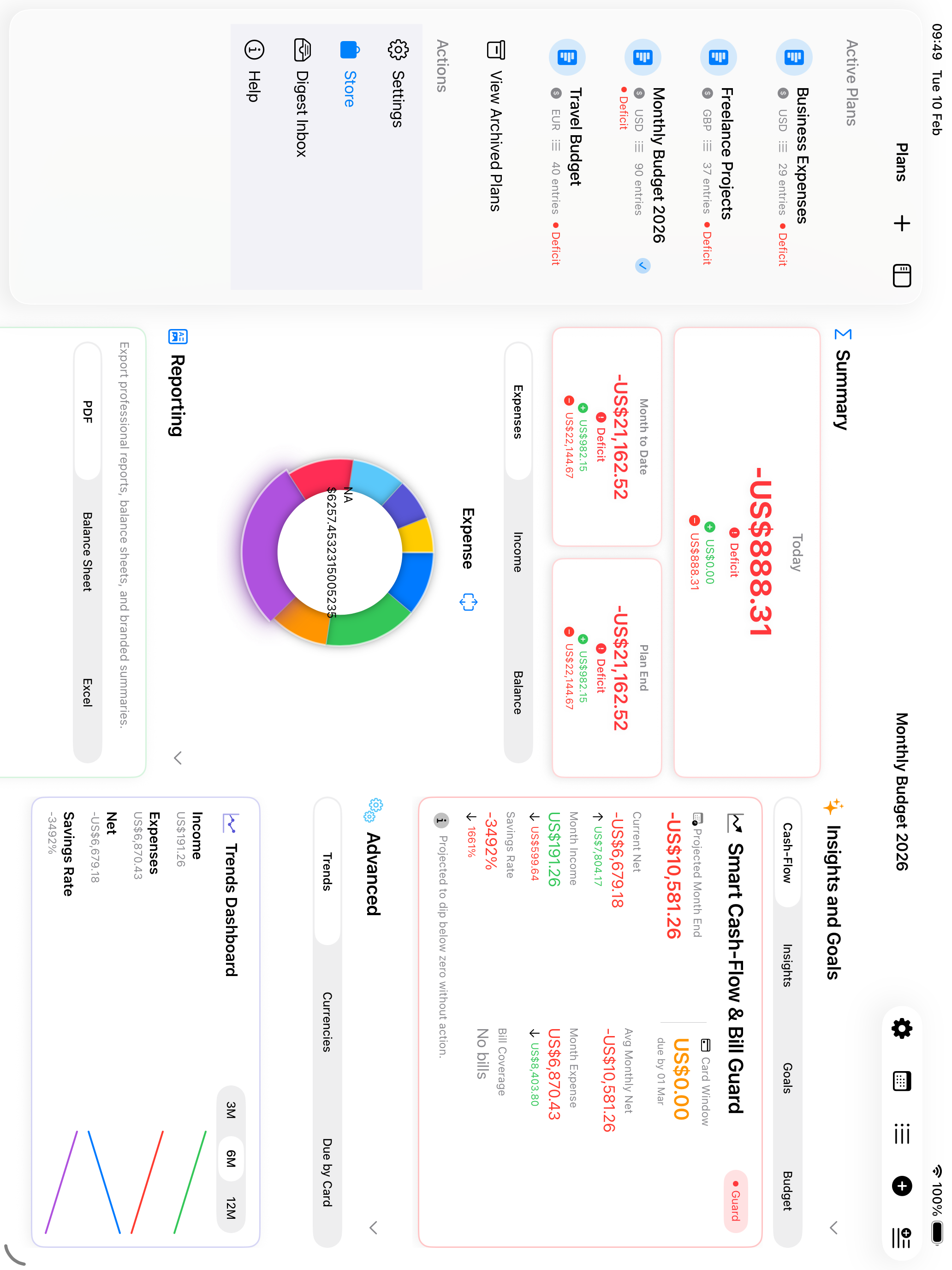
In landscape mode, the detail view balances dashboard sections across columns. With the sidebar hidden, both columns use equal width so charts, metrics, and advanced sections feel evenly weighted.
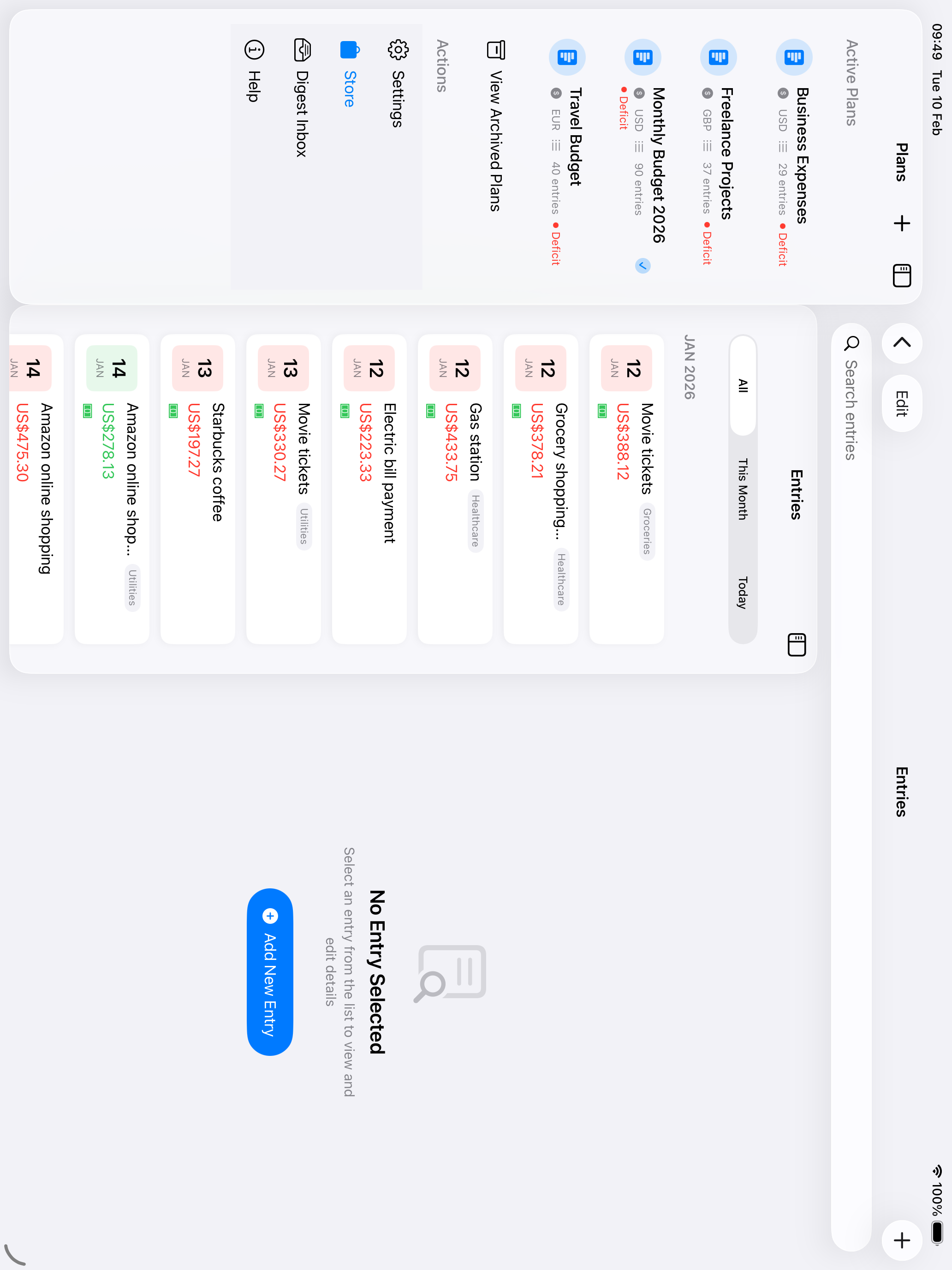
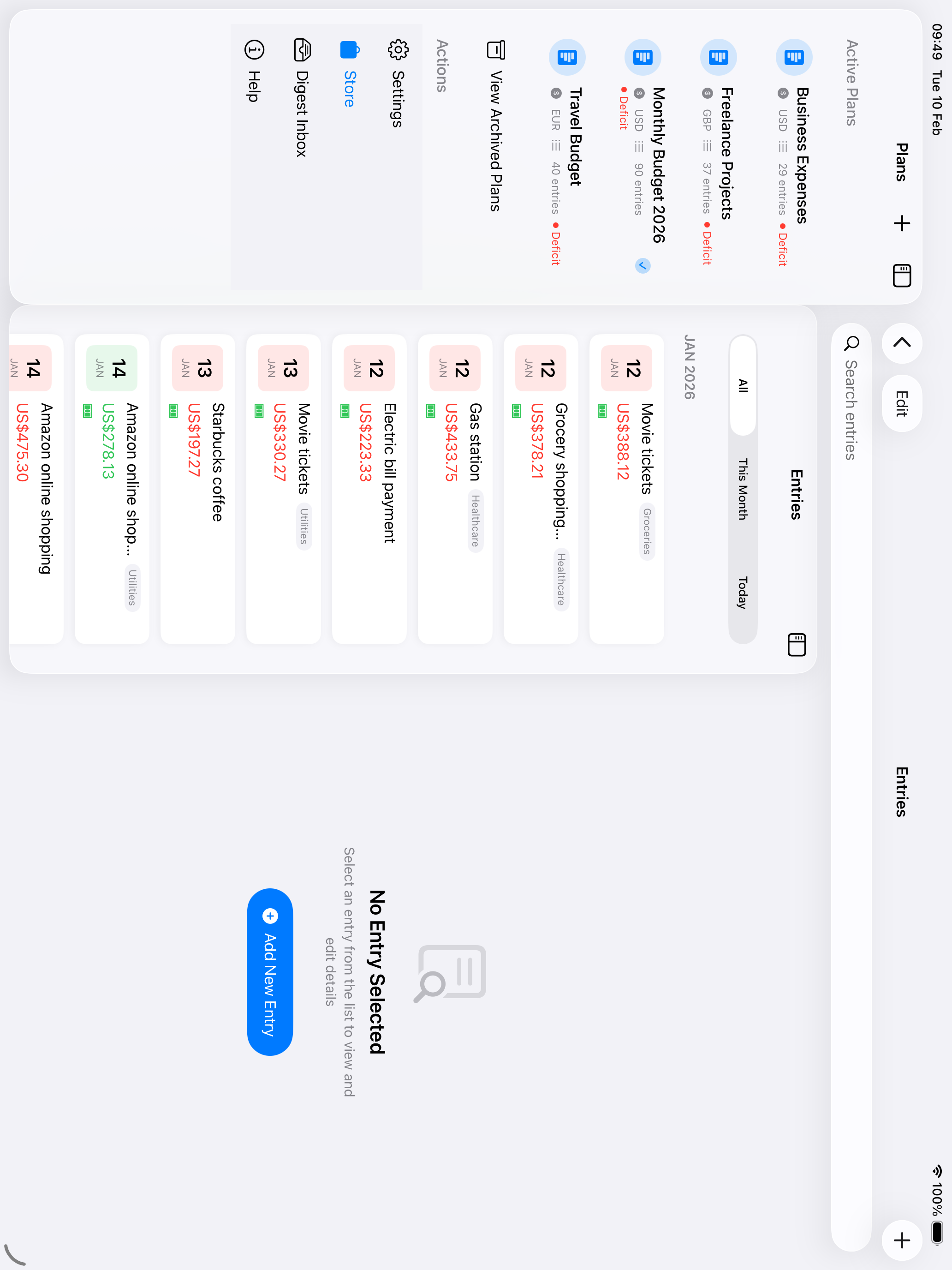
Edit entries without losing your place in the list. The split view shows all entries on the left with live editing on the right—making bulk updates and reviews incredibly efficient.
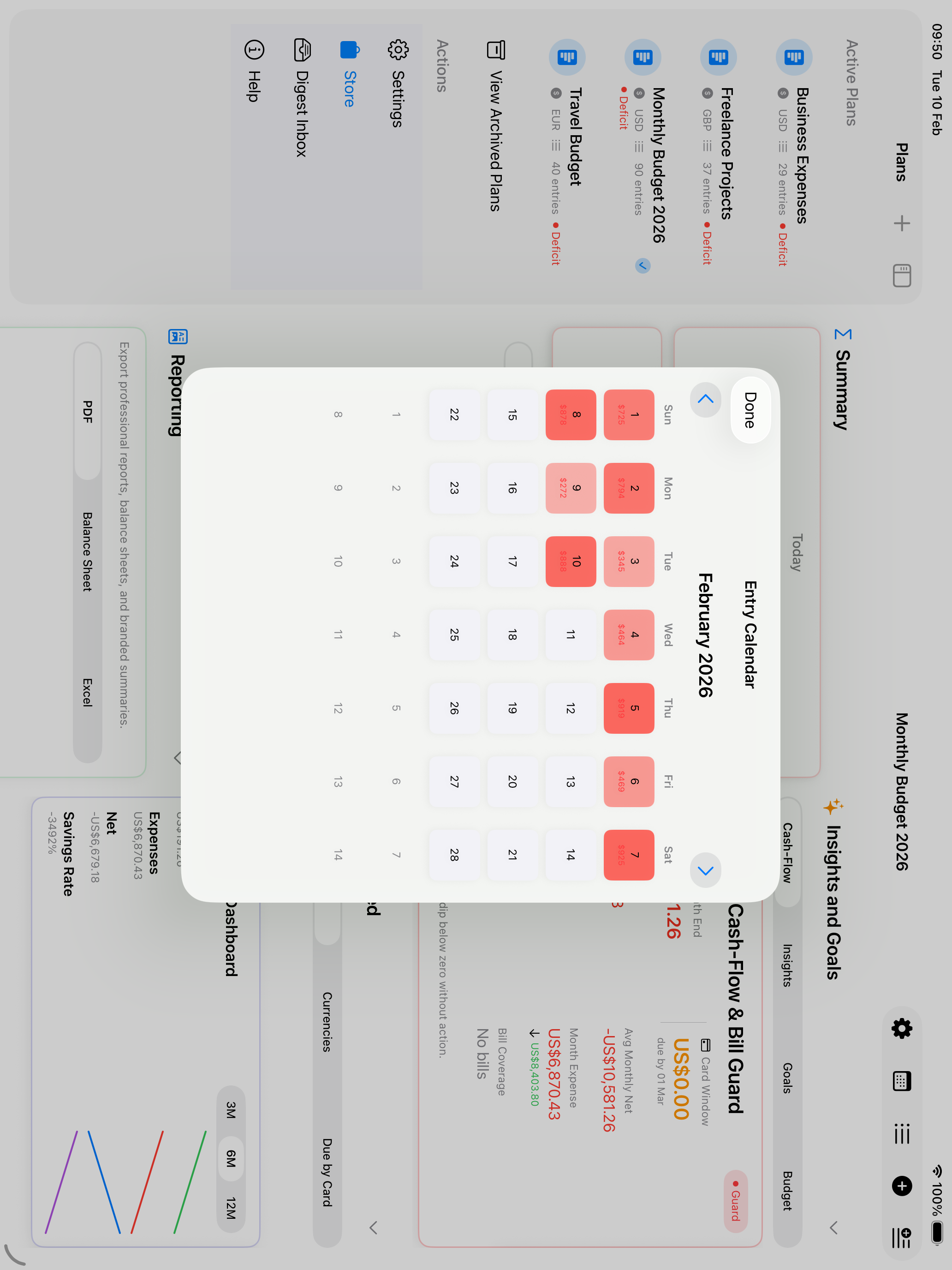
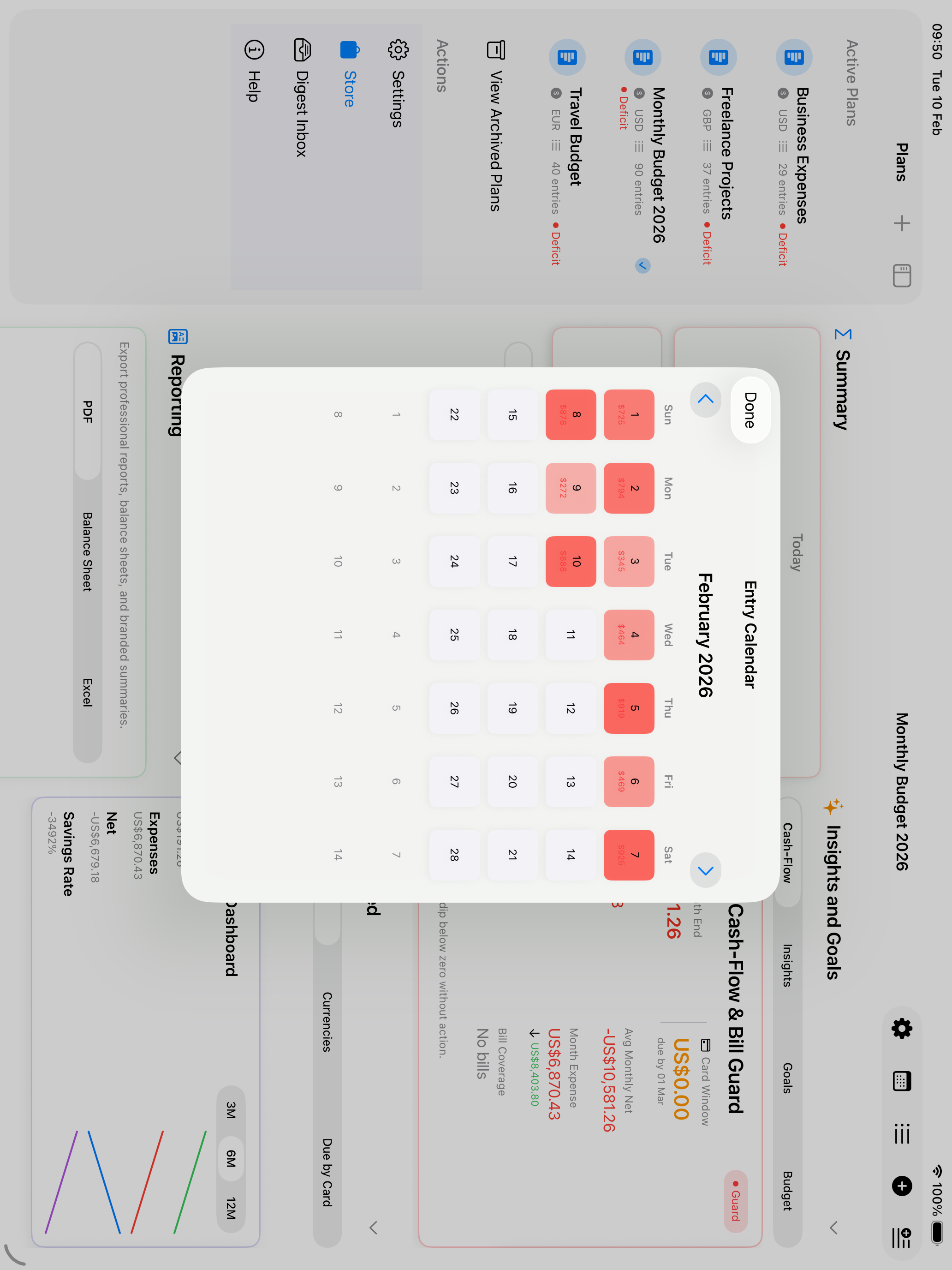
See your entire month at a glance with color-coded calendar cells. Green shows income days, red shows expense days, and darker colors mean higher amounts. Overlay events from your device calendars, and tap any day to view its transactions and events together. Tap the year in the top left to zoom out and compare all twelve months side by side.
Reorganize your finances naturally—just drag an entry from the list and drop it onto any plan in the sidebar. The visual drop target highlights as you hover, and the entry moves instantly.
Compare two plans simultaneously by opening them in separate windows. Perfect for reviewing monthly vs yearly budgets, or comparing personal and business finances. Use Stage Manager for the ultimate multi-tasking setup.
Work at the speed of thought with keyboard shortcuts for every major action. Add entries with ⌘N, view all entries with ⌘E, and switch plans with ⌘1-9. Trackpad hover effects highlight cards and rows as you explore.
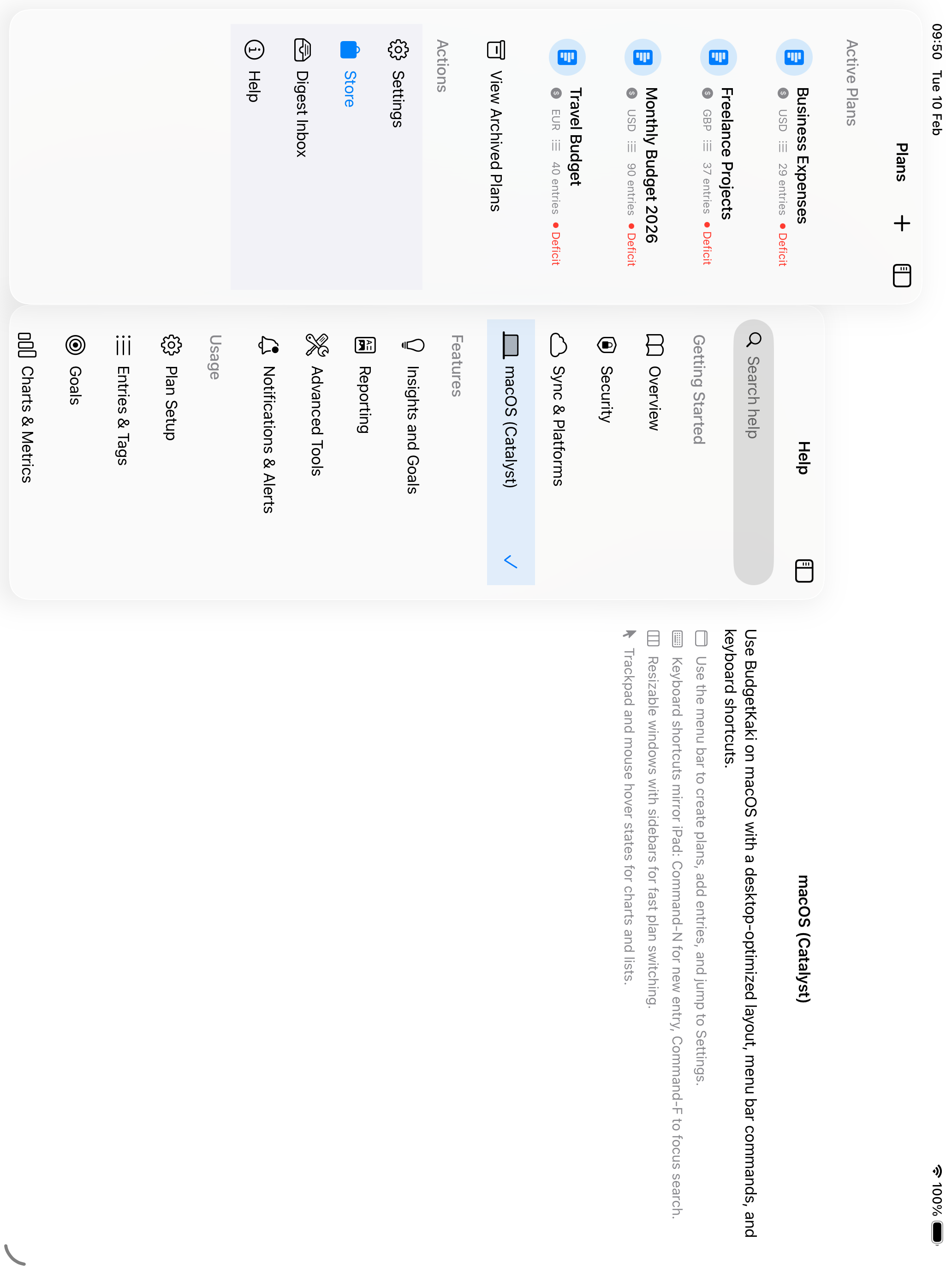
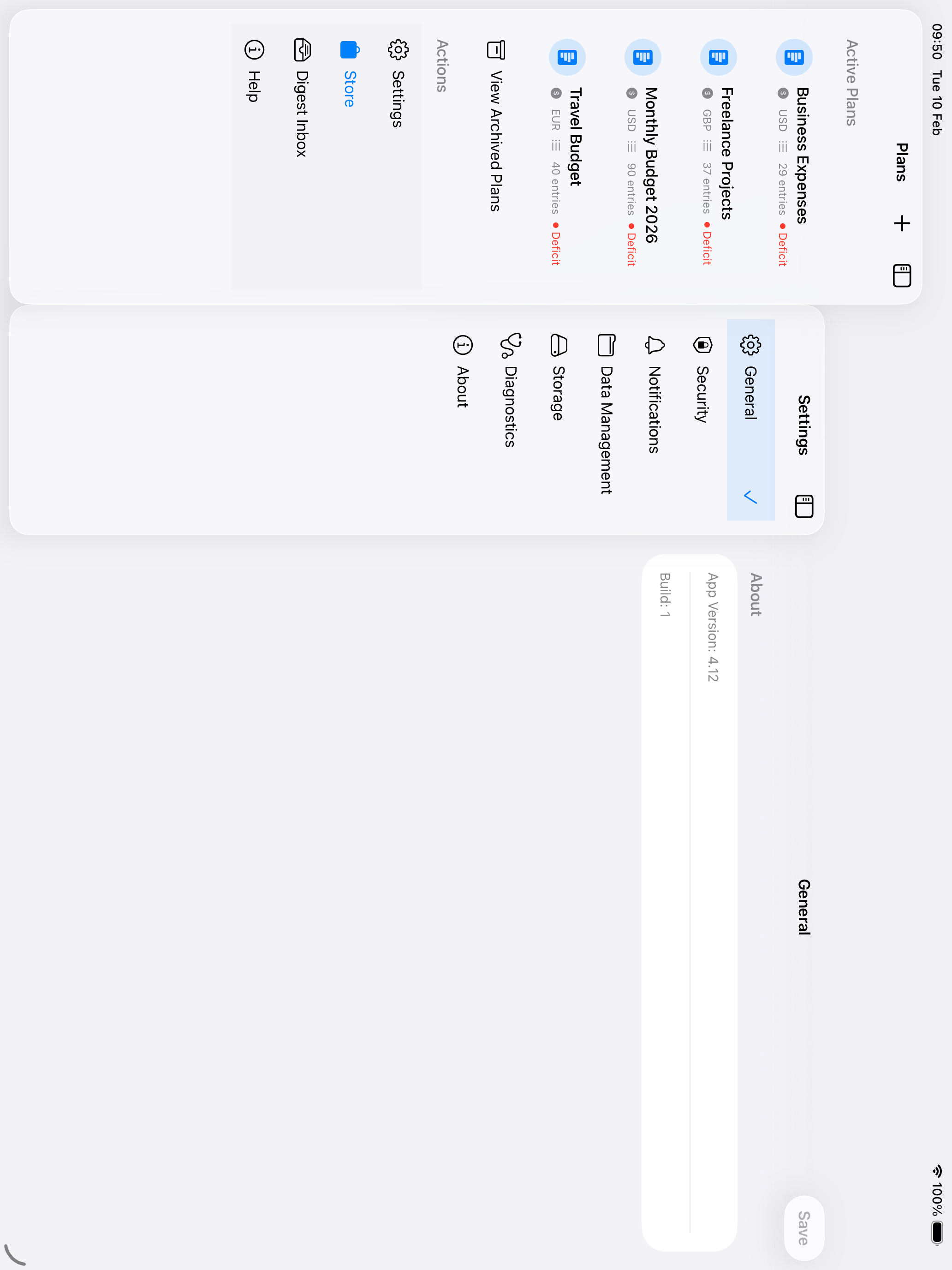
Settings and Help views use sidebar navigation on iPad, making it easy to explore all options without losing your place. Browse categories and jump between sections instantly.
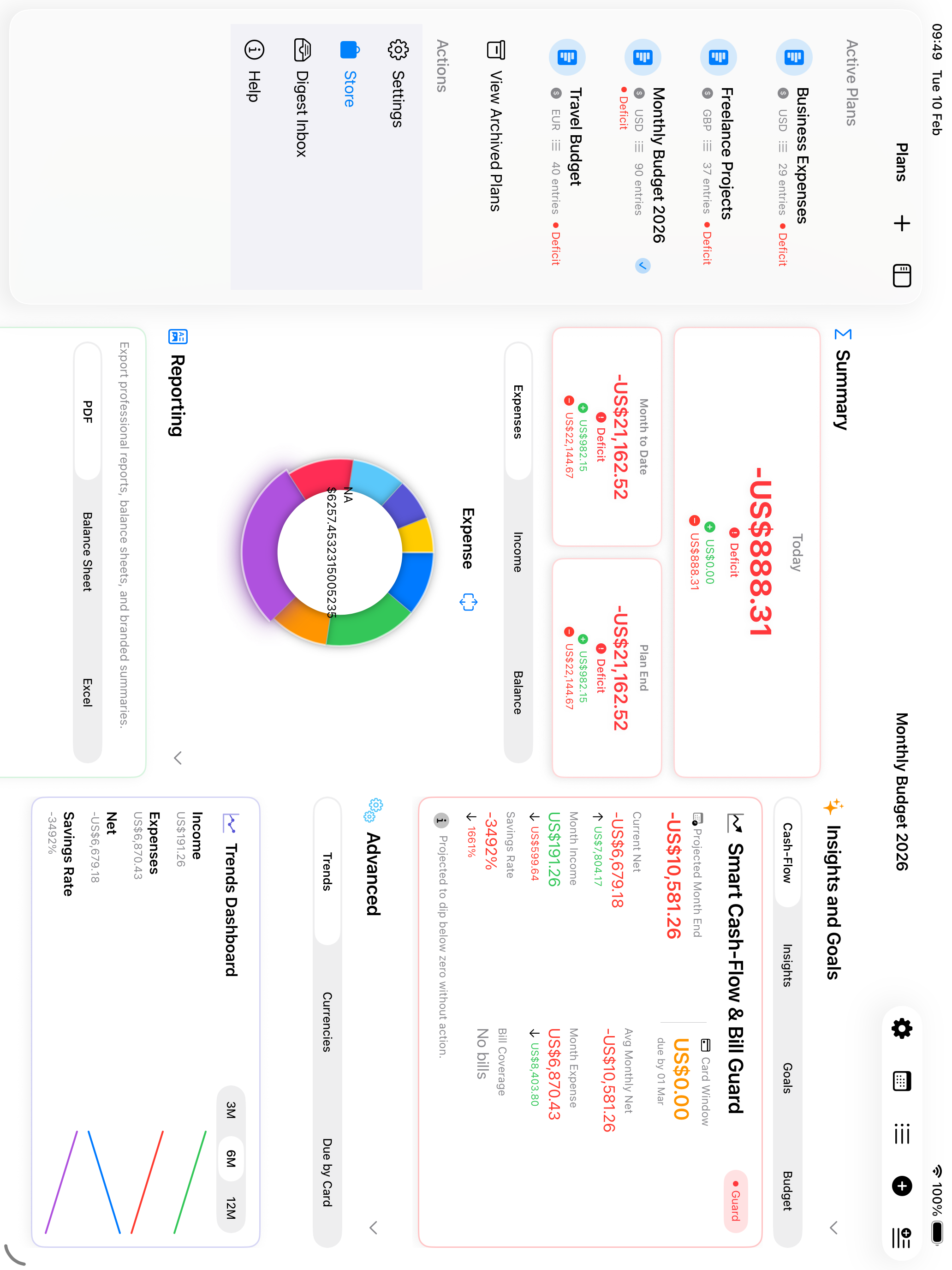
Reports in the sidebar's Actions section gathers the report, trends, insights, and recaps together, opening on whichever plan you had selected — so you can read the analysis without losing the plan it belongs to.
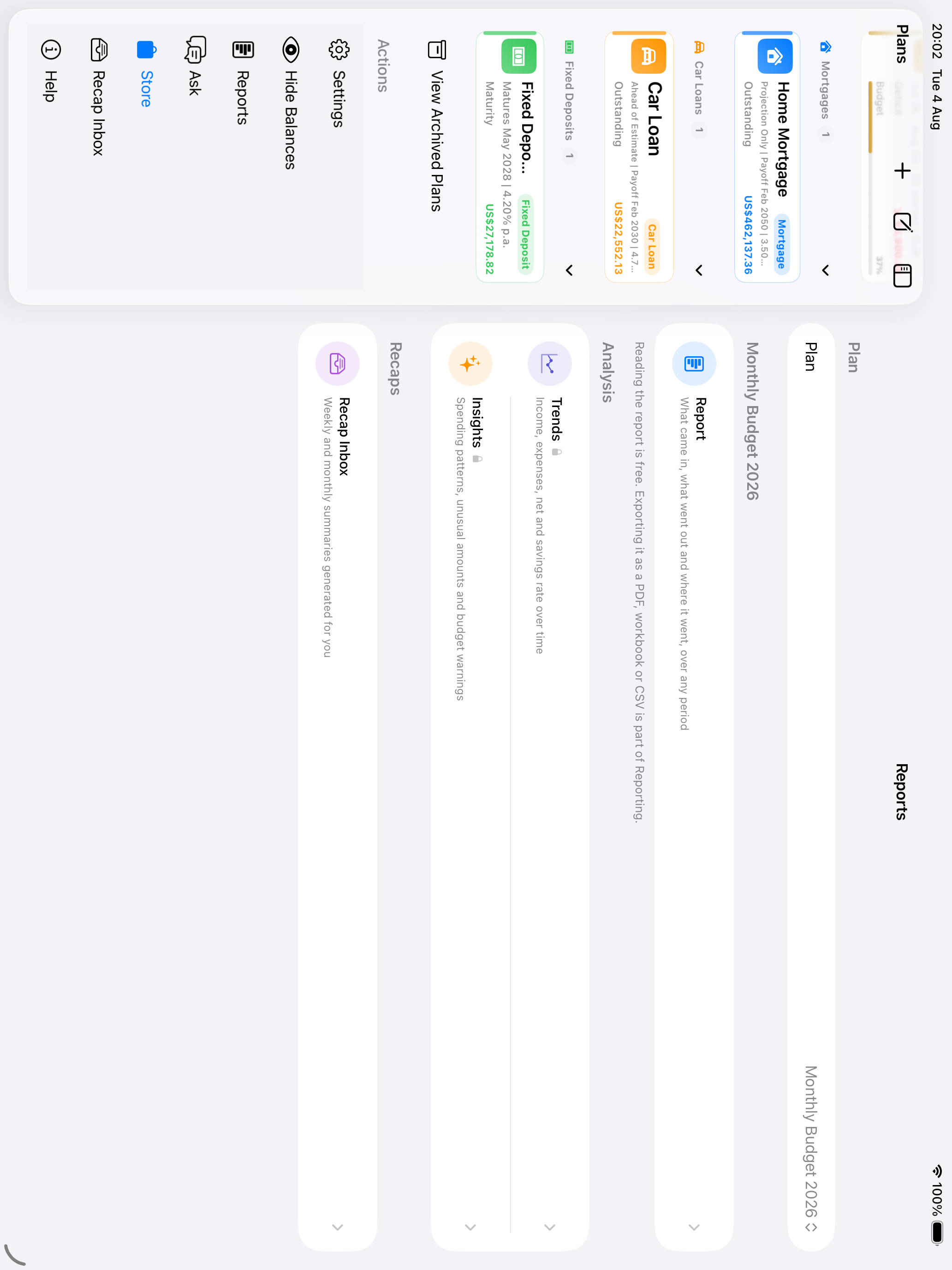
Side-by-side layouts, adaptive sidebars, and keyboard shortcuts eliminate navigation overhead.
Balanced columns and dual charts let you see expenses, income, and trends without crowding the dashboard.
Hover effects, smooth animations, and Apple-native patterns create a polished experience.
Drag & drop, multi-window, and trackpad support make complex tasks feel effortless.
A quick walkthrough from setup to reporting, using real planning workflows.
Sarah wants a clear annual budget, tighter day-to-day tracking, and a vacation goal she can stick to.
She chooses a household template, enters her monthly budget, selects a working currency, and sets the card billing day that matches her pay cycle.
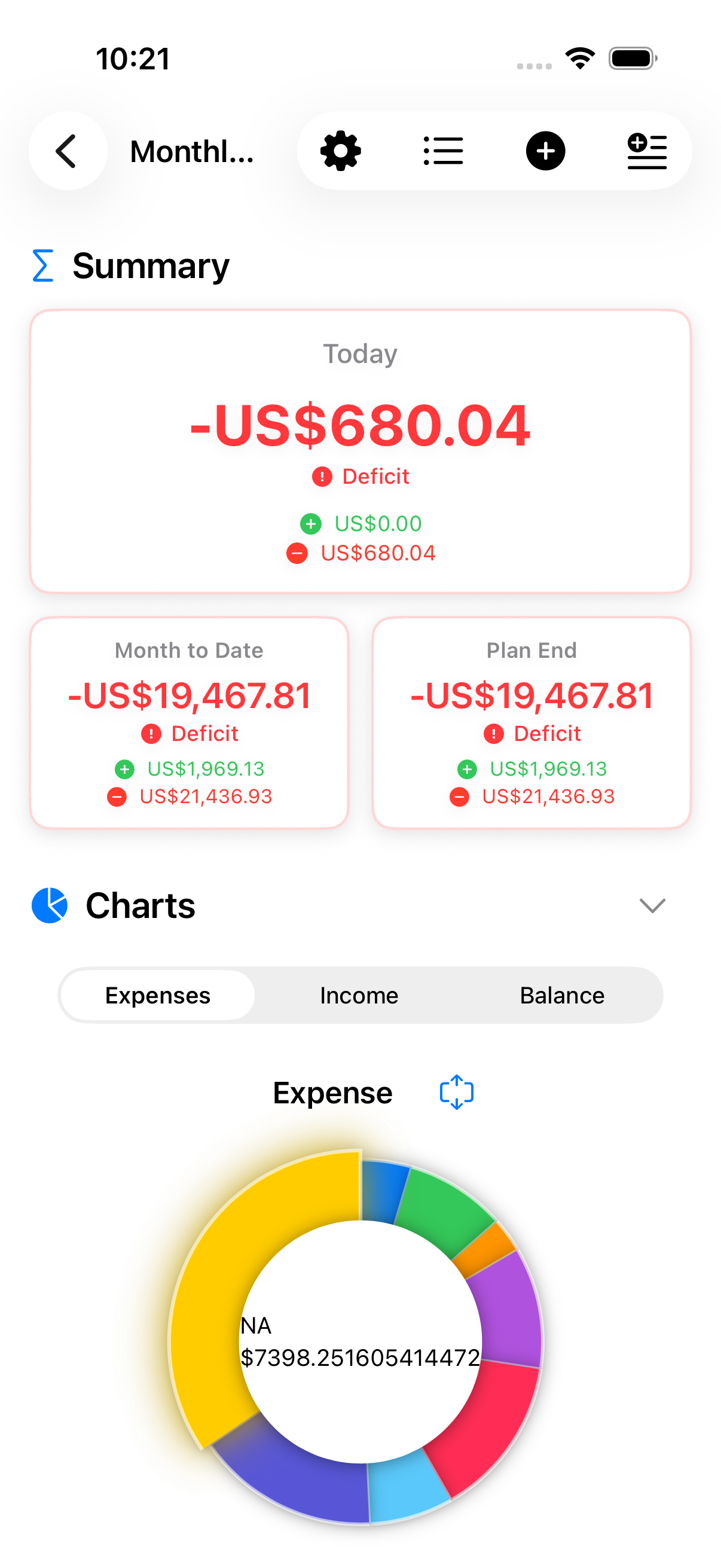
The dashboard gives Sarah one daily answer before she opens charts: what is safe after current spending and upcoming card bills.
Income and expenses are logged with tags, and search keeps her history easy to revisit.
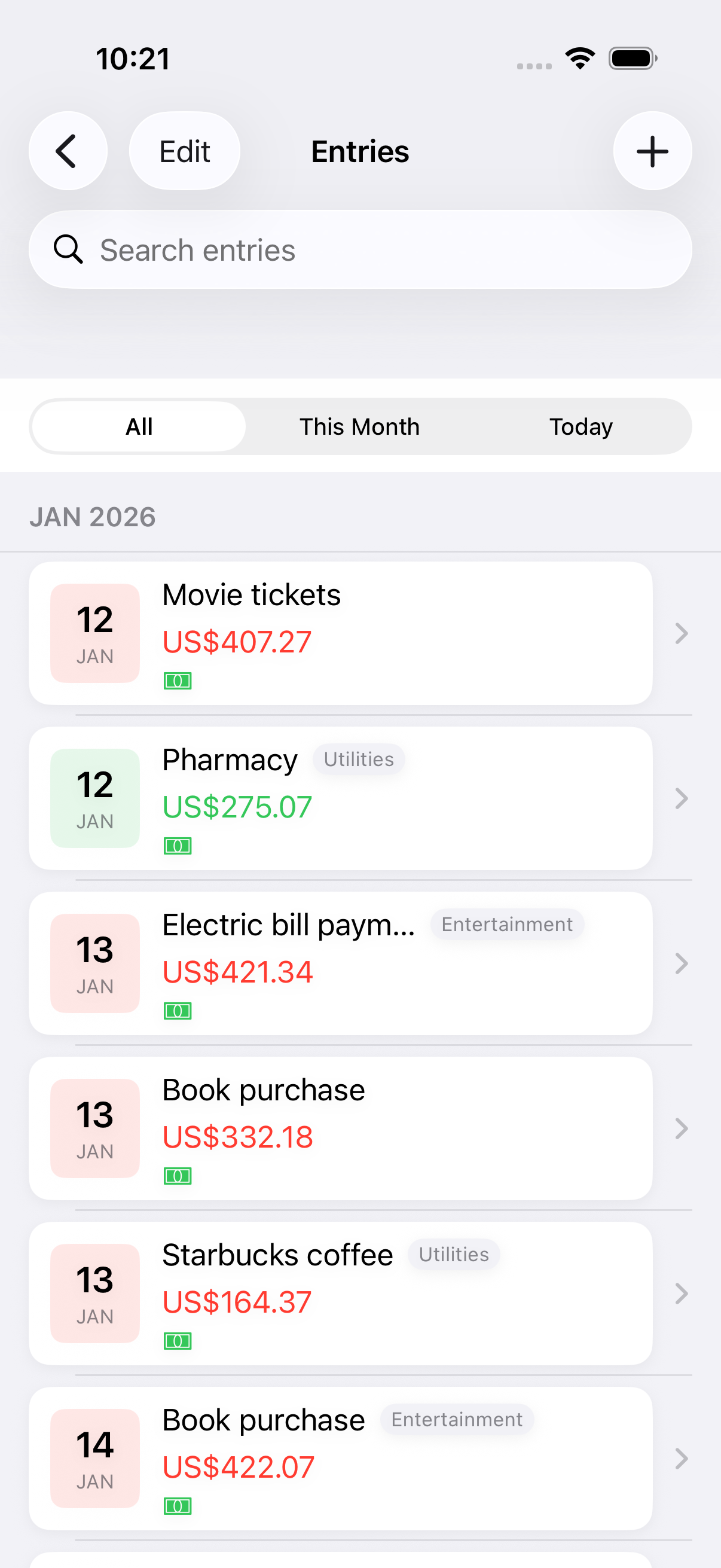
Goals, charts, insights, and reports help her understand the longer trend after the daily Safe to Spend answer.
She wants balance sheets, branded PDFs, and Excel exports filtered for business spending.
Reporting unlocks balance sheet views that summarize income, expenses, and net position by date range.
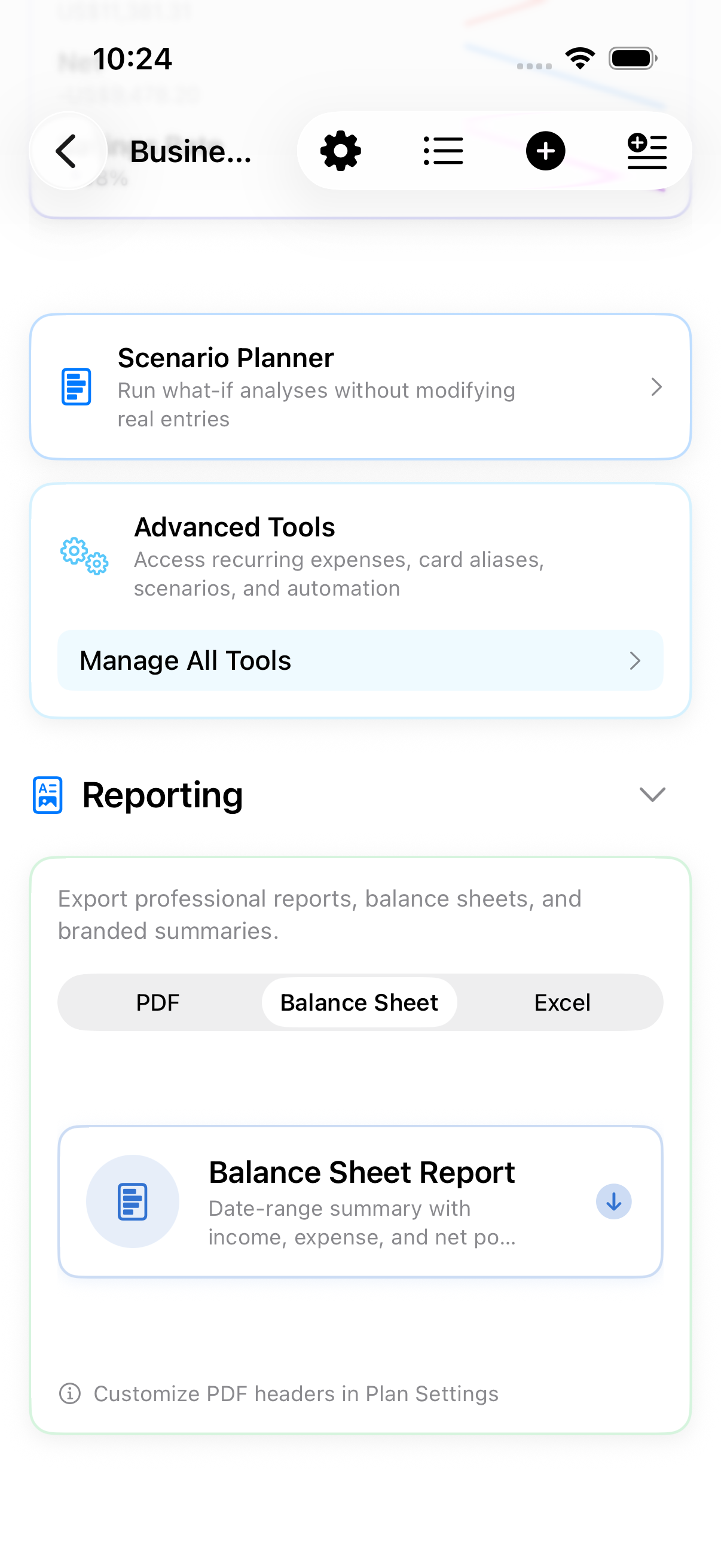
She filters by tags and date range to keep reports clean, then exports in PDF or Excel.
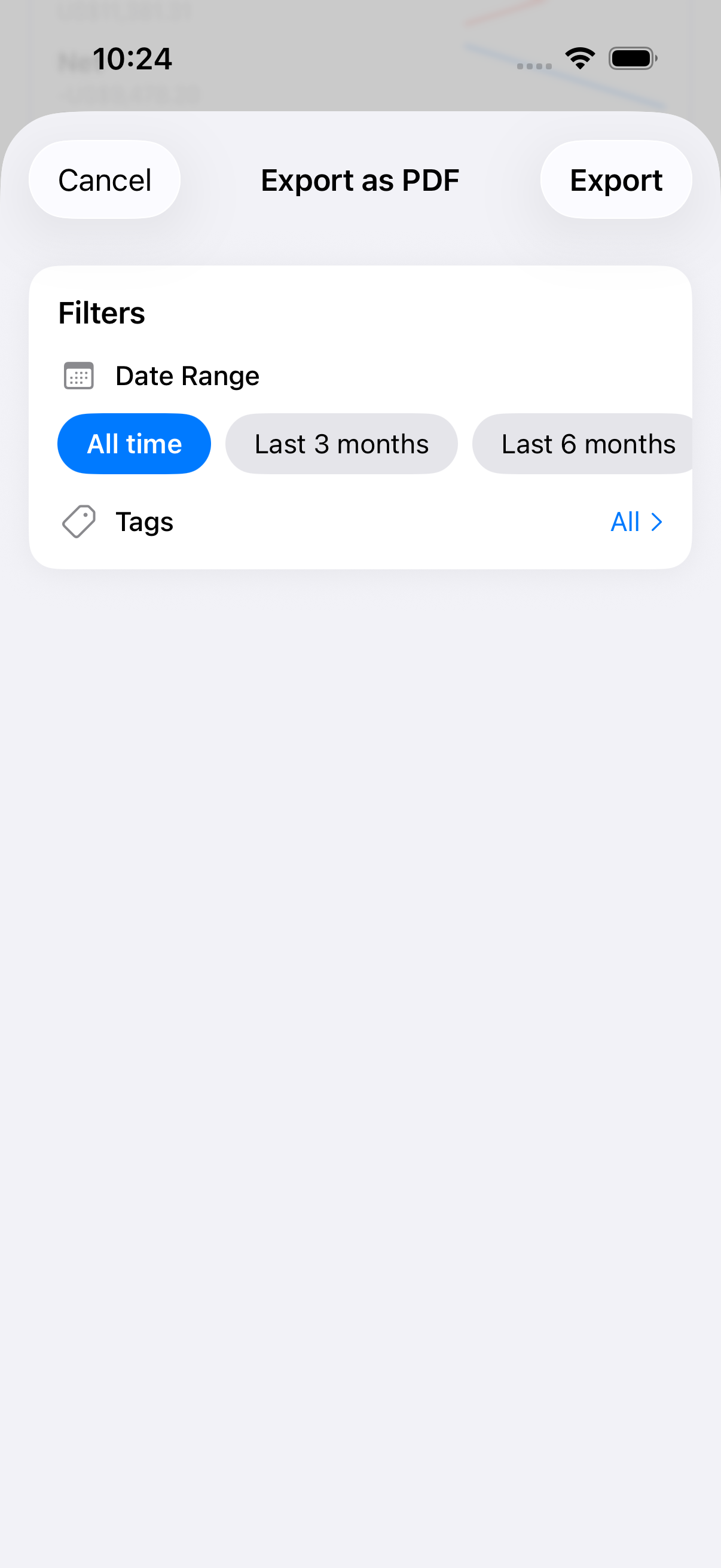
Weekly digests summarize business spending, compare recent periods, and provide recommendations on-device.
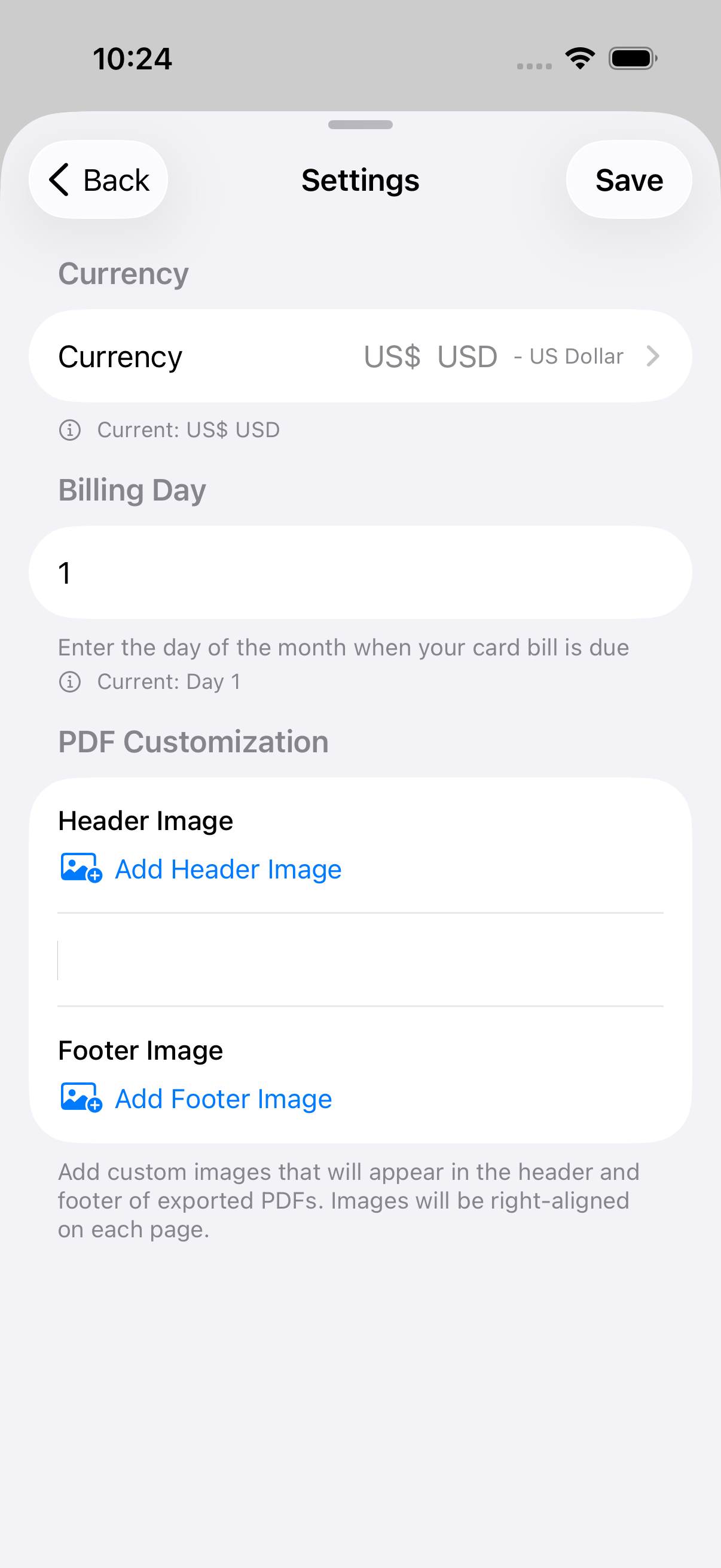
Custom headers and footers keep the PDF aligned with her studio brand before she shares it.
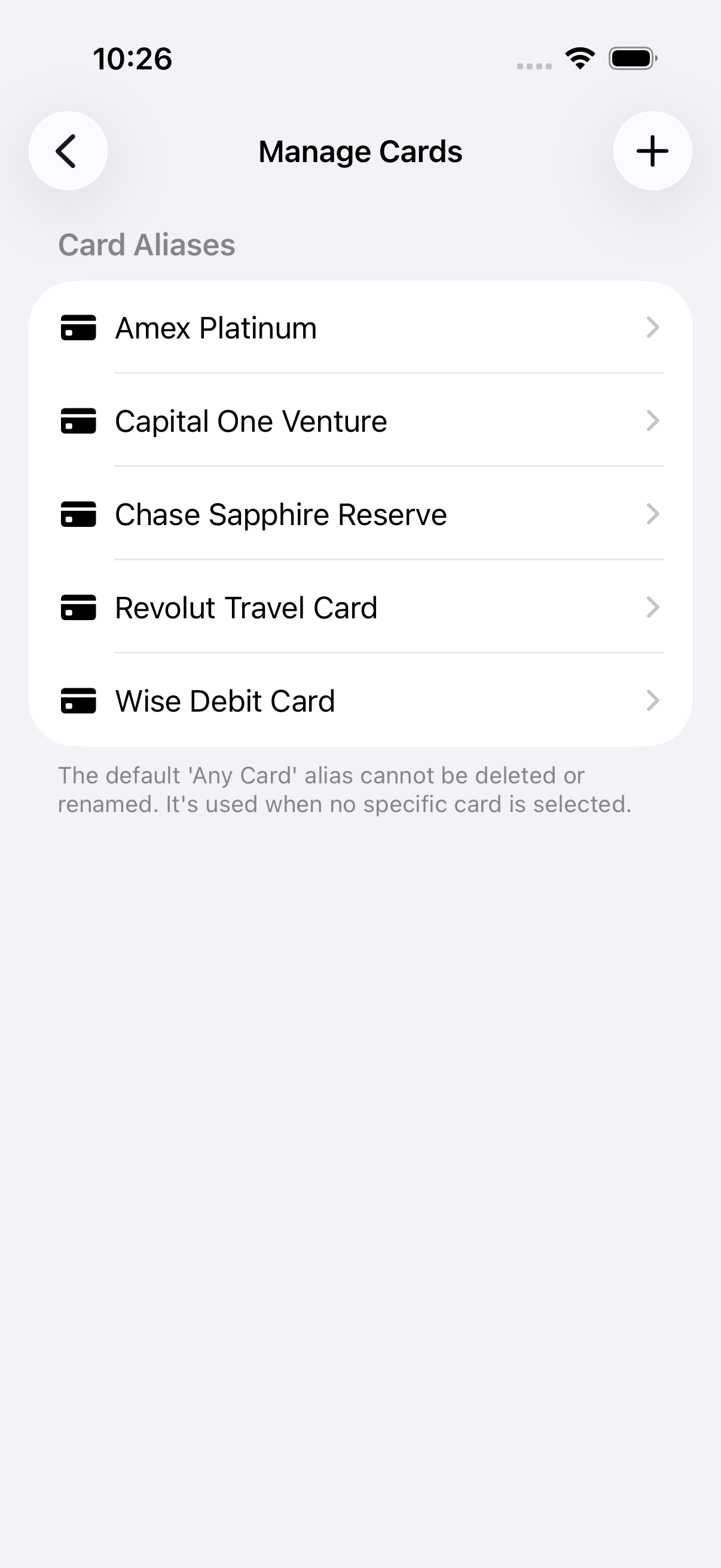
Advanced Tools lets Leo track card aliases, FX entries, and trends across currencies.
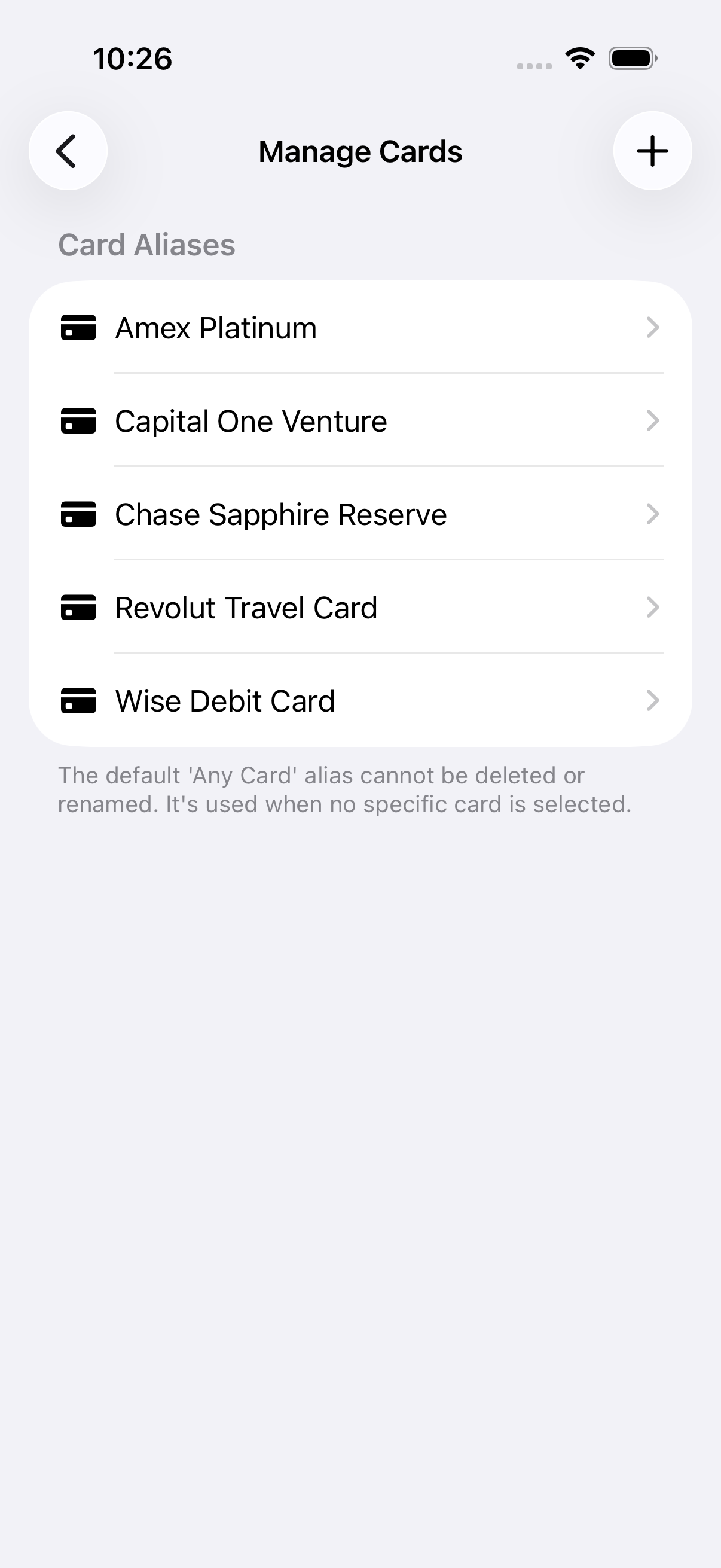
Card aliases keep rewards straight without storing sensitive card details, with a due-by-card summary.
He logs travel expenses in local currency and sees automatic conversions plus currency totals.
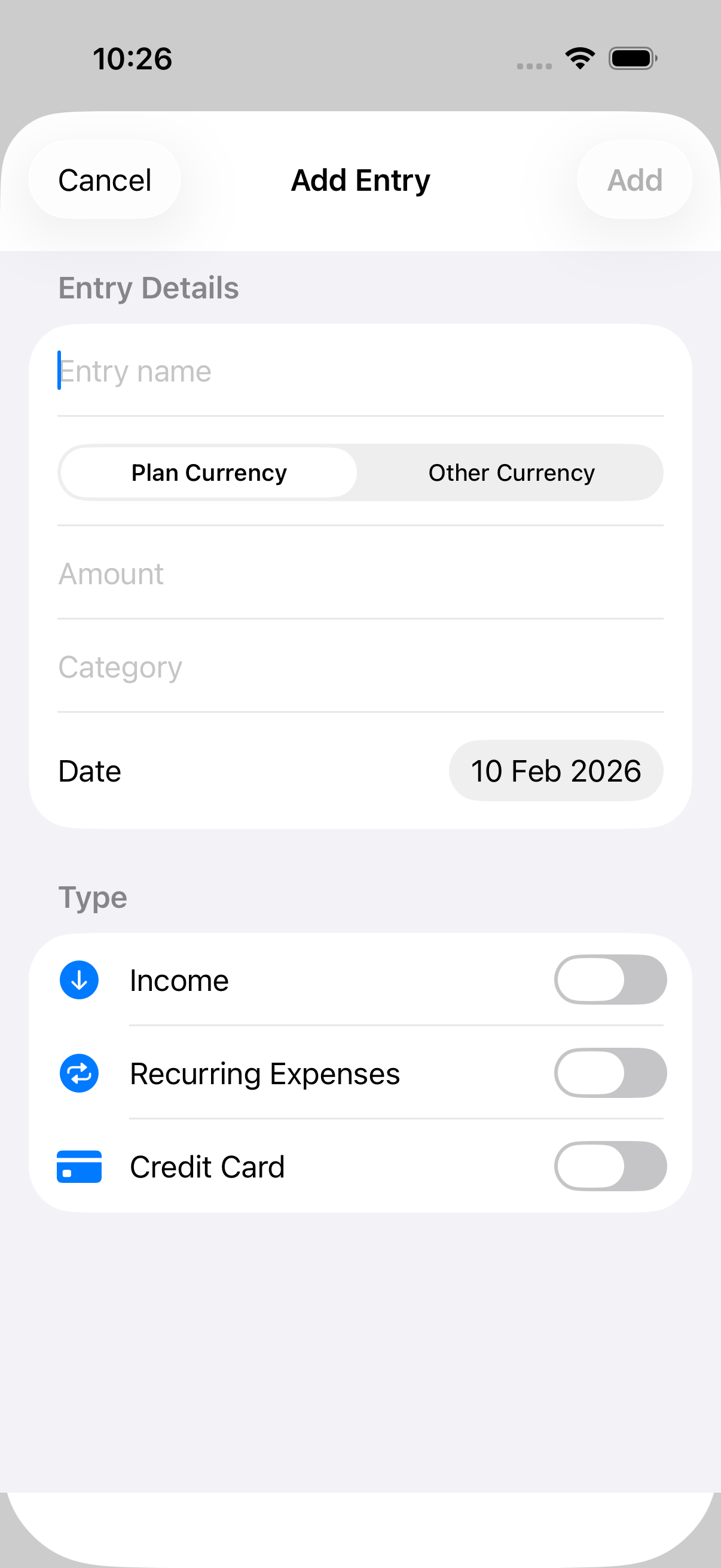
Auto-tagging suggestions help categorize familiar travel entries. Trends dashboard shows 3/6/12-month sparklines, and digests deliver weekly summaries with budget and goal context.
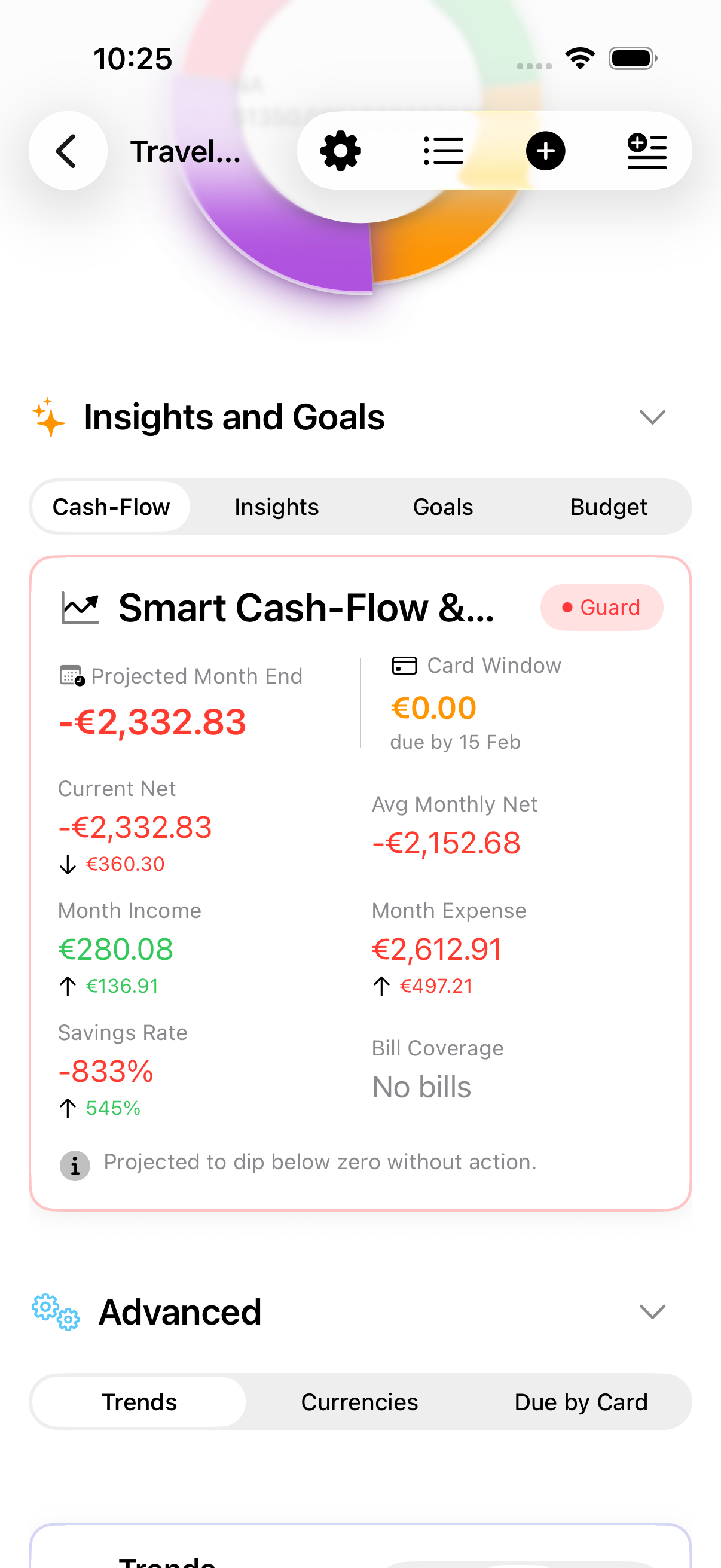
A freelance consultant who uses iPad as their primary device for client invoicing and expense tracking.
Alex keeps the plan sidebar open when switching between clients, then hides it for focused review. In landscape, the detail dashboard balances summary, charts, and planning tools across two columns; when the sidebar is hidden, both columns become equal width.
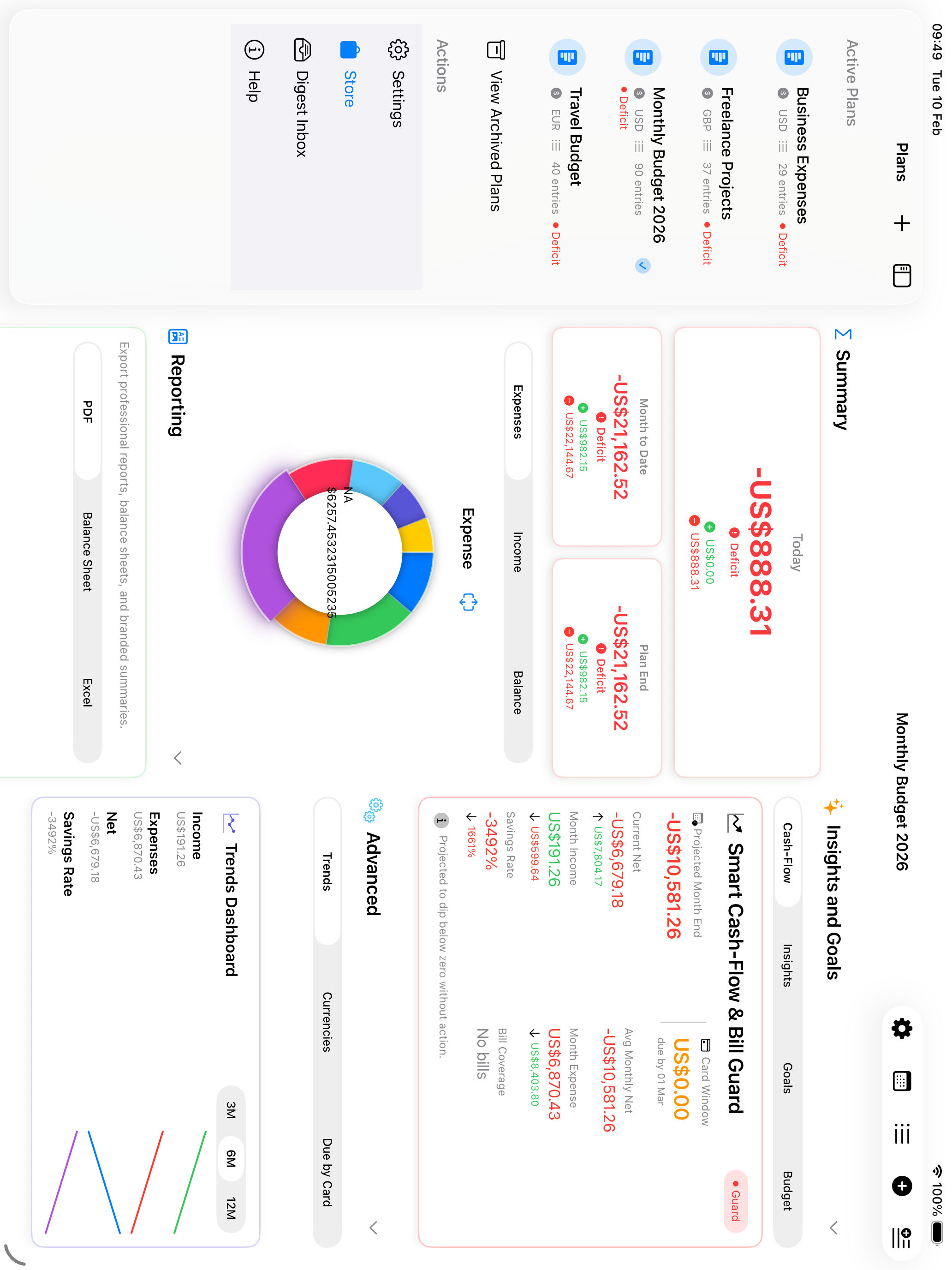
When expenses get categorized to the wrong client, Alex simply drags entries from the list and drops them onto the correct plan in the sidebar. The visual drop target highlights, making it obvious where the entry will land.
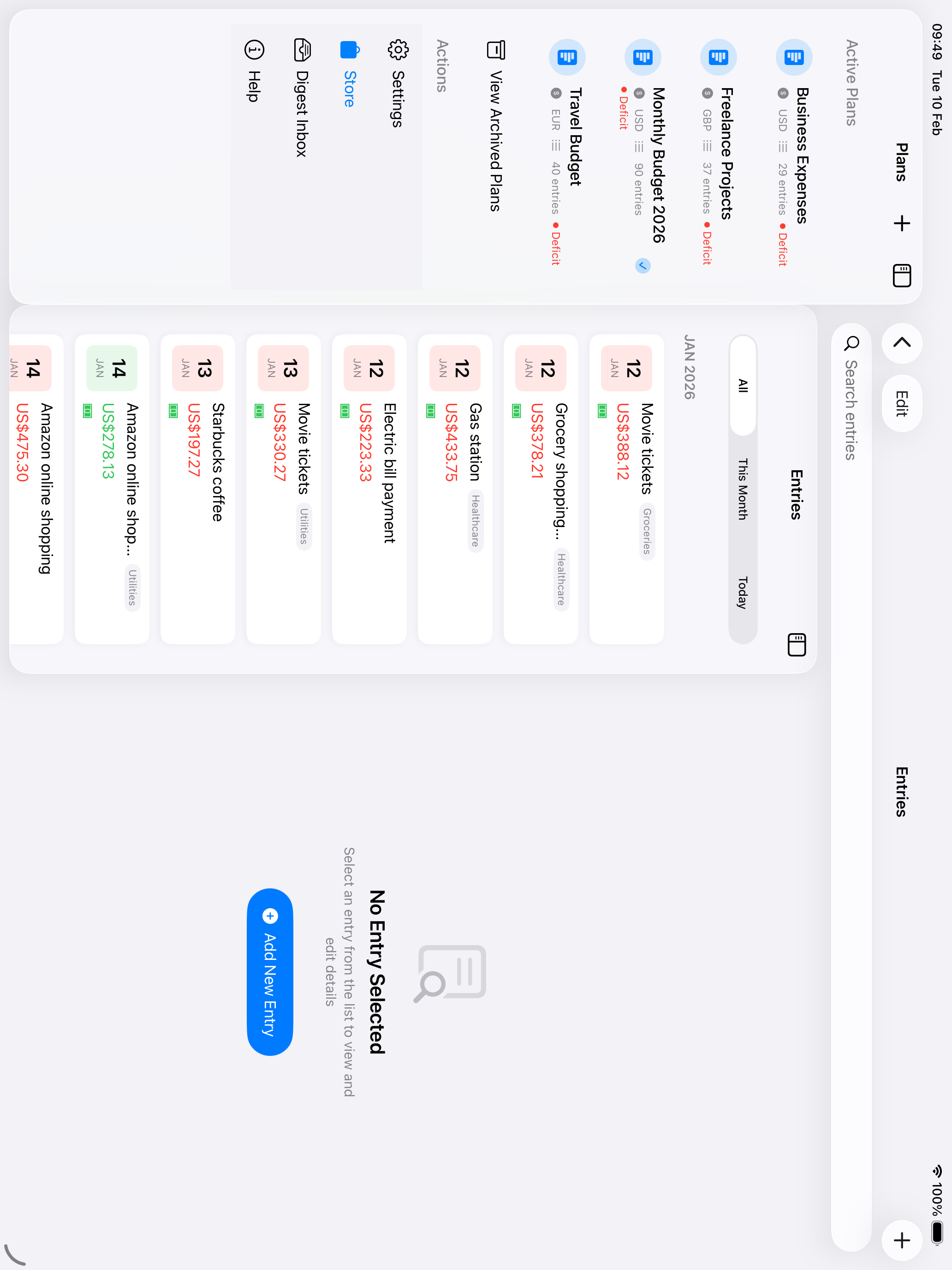
To compare two client budgets side-by-side, Alex right-clicks a plan and selects "Open in New Window." Both plans update in real-time, and Stage Manager keeps the windows organized perfectly.
The calendar heat map shows the entire month with color-coded cells—green for income days, red for expenses. Darker colors indicate higher amounts. Alex can overlay events from a chosen device calendar, quickly spot irregular spending patterns, and tap any day to see all transactions and events. Zooming out to the year applies the same shading to all twelve months, so a heavy month is obvious before Alex opens it.
He relies on sync, shared access, quick views, and secure access for family budgeting.
CloudKit keeps plans aligned across iPhone and iPad. When a household budget needs shared visibility, Jordan can invite trusted iCloud participants and manage access from the native sharing controls.
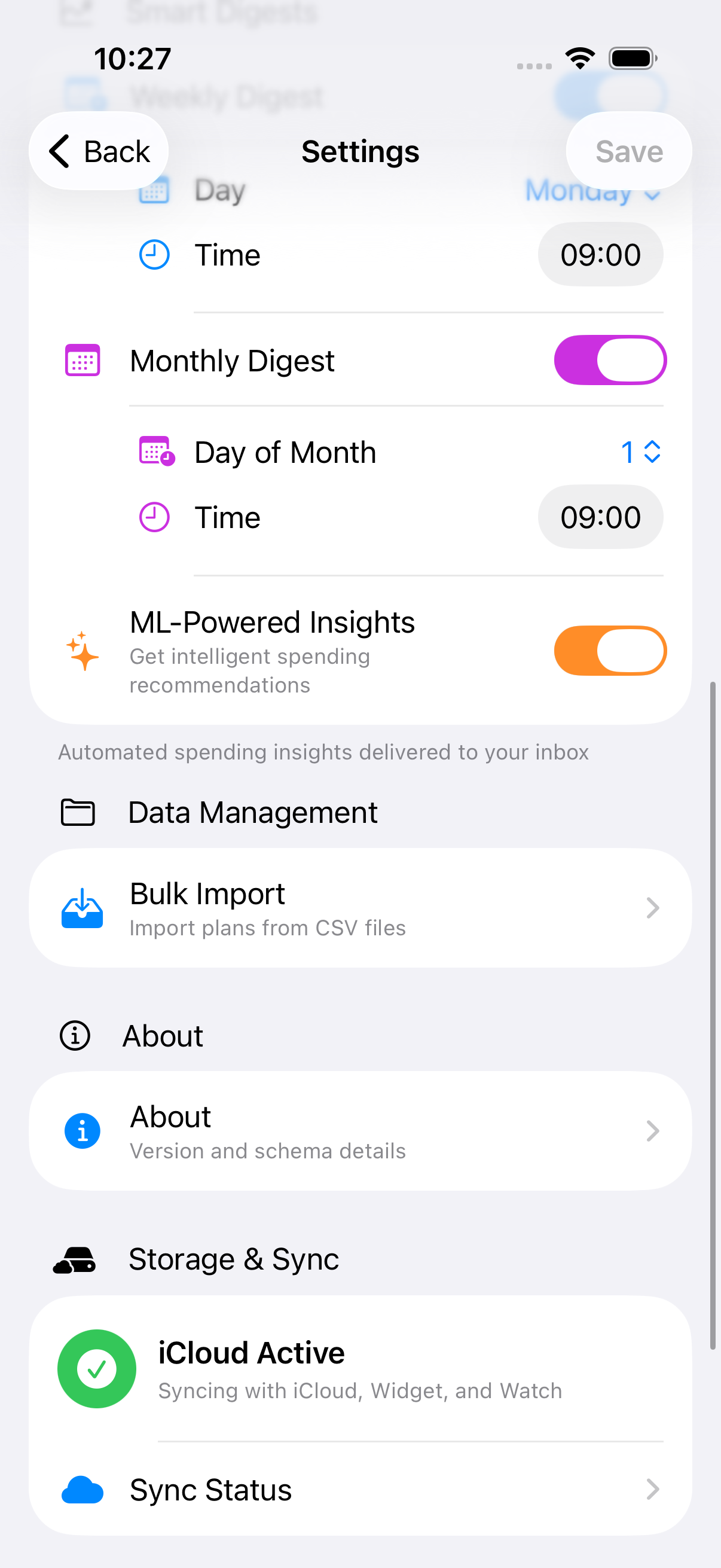
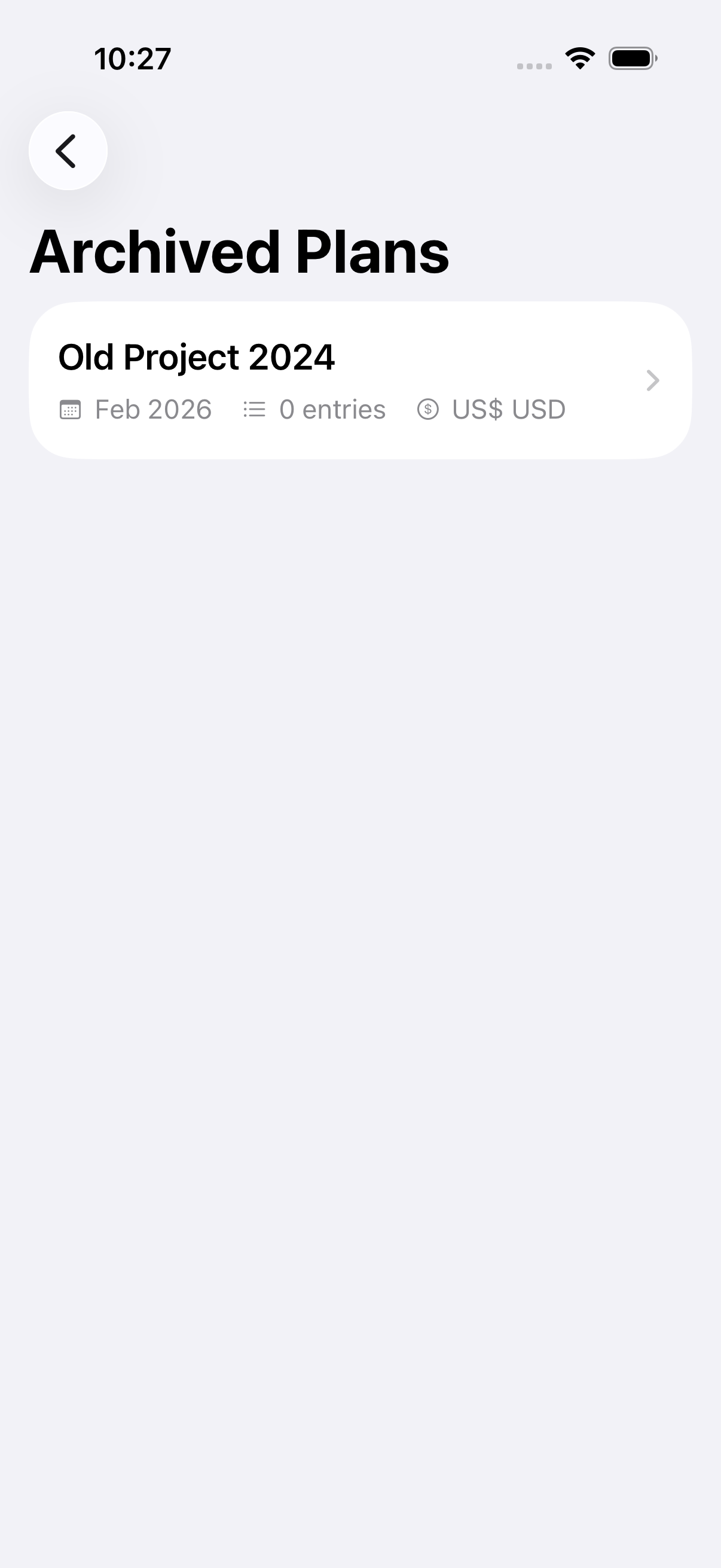
CSV imports bring in historical data, and archived plans keep the active list focused.
Biometric lock and the diagnostics center provide secure access and visibility into sync health.
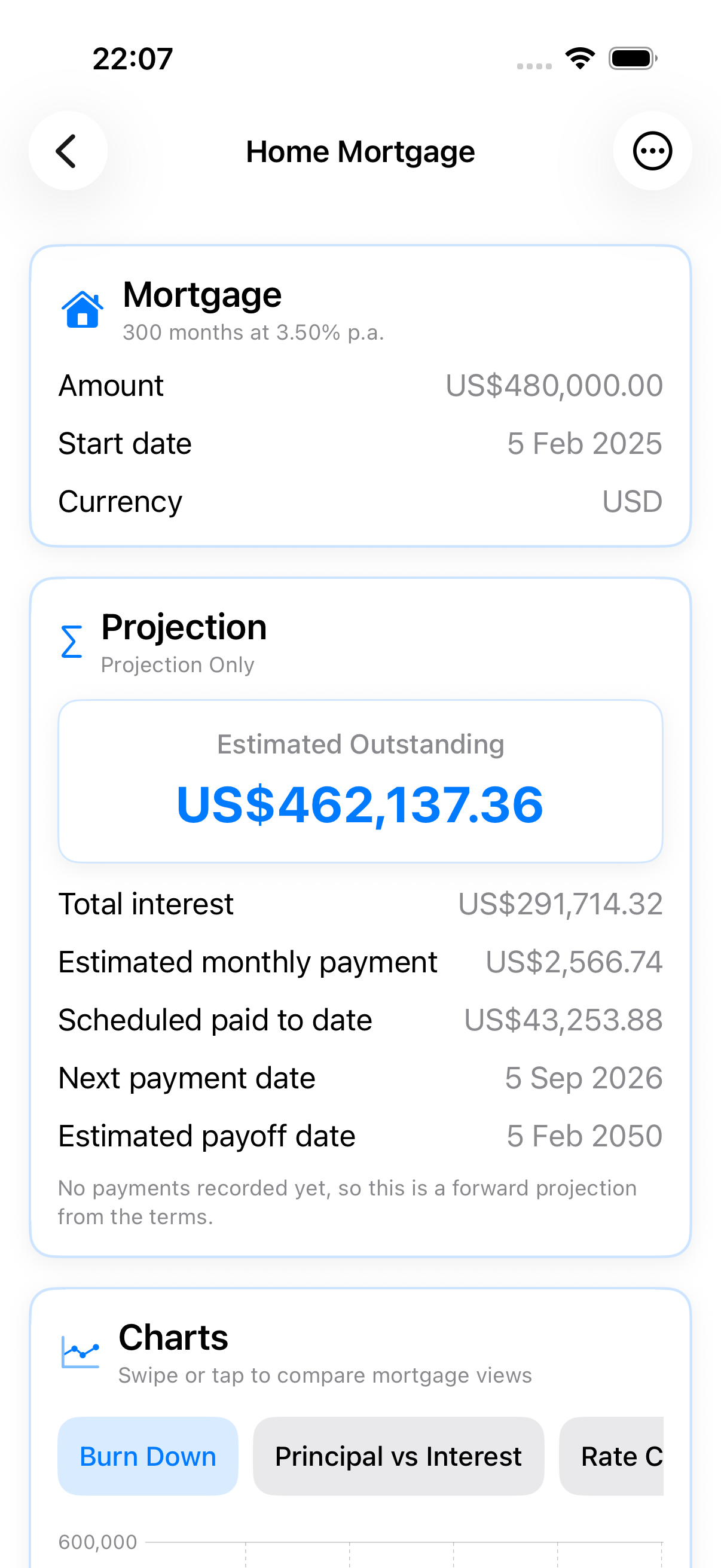
A budget is not the whole picture. Add a mortgage, a car loan, or a fixed deposit beside your plans, enter the terms from your statement, and see exactly where each one is heading — still with no bank login and nothing leaving your device.
Balance, rate, term, and monthly fees give you the estimated payment, the interest still to come, the next payment date, and an estimated payoff date. Charts cover the balance burn down, principal against interest, and how the rate moved.
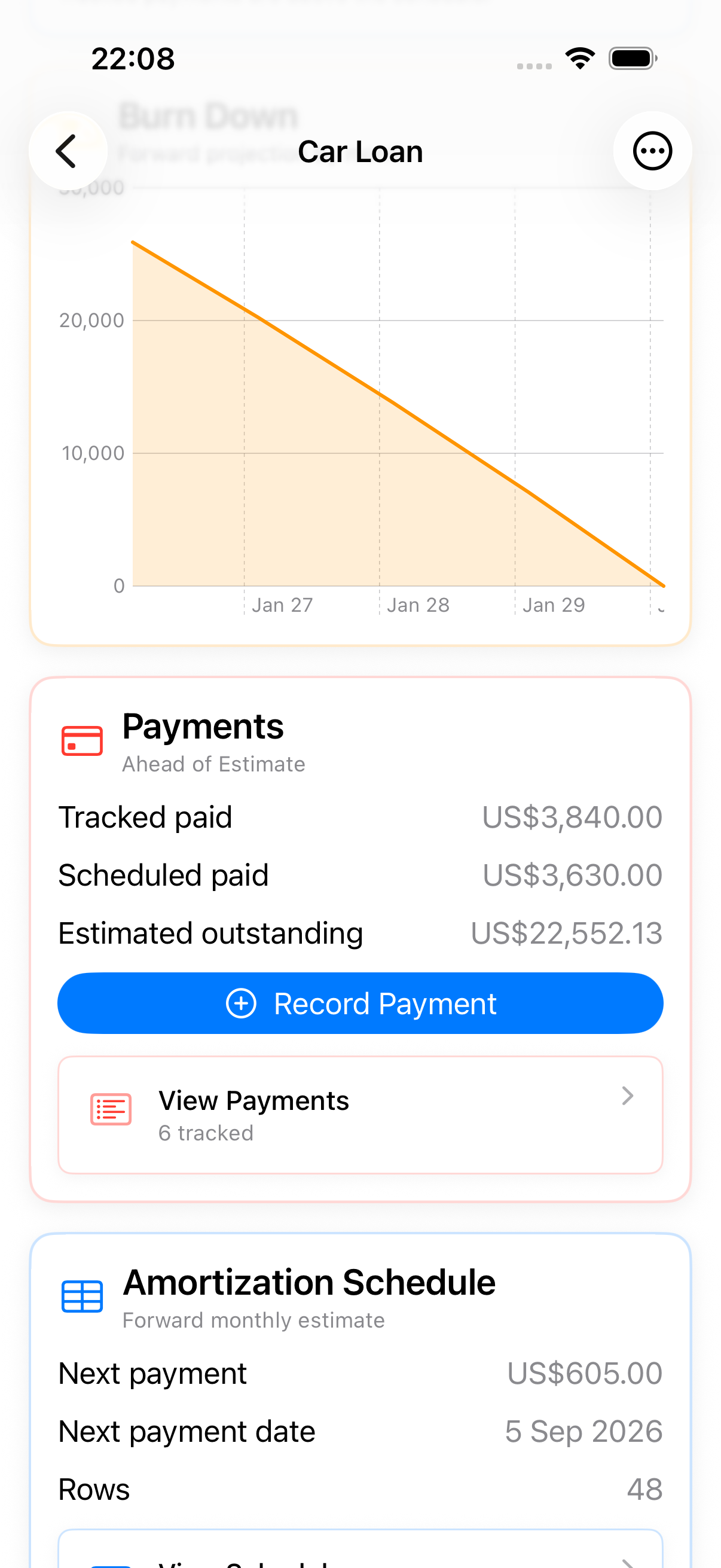
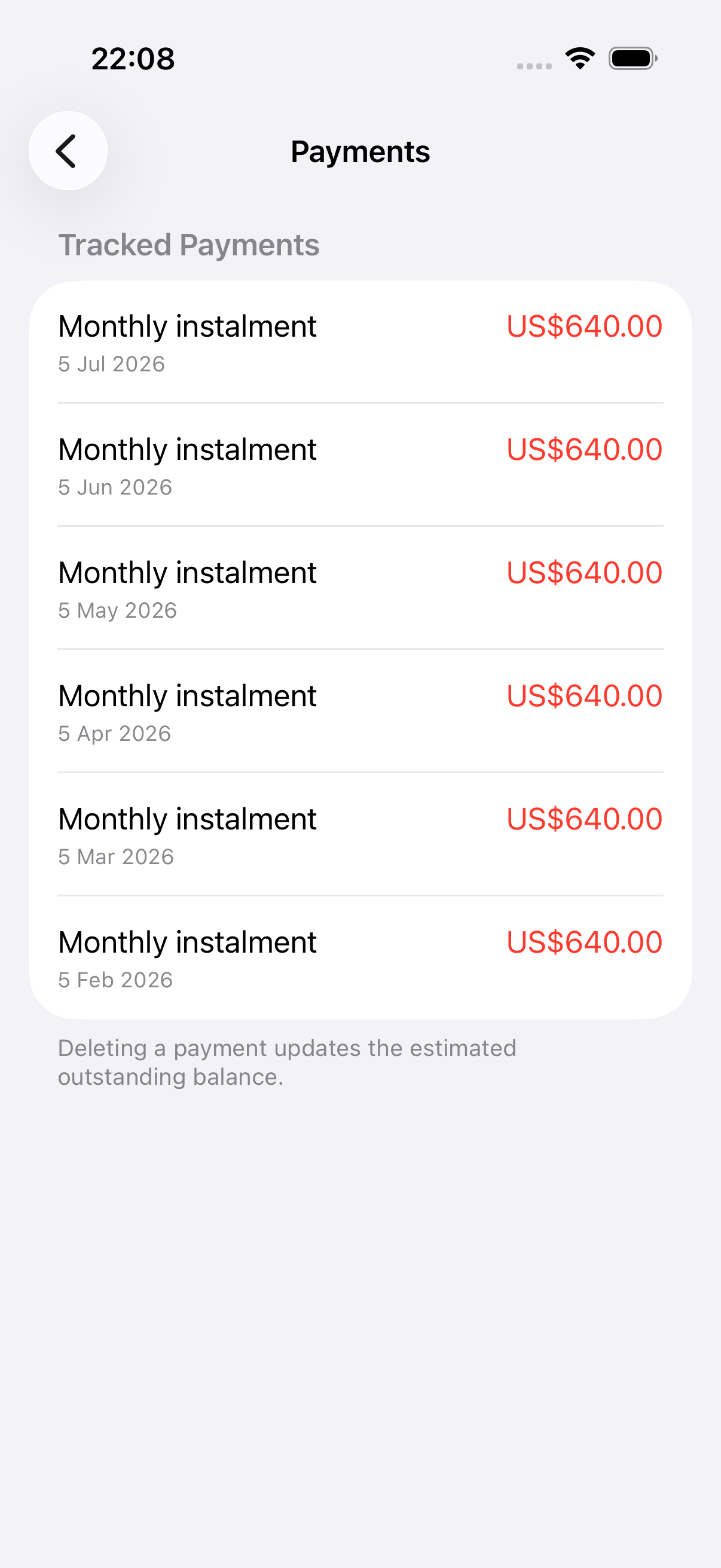
Record the payments you actually make and the loan tells you whether you are ahead of, on, or behind its estimated schedule — not just what the lender's original schedule said.
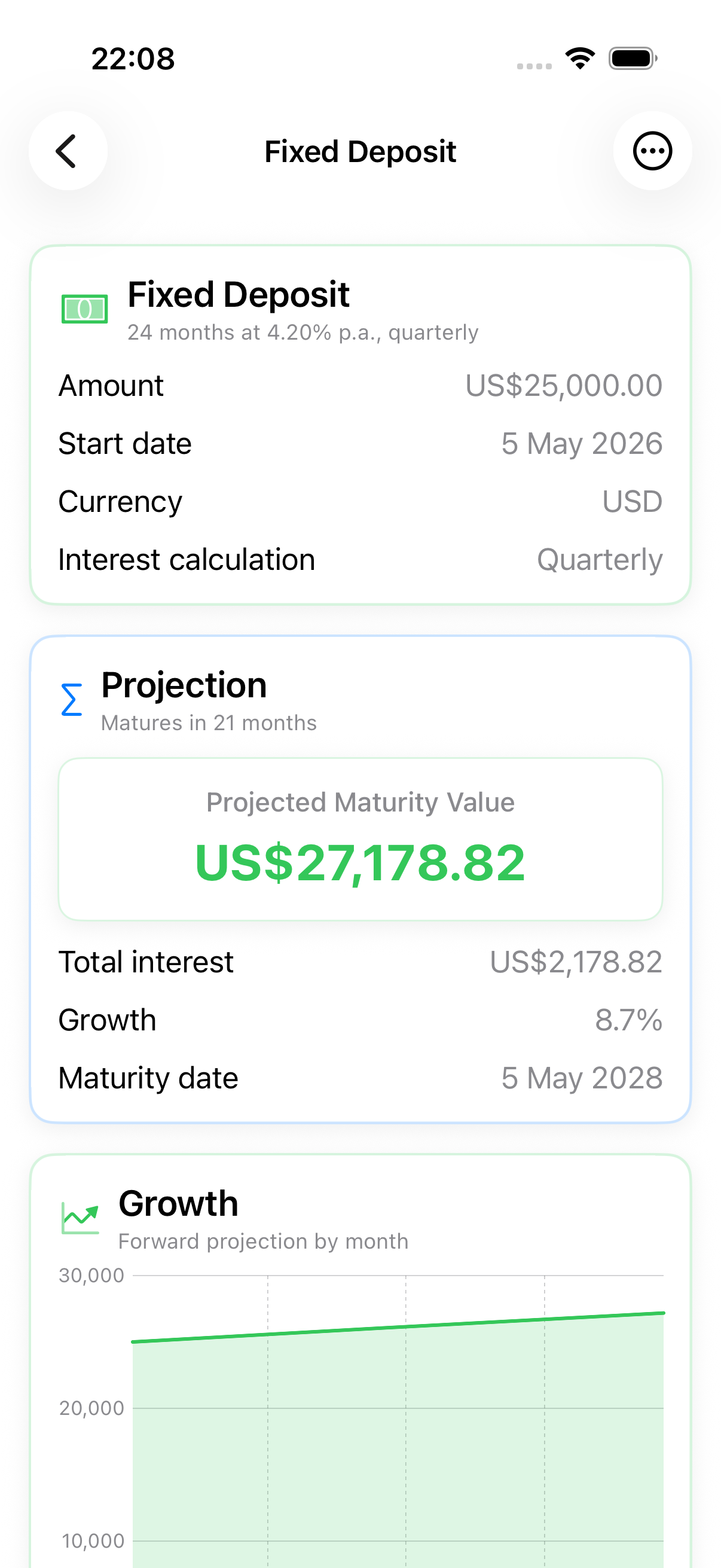
Projected maturity value and interest, with simple, monthly, quarterly, annual, or at-maturity calculation so the projection matches your bank's actual product terms.
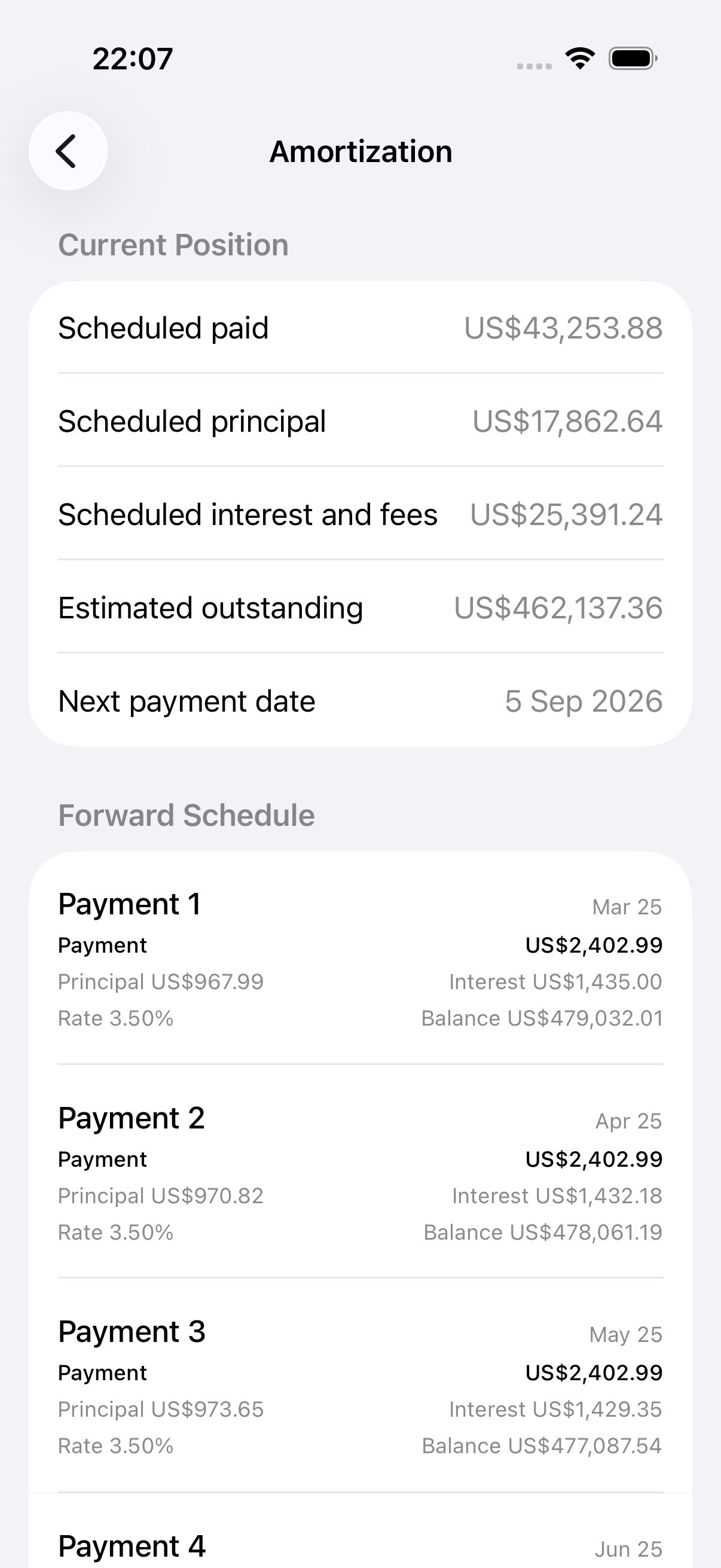
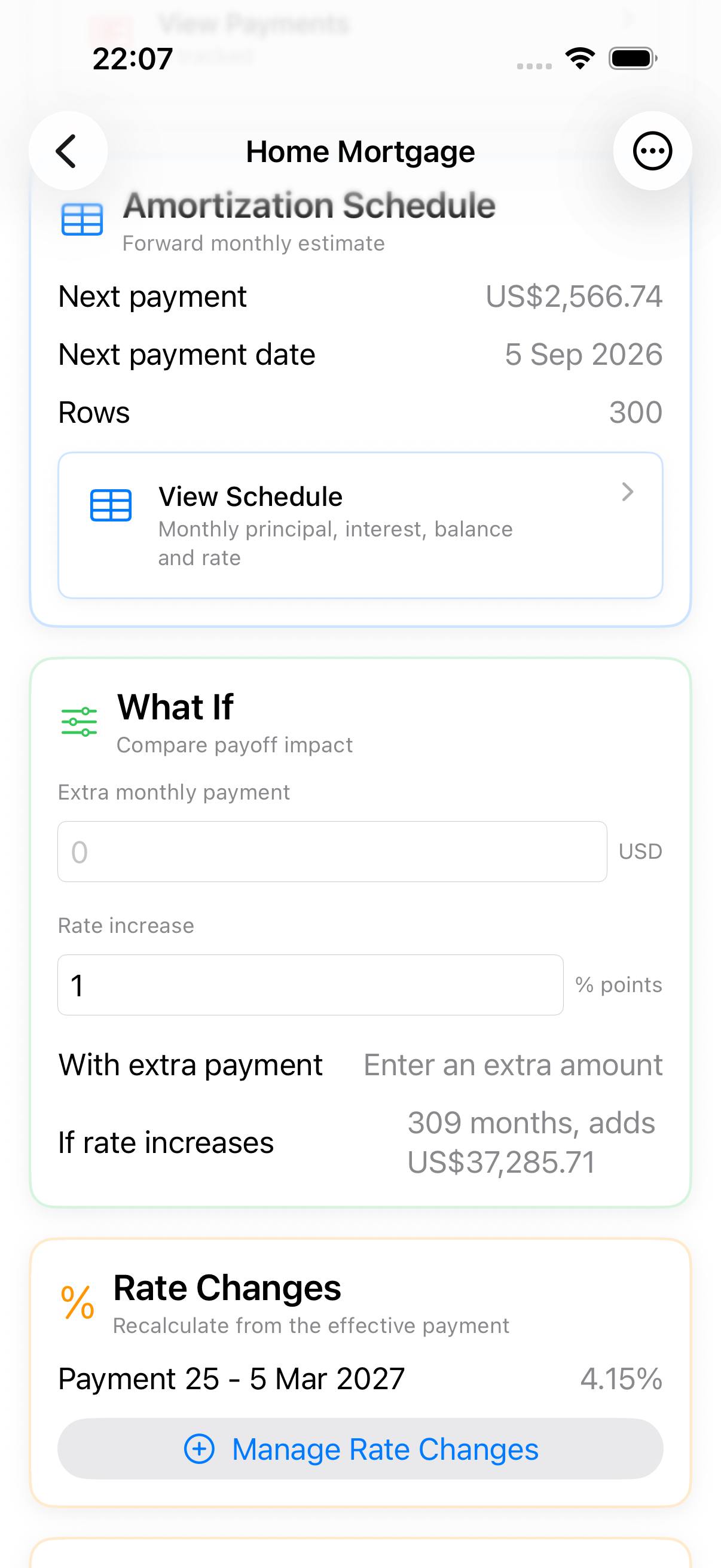
Every scheduled payment, with its principal, interest, closing balance, and the rate in force that month. Rate changes are marked where they take effect.
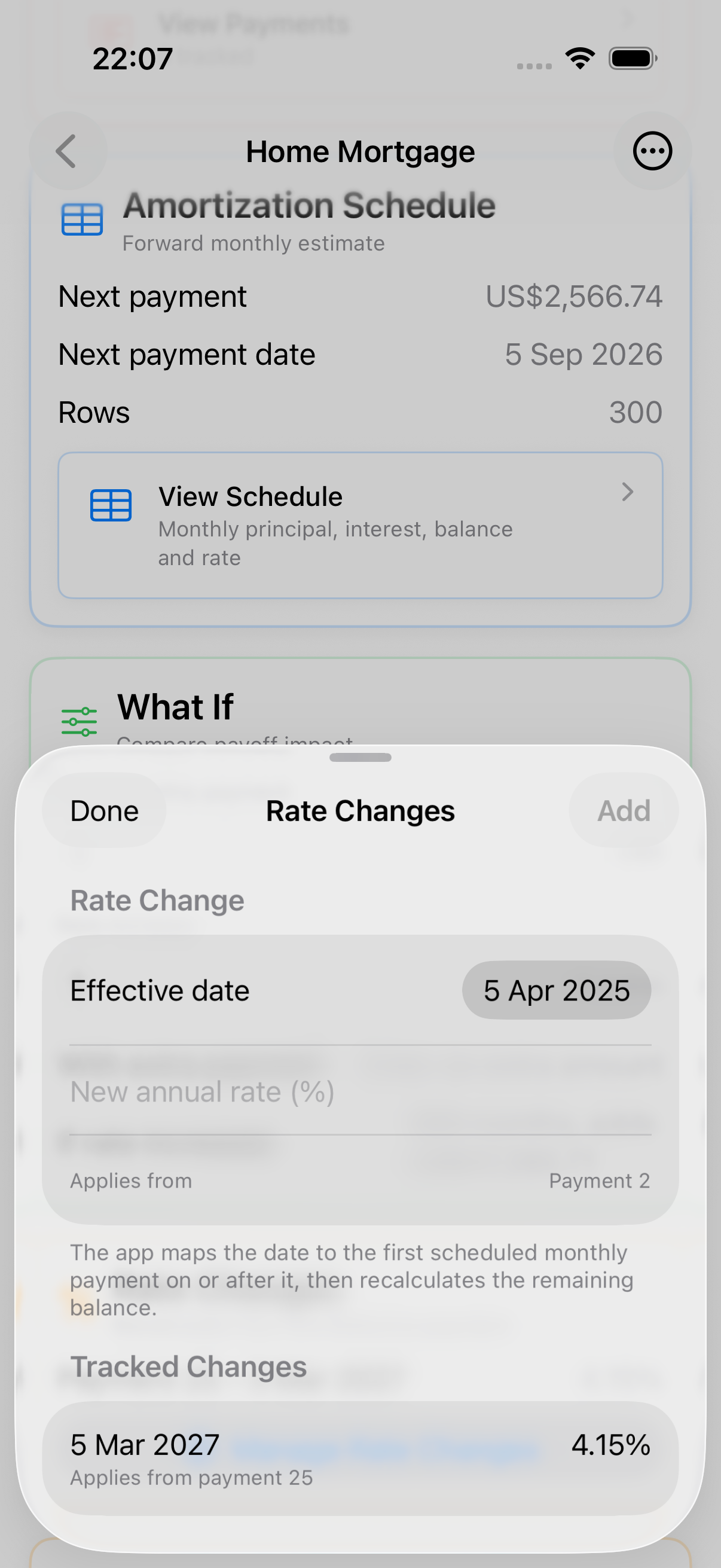
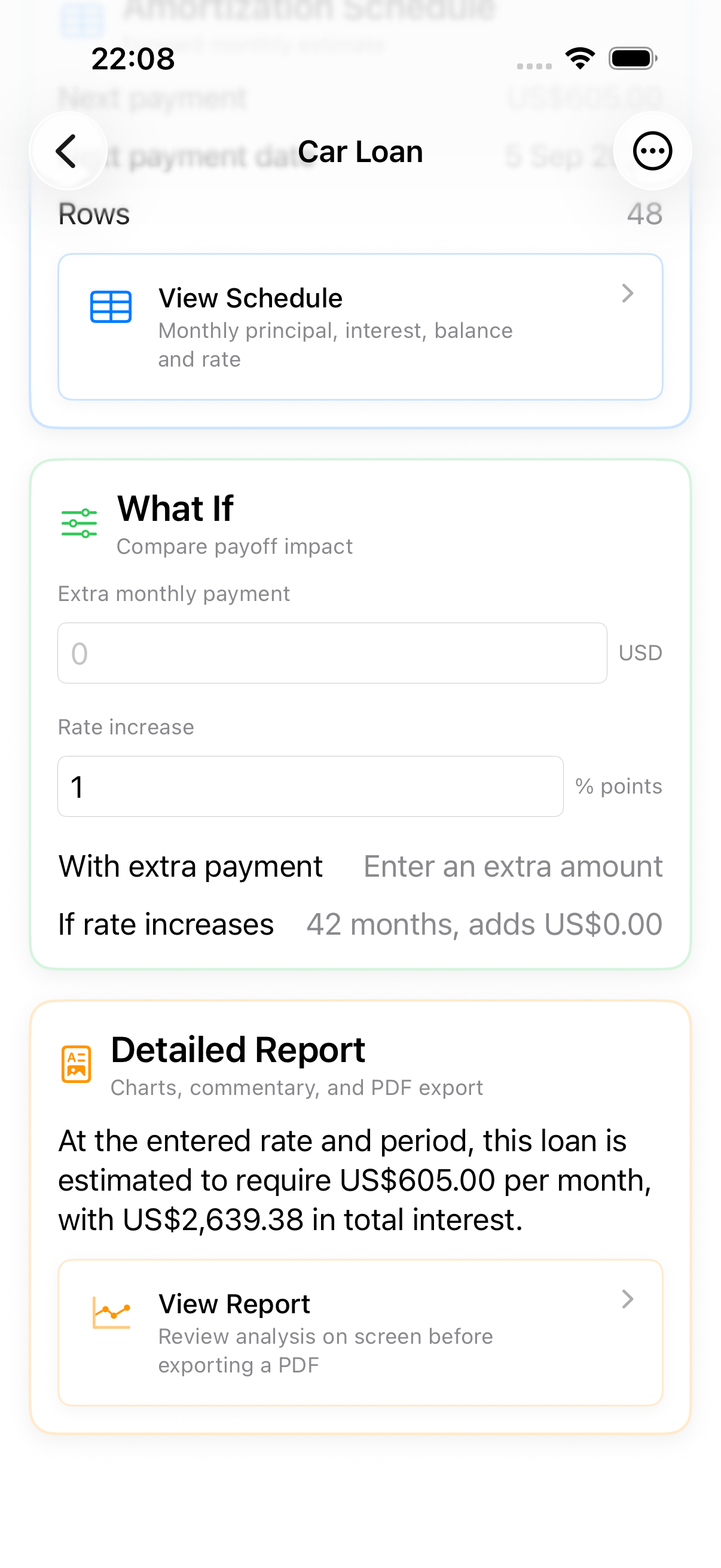
Repricing is normal. Give the effective date and the new rate, and the schedule recalculates from the next scheduled payment onward — the payments you already made stay as they were.
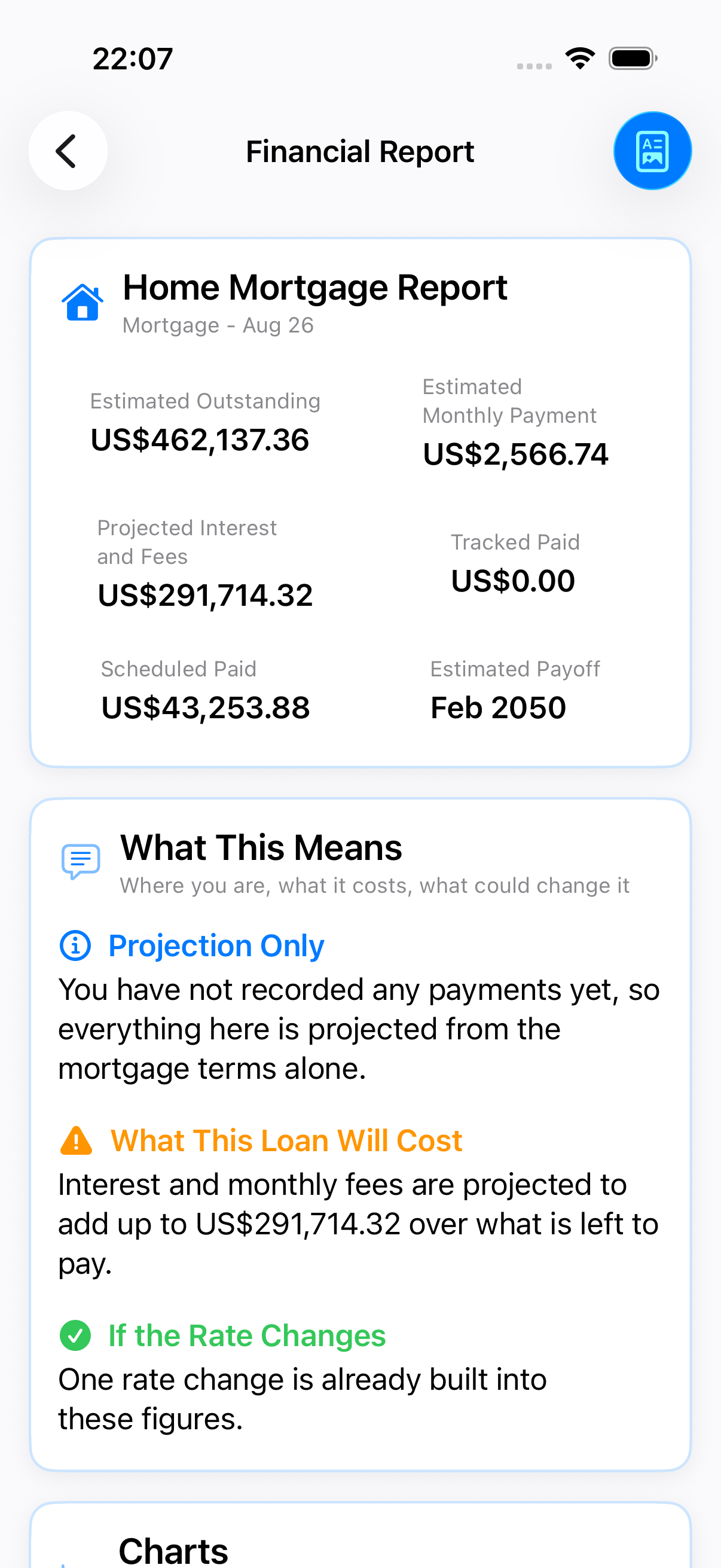
Written analysis of cost, progress, and rate exposure, exported to PDF with the complete schedule and every tracked payment.
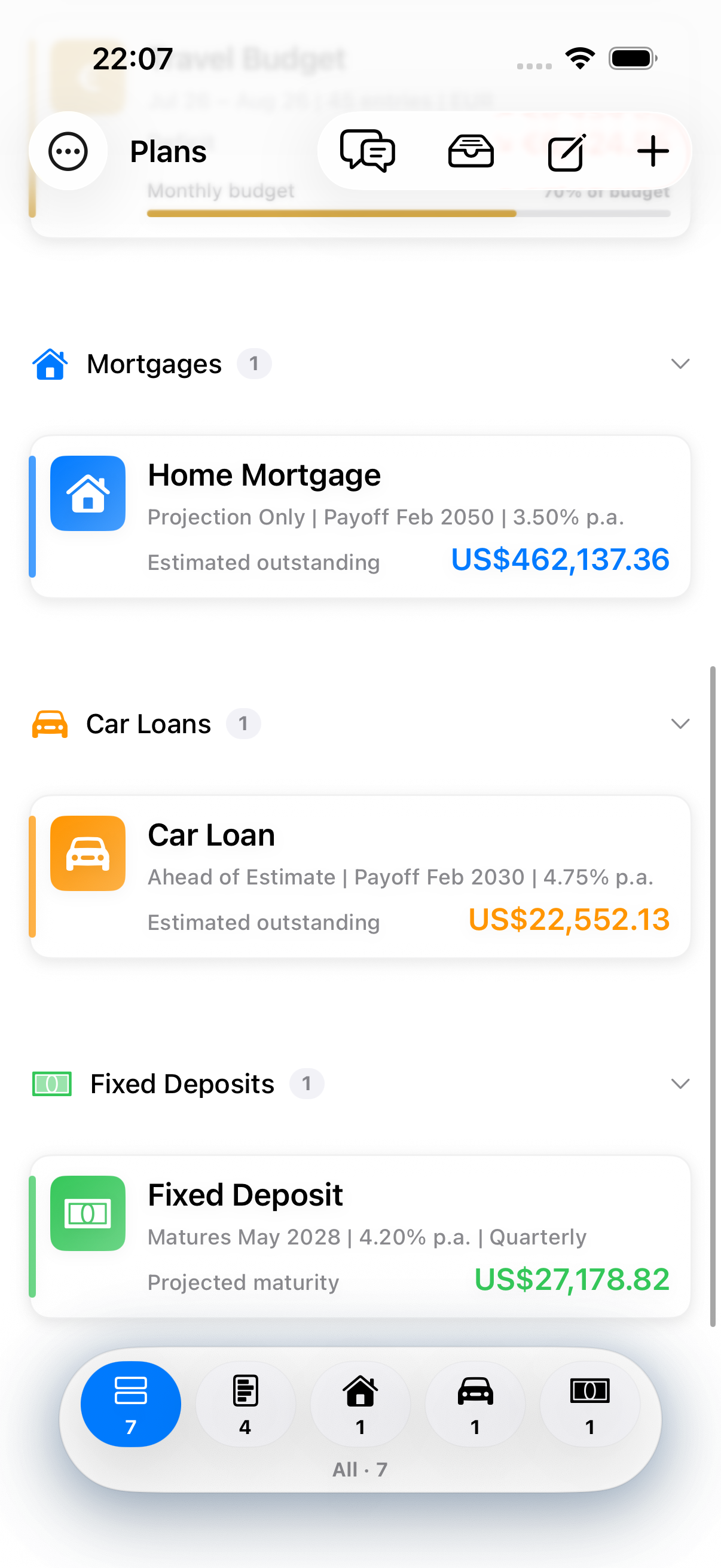
Loans and deposits take no day-to-day entries and never fold into budget totals, recaps, or plan reports. Your grocery spending and your mortgage stay different questions.
Once you keep more than one kind, the plan list groups by type and a filter dock switches between budgets, mortgages, car loans, and deposits. Tap a group's header to fold that type away — the list remembers. Keep only budgets and nothing changes.
Every figure is calculated from what you entered. Lender and bank statements vary with fees, rounding, payment timing, tax, and product rules, and the app labels these figures as estimates rather than presenting them as your bank's.
Once your core workflow is running, these tools help you test decisions and monitor budget health proactively.
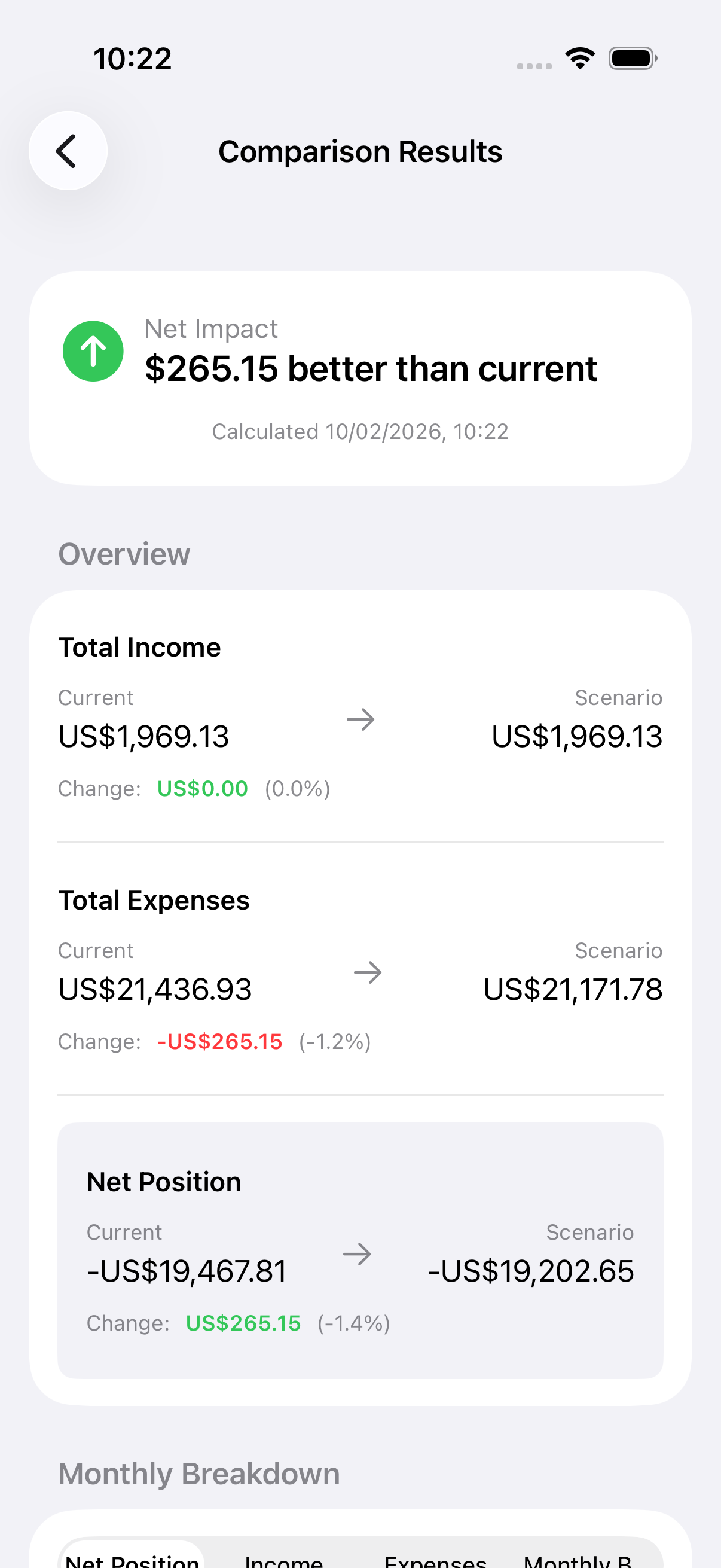
Run financial what-if analyses without modifying your real budget data. Create scenarios to test changes like salary increases, rent adjustments, or one-time expenses before they happen.
Create Scenario: Sarah creates a new scenario called "Rent +$200" to model an upcoming rent increase.
Add Modifier: She adds an "Adjust Expense Amount" modifier with +$200/month to simulate the rent increase.
Calculate & Review: She taps "Calculate" and sees the side-by-side comparison showing baseline vs modified expenses, income, net position, and goal progress.
Adjust Strategy: Seeing the impact, she adds another modifier to reduce dining spending by 15% to stay on track with her savings goal.
Change all income by percentage
Fixed change to total income
Change all expenses by percentage
Fixed change to total expenses
Single income entry on specific date
Single expense entry on specific date
Move target date forward or back
Pause or resume recurring series
Change specific tag/category
Automated health assessments in weekly or monthly Smart Digests that help you identify risks early and stay on track with your financial plans.
You're on track with healthy spending patterns. Continue monitoring to maintain this status.
Monitor spending closely to avoid exceeding your budget. Consider reducing discretionary spending.
Immediate action needed to reduce spending. Review category risks and cut non-essential expenses.
Budget health summaries automatically identify your top 3 at-risk spending categories based on:
This helps you focus on the specific areas where you can make the biggest impact on your overall budget health.
On pace to meet target date OR already 100% complete
Behind required pace OR overdue past target date
Requires Advanced Tools tier subscription
Smart Digests must be enabled in plan settings (weekly or monthly)
Budget health requires a plan budget limit to be set in Insights settings
Goal health appears for all active goals with target dates
Summaries are calculated fresh in each digest notification

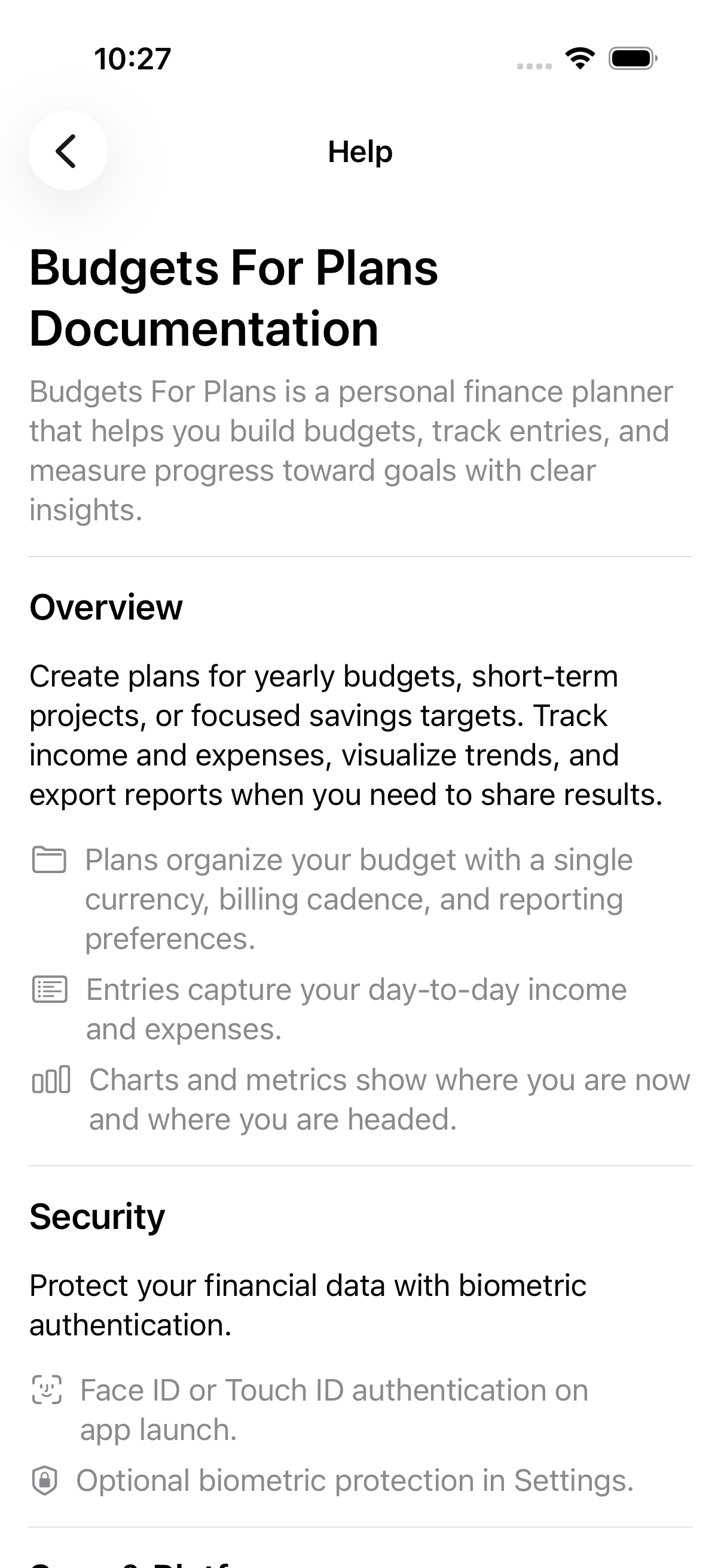
Everything in the app, grouped by workflow and upgrade path.
Create unlimited plans with card-style lists, template-aware avatars, a single working currency, billing cadence, starter categories, and export preferences.
Track what you owe and what you are saving beside your budgets. Enter the balance, rate, term, and start date; the app estimates the monthly payment, the interest to come, the next payment date, and the payoff or maturity date.
Every scheduled payment with its principal, interest, closing balance, and the rate in force that month — and a mortgage rate change recalculates the schedule from the payment it takes effect on.
Record what you actually paid and the loan compares it with its own schedule, reporting whether you are ahead, on track, or behind — with the estimated balance adjusted to match.
See what paying extra each month would save, or what a rate rise would cost, before committing to either. Fixed deposits compare every interest calculation your bank might use.
Three views of the same loan: the balance burning down over the term, principal against total interest, and the annual rate over time with every tracked change marked.
Banks differ on how a fixed deposit pays. Compare simple, monthly, quarterly, annual, and at-maturity side by side, then set the one your product actually uses.
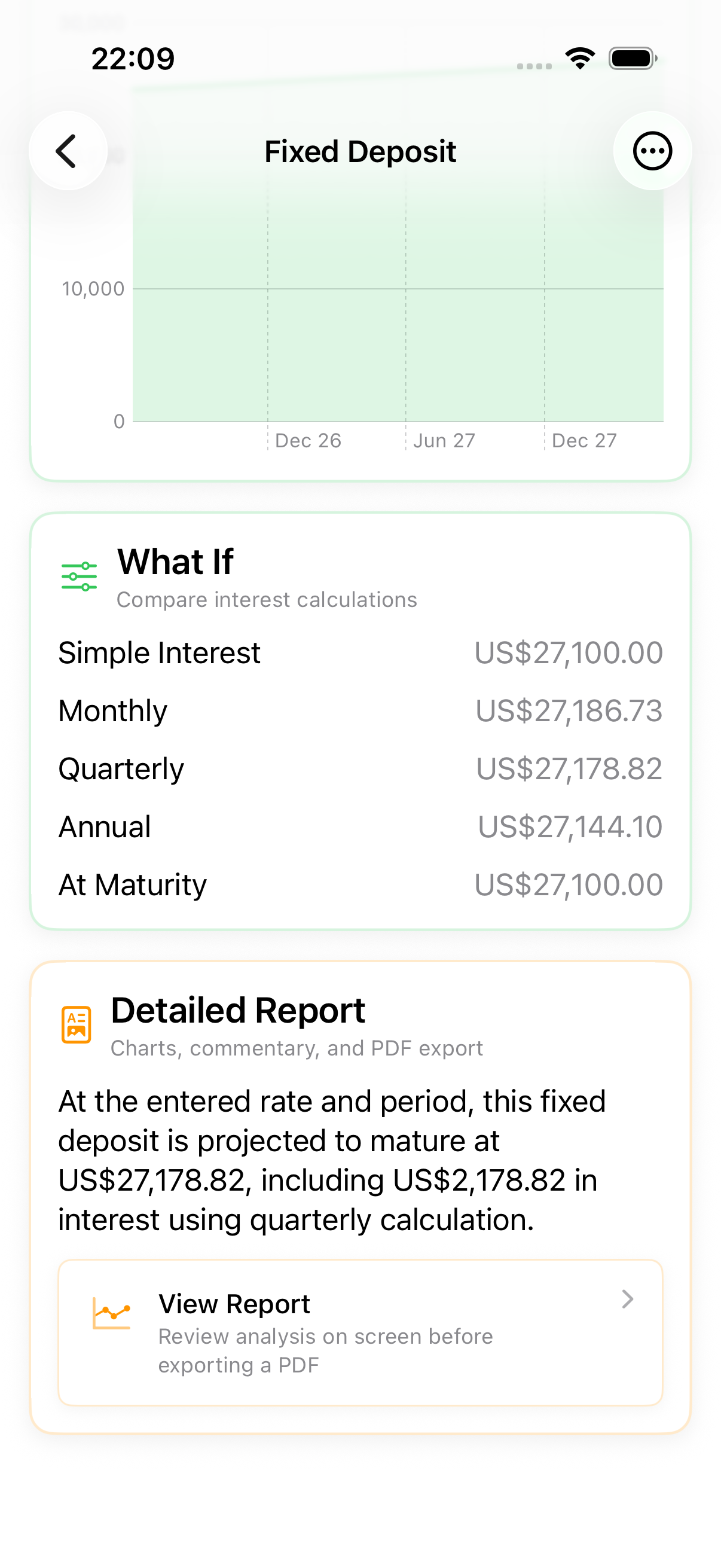
Written analysis of progress, cost, and rate exposure for any loan or deposit, exported to PDF with the full schedule, tracked payments, and the assumptions used.
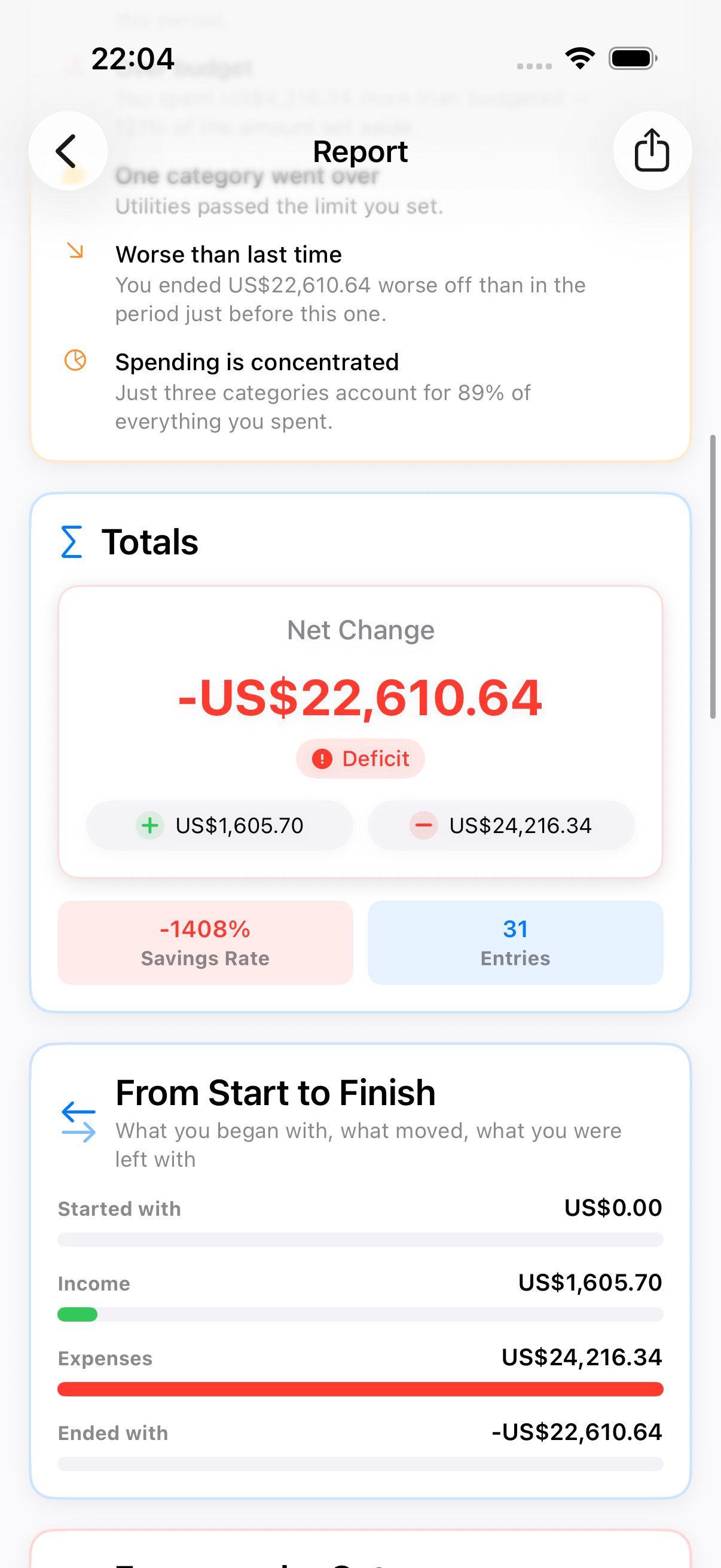
Read a complete report for any plan — free, no upgrade. It opens with a written summary, then what stood out, the totals, and the movement from the start of the period to the end. Pick all time, the last 3, 6, or 12 months, or a custom range; narrow it to specific categories; or combine plans sharing a currency into one household report.
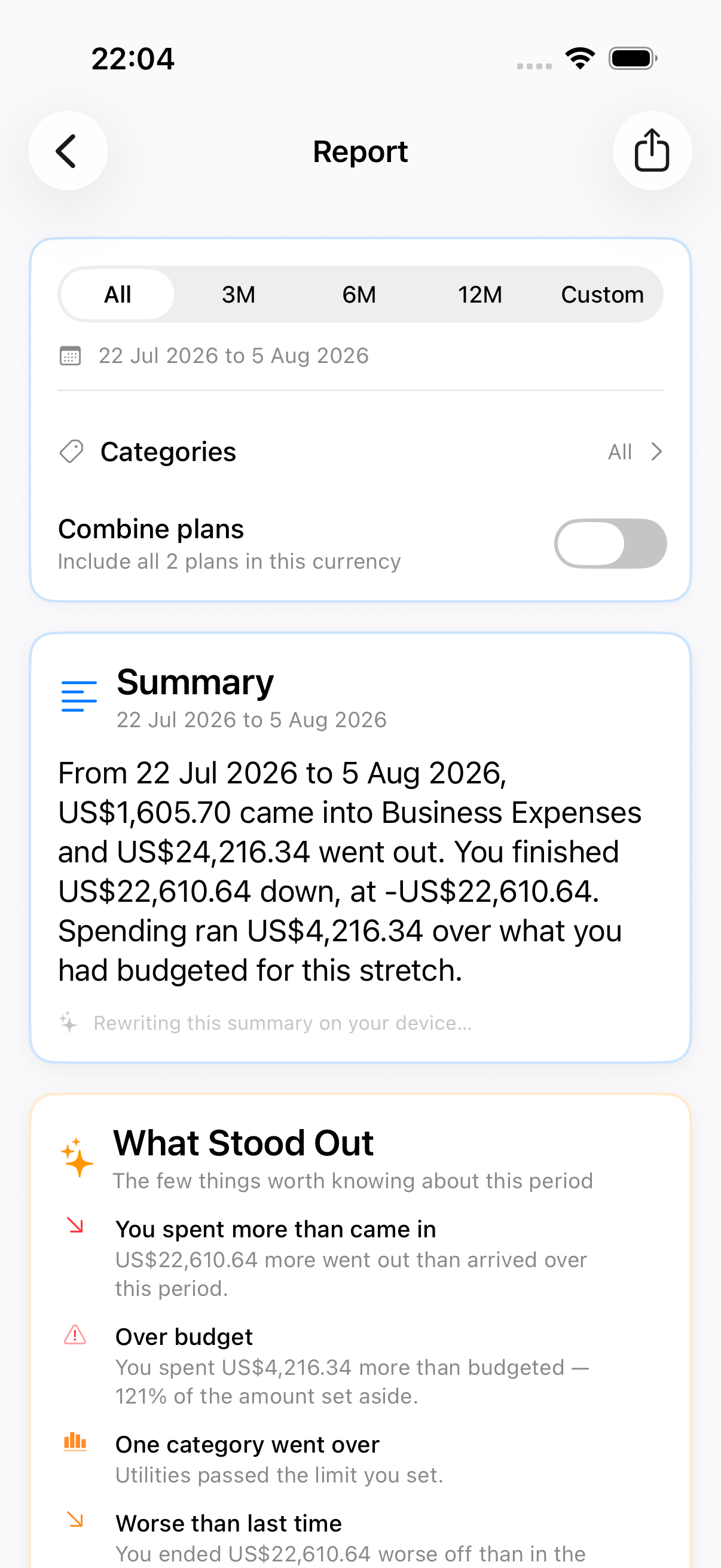
The report's takeaways sit second, right under the summary — ordered by how much they matter, each coloured by its own severity, so the part you can act on is the part you reach first, not the part you scroll past eleven tables to find.
Opening to closing balance, the same period compared against the one immediately before it, and a ranked category breakdown with each category's share.
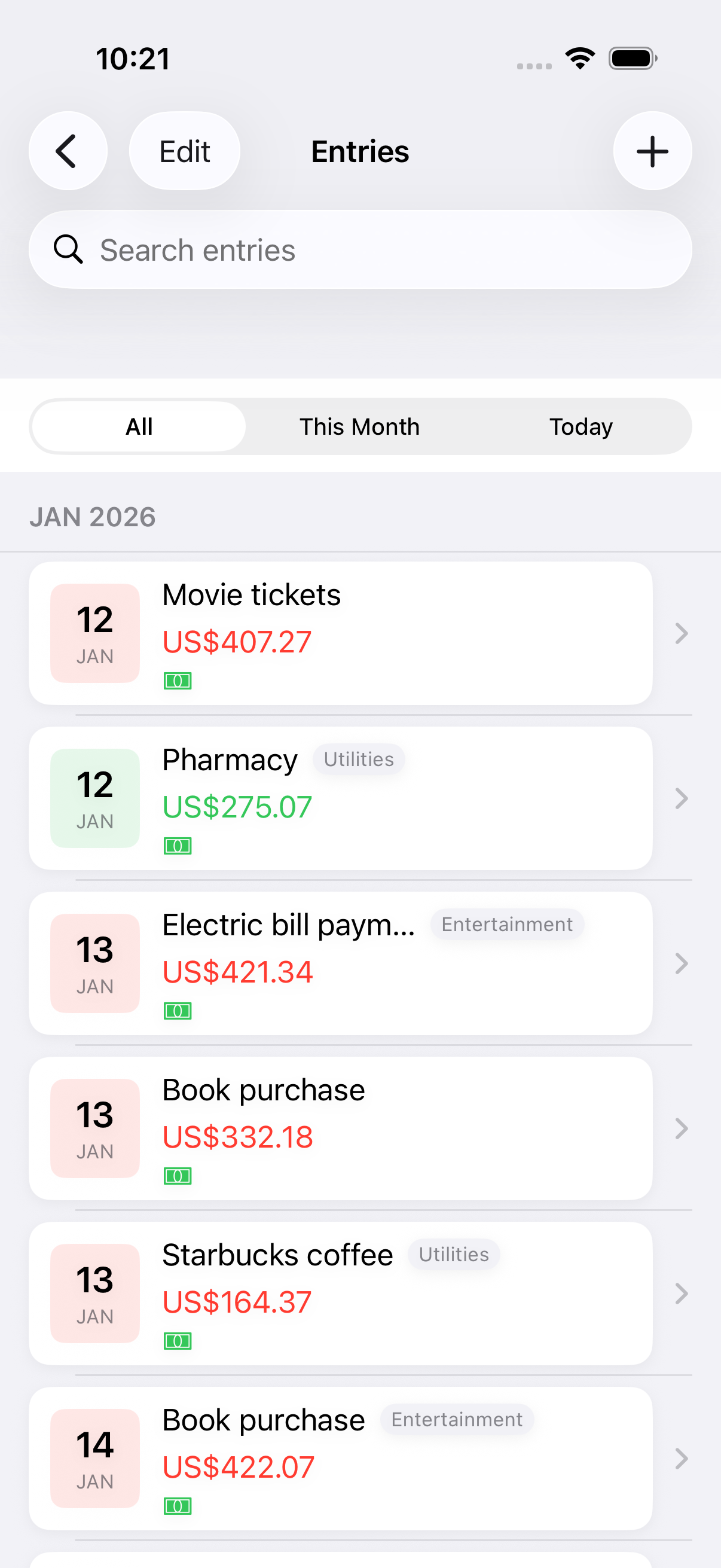
Log income and expenses with a streamlined form, frequent-entry shortcuts, tags, dates, and payment options.
Type one line — "Lunch 12 Food" — and the name, amount, and category fill in for you. It fills the form rather than saving, so you check before committing.
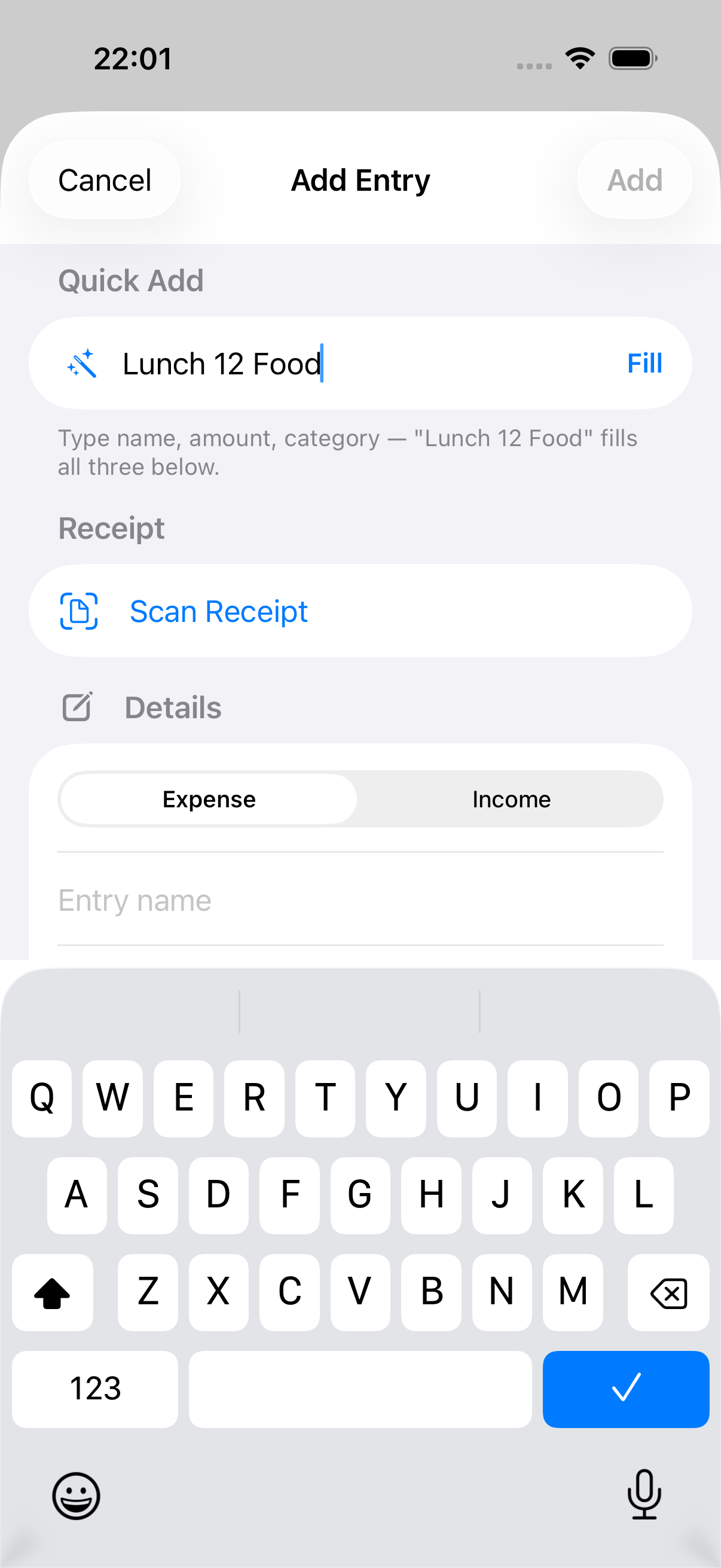
Tap a chip to reuse a category the plan already uses, so categories stop fragmenting into spelling variants.
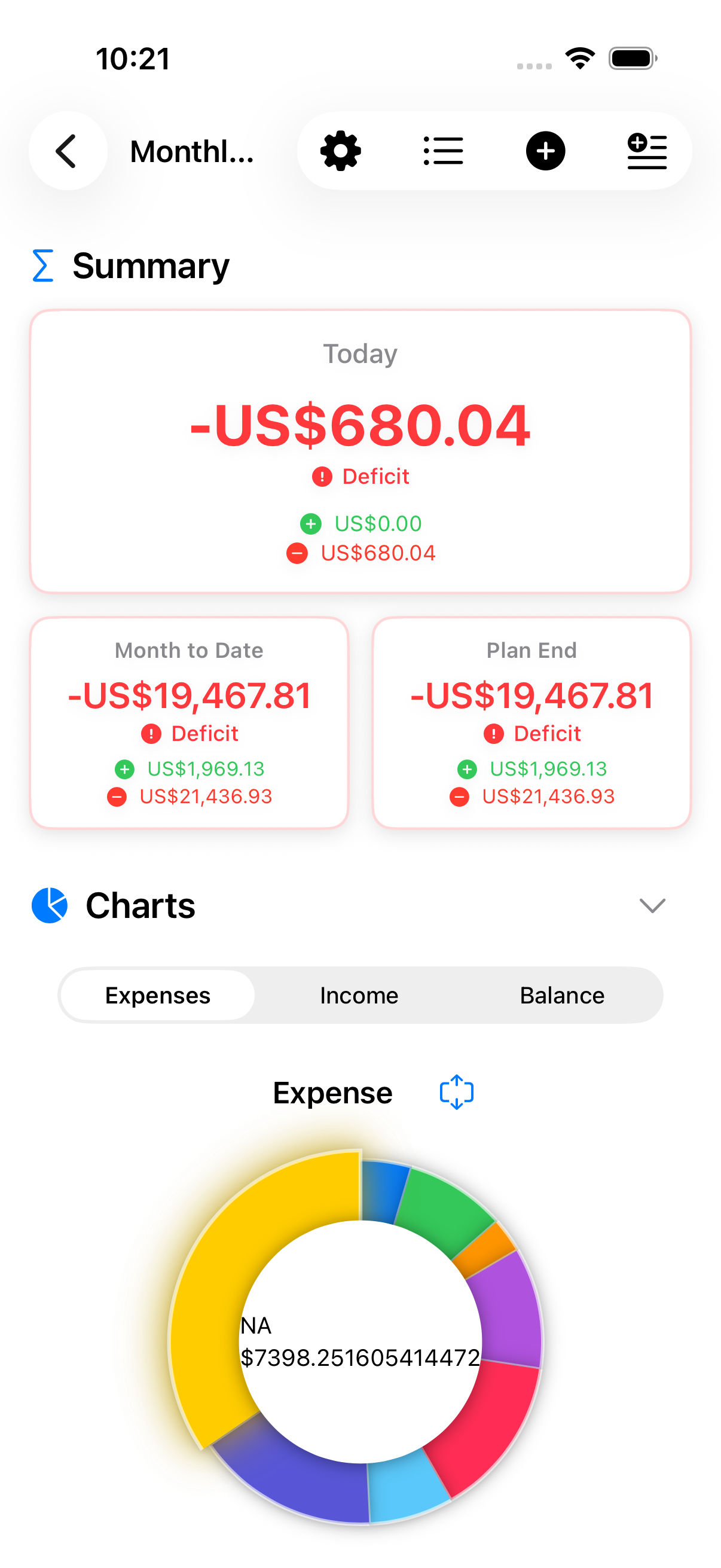
Swipe through expenses, income, and balance charts with a live metrics grid.
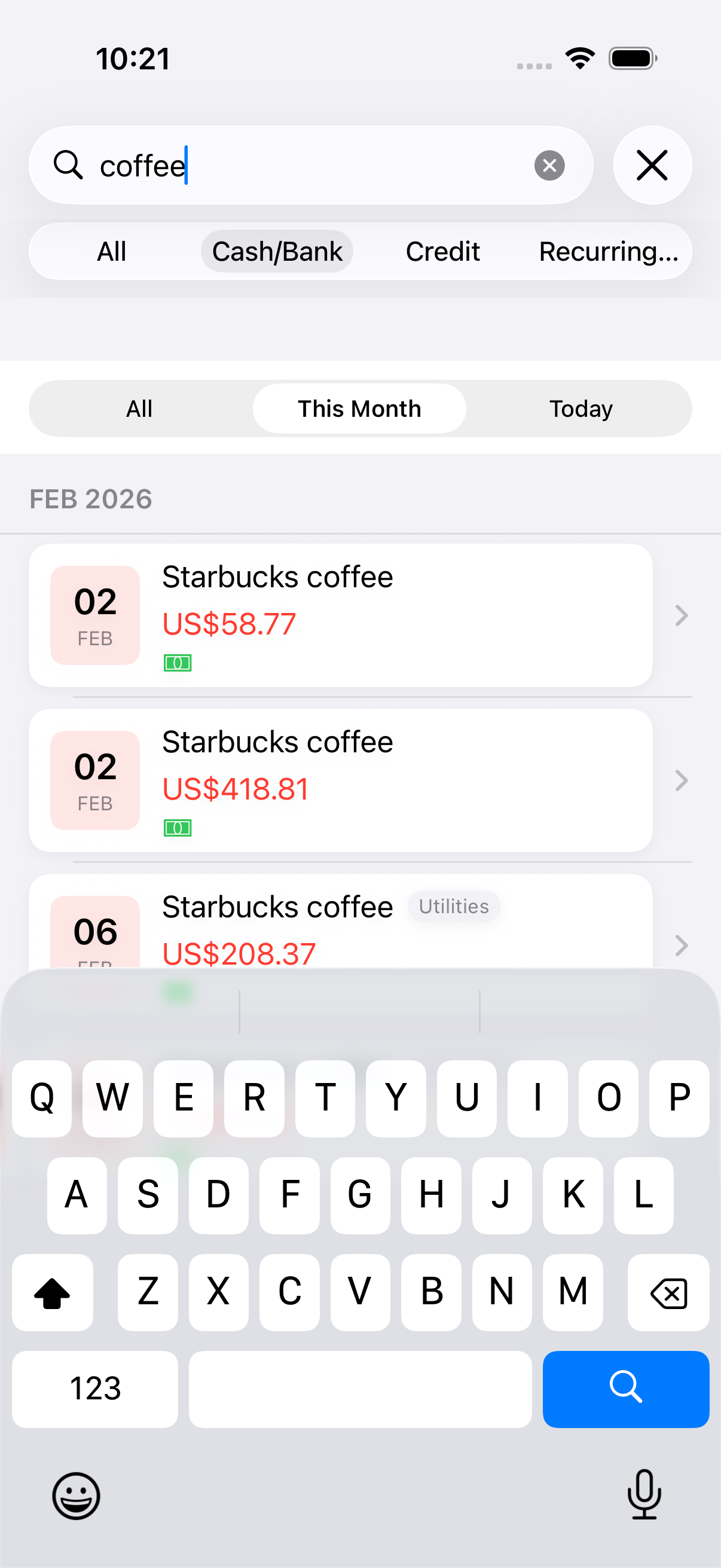
Find entries by name, tag, or amount with fast search and sorting.
Import entries when you create plans or pull multiple plans from a folder.
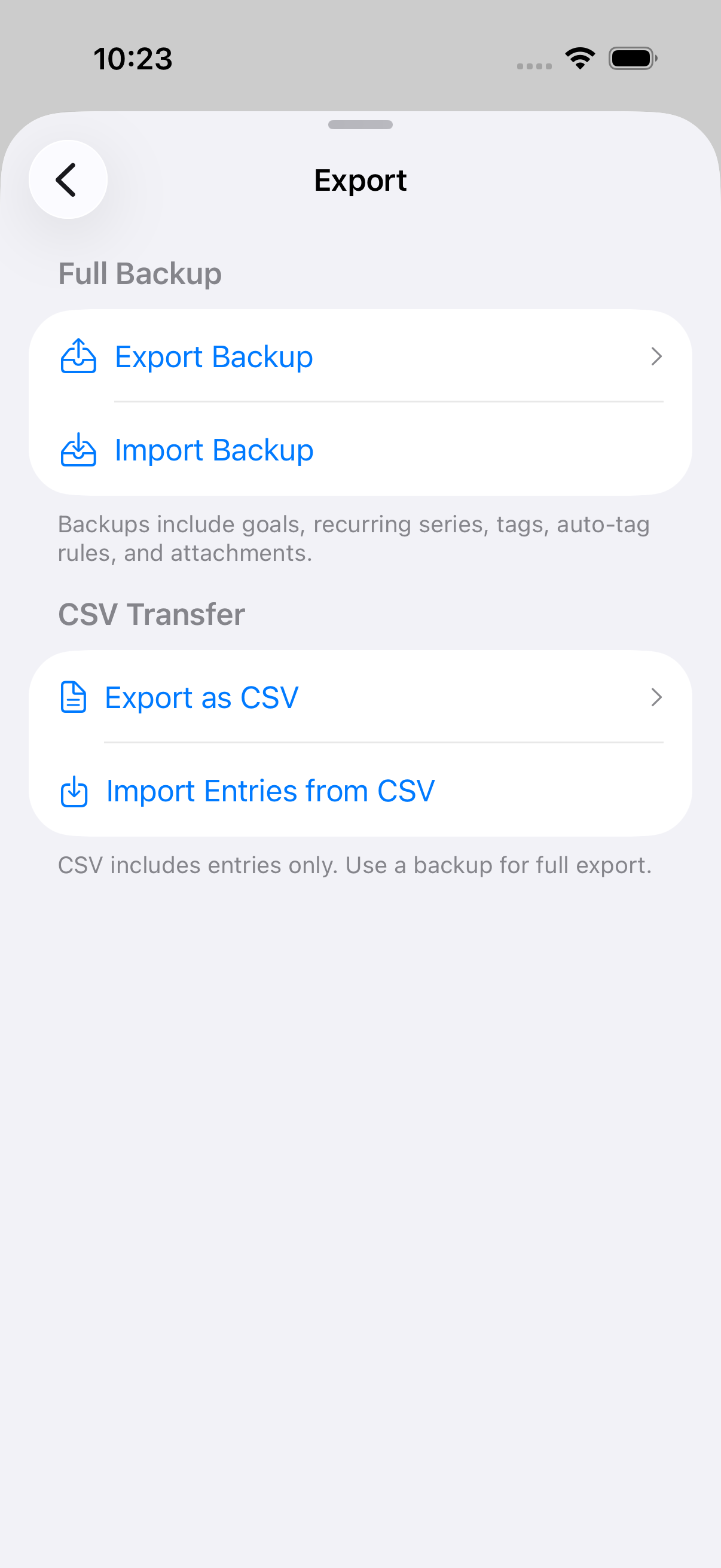
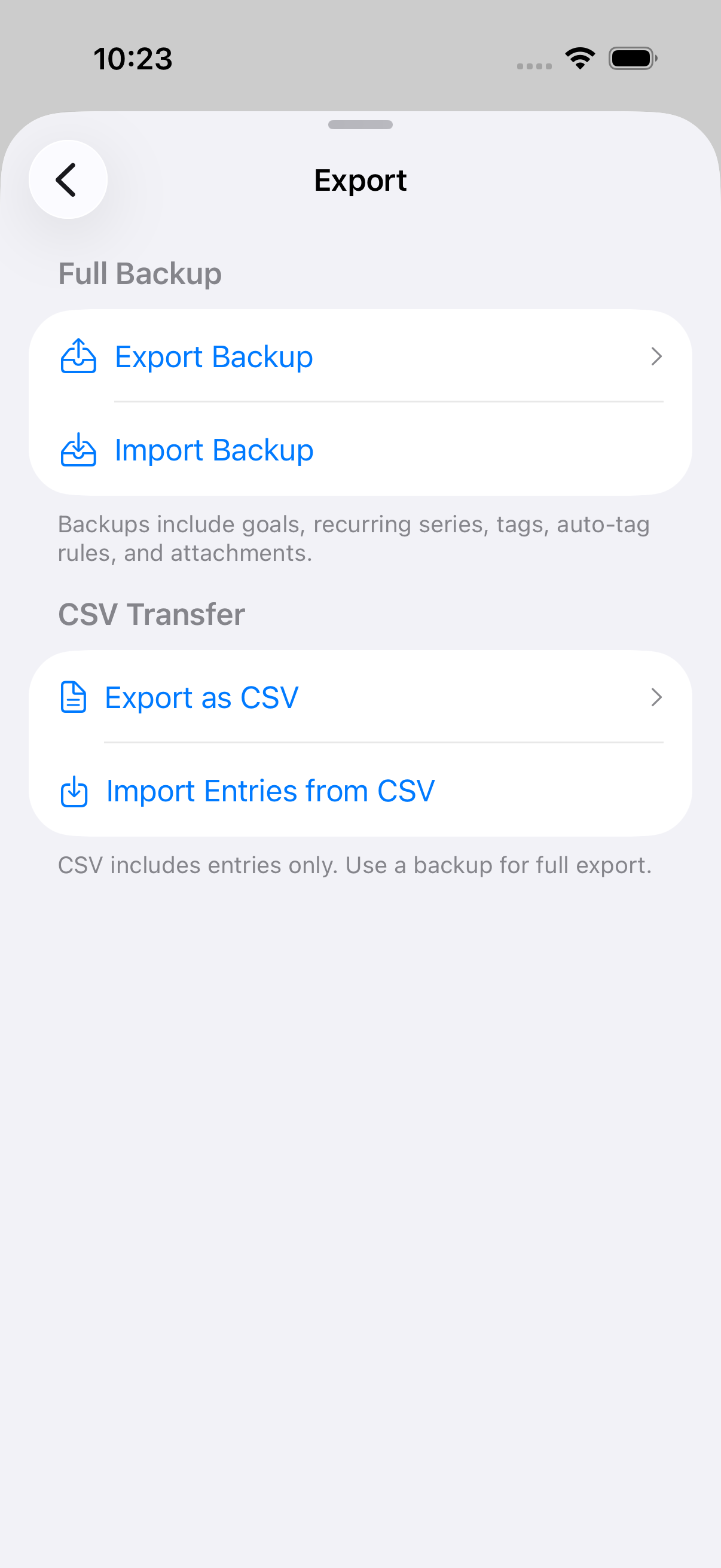
Export plan data to CSV for quick sharing or spreadsheet work.
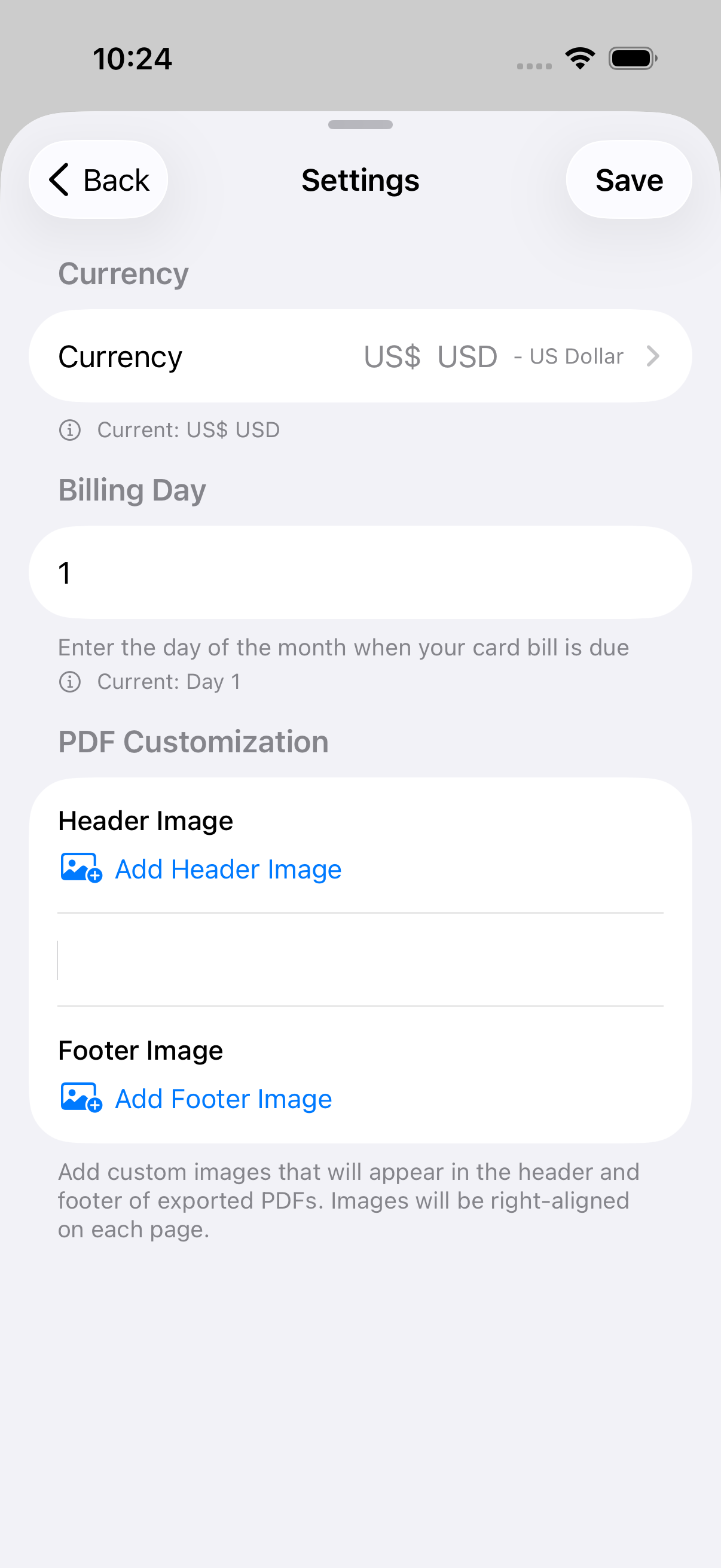
Choose the working currency per plan for global budgets.
Set card billing dates to track upcoming cycles and coverage.
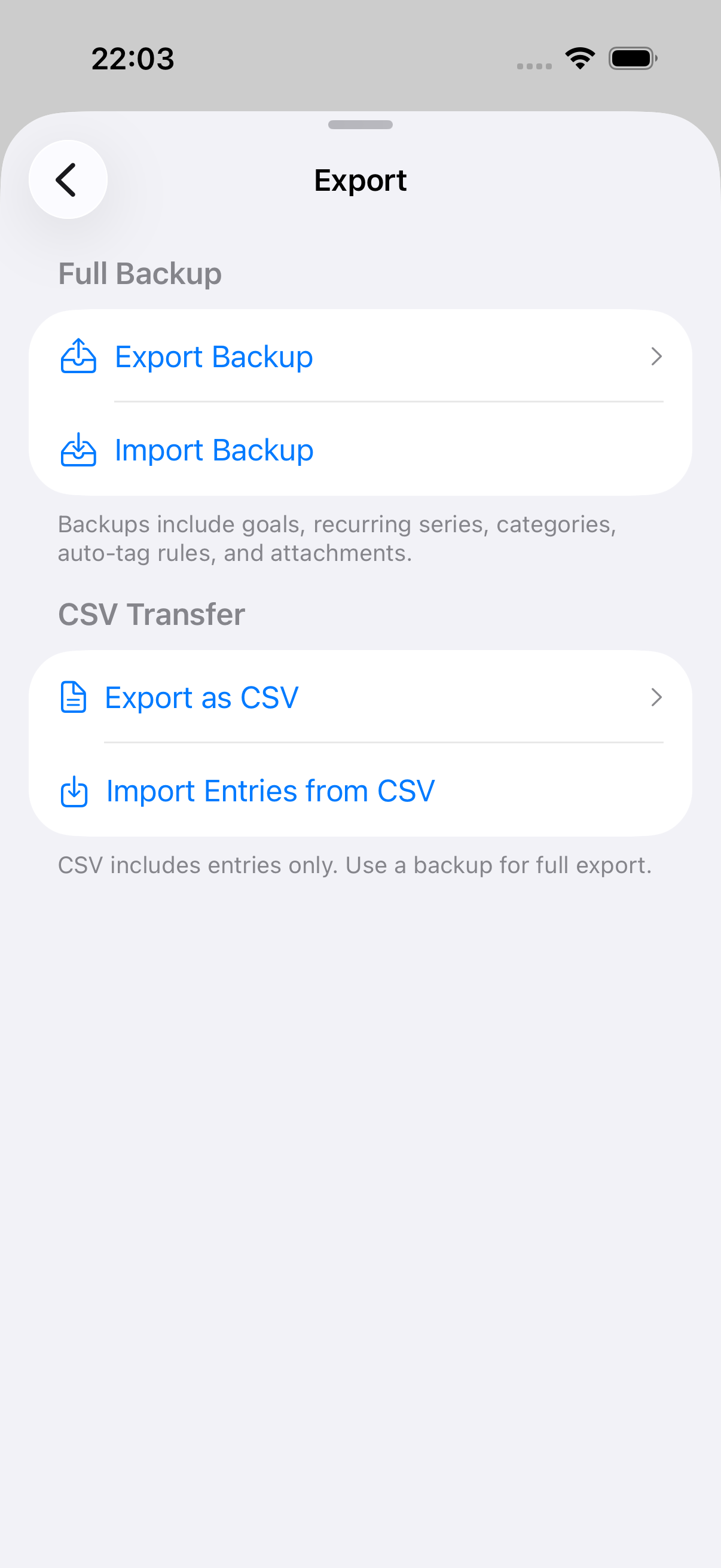
One file captures a whole plan — entries, goals, recurring series, tags, auto-tag rules, scenarios, card aliases, and receipt images. Importing shows you exactly what the file holds before anything is written.
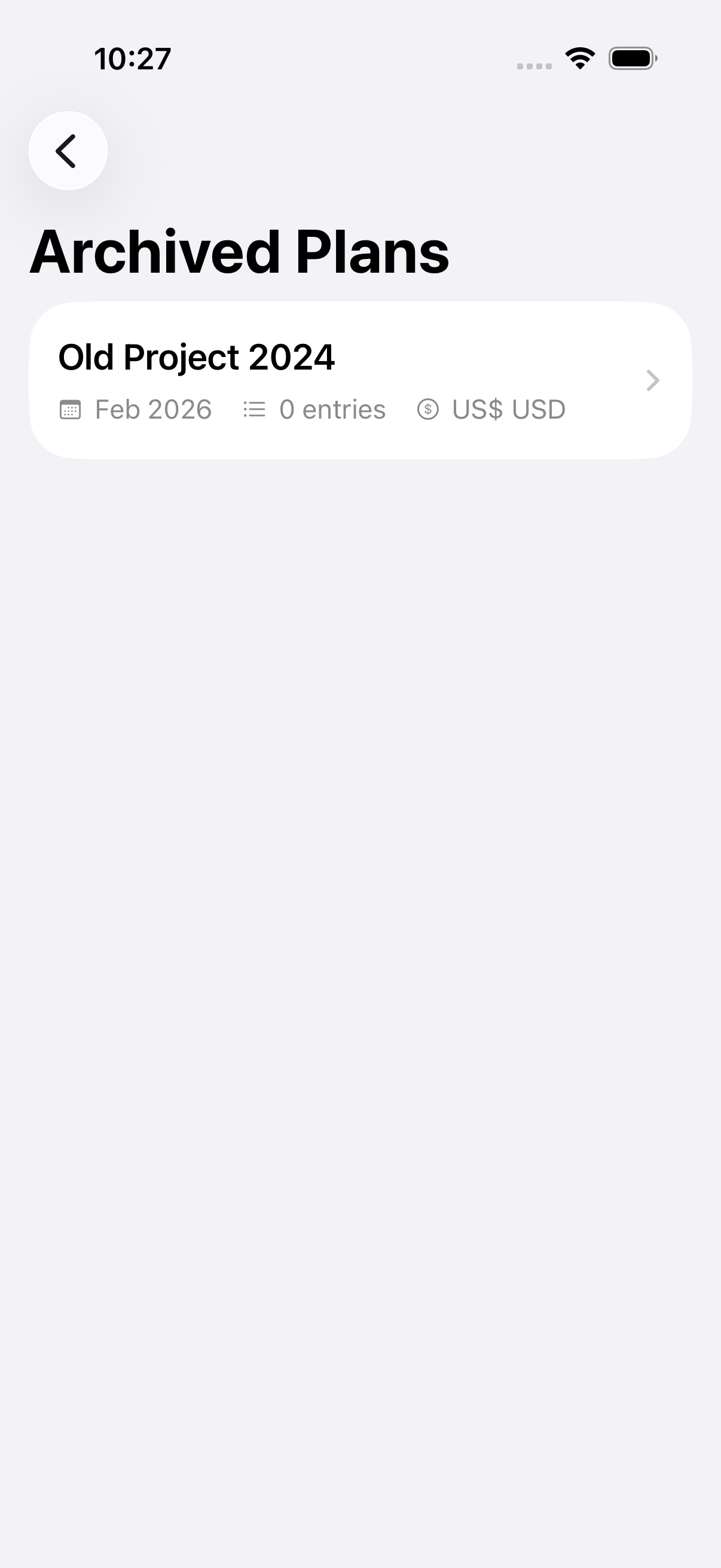
Archive finished plans and restore them anytime.
Log expenses, add income, check your balance, check budget status, or open a plan — all by voice. Five built-in Siri shortcuts with natural phrases.
Suggestions, answers, and summaries are all generated locally. Your data stays in your Apple ecosystem.
Put a question to your budget in plain language. Apple Intelligence runs on your device; the app measures every figure and the answer lists its sources. Read-only, and the conversation is never saved.
A report's summary is rewritten on device so it reads like a person wrote it. Any rewrite that alters a figure is discarded, and the report says where the wording came from.
Reviews transaction history to show trends, budget health, goal health, and practical recommendations.
Uses local suggestions and rules to help categorize familiar transaction descriptions.
Highlights transactions that stand out against your recent spending, helping catch errors or unexpected charges.
Spending pace, income volatility, category spikes, no-spend streaks, budget thresholds, bill coverage ratios, and more—all calculated in real-time.
Planning checks run on your device. No third-party analytics, no bank sync, and no account aggregation.
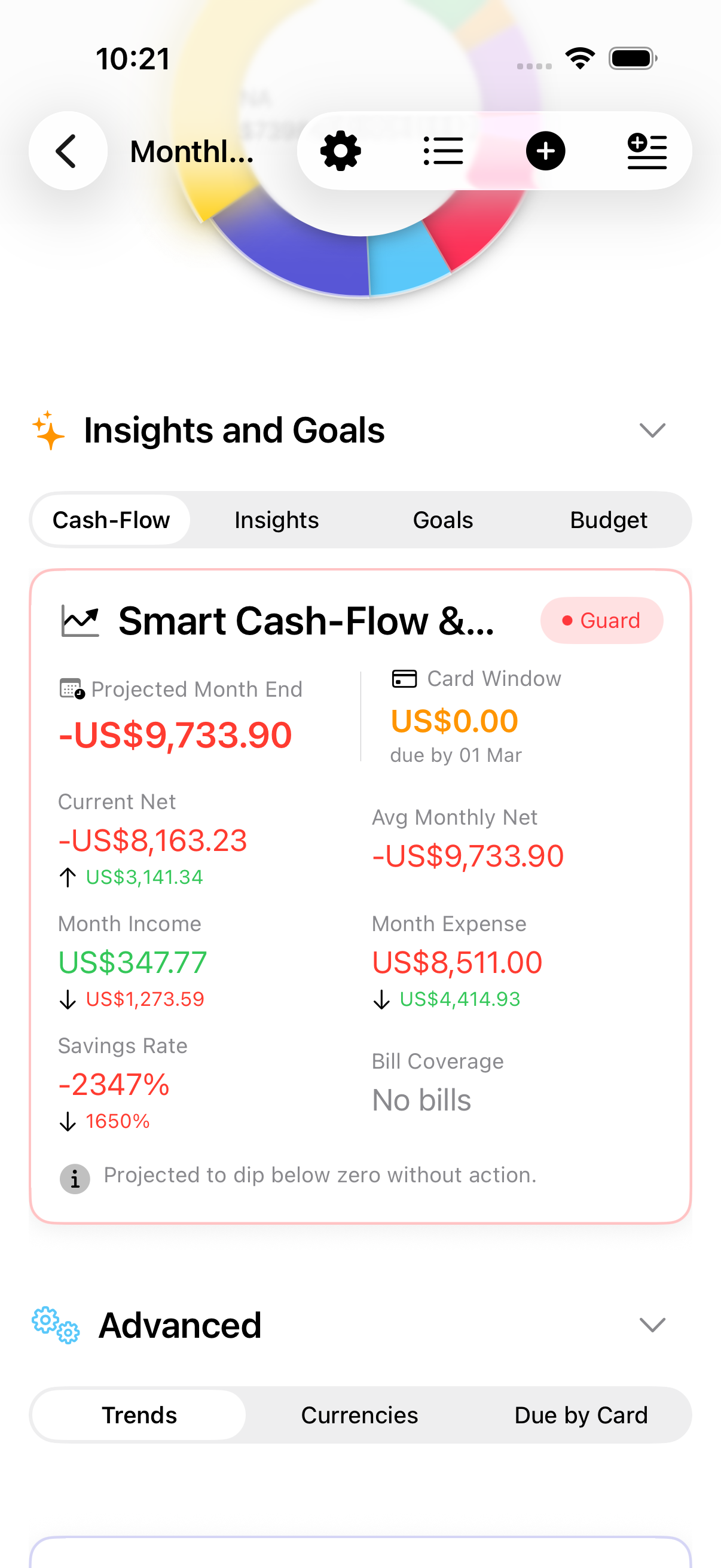
See what remains after spending pace, budget limits, and upcoming card bills.
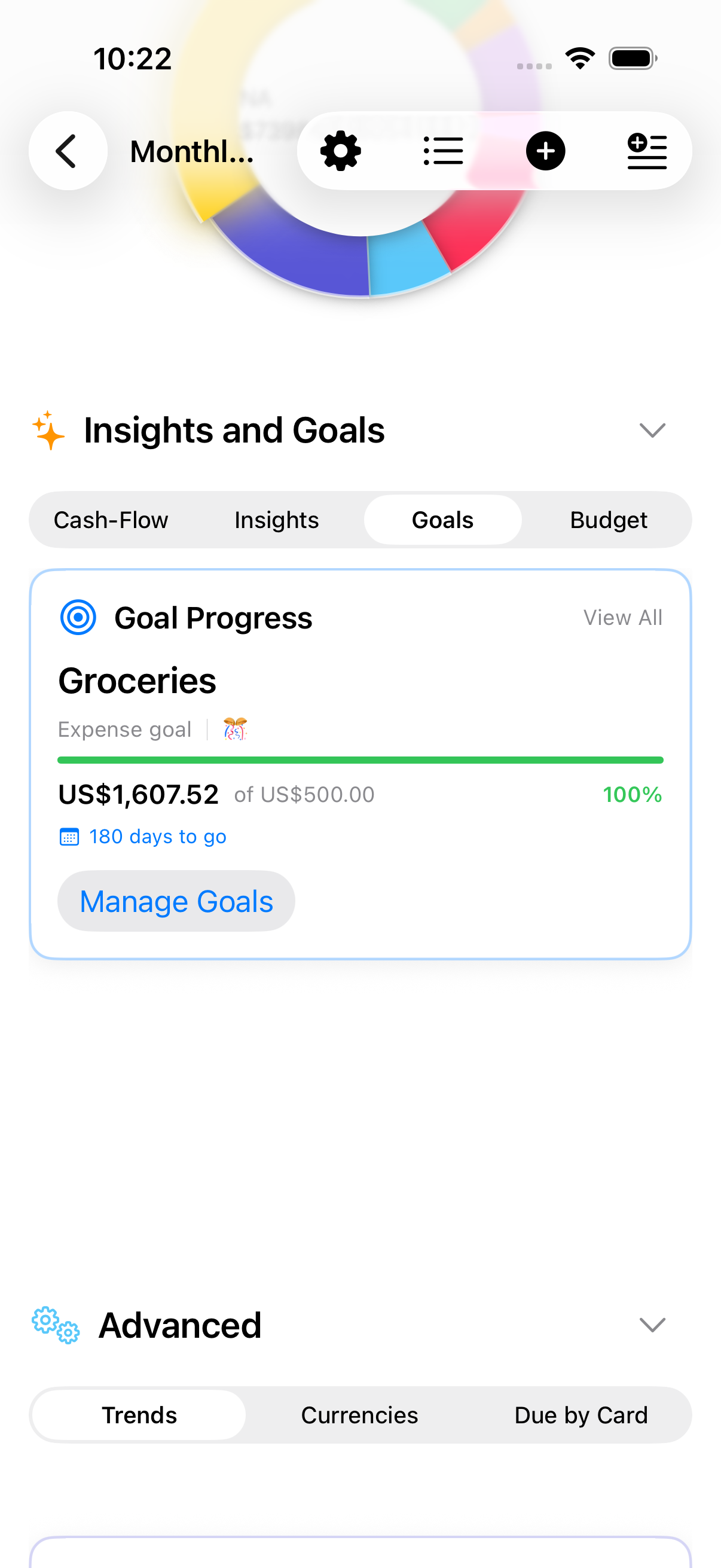
Track targets, milestone progress, and budget thresholds by category.
See changes in spending, income, and savings with actionable insights.
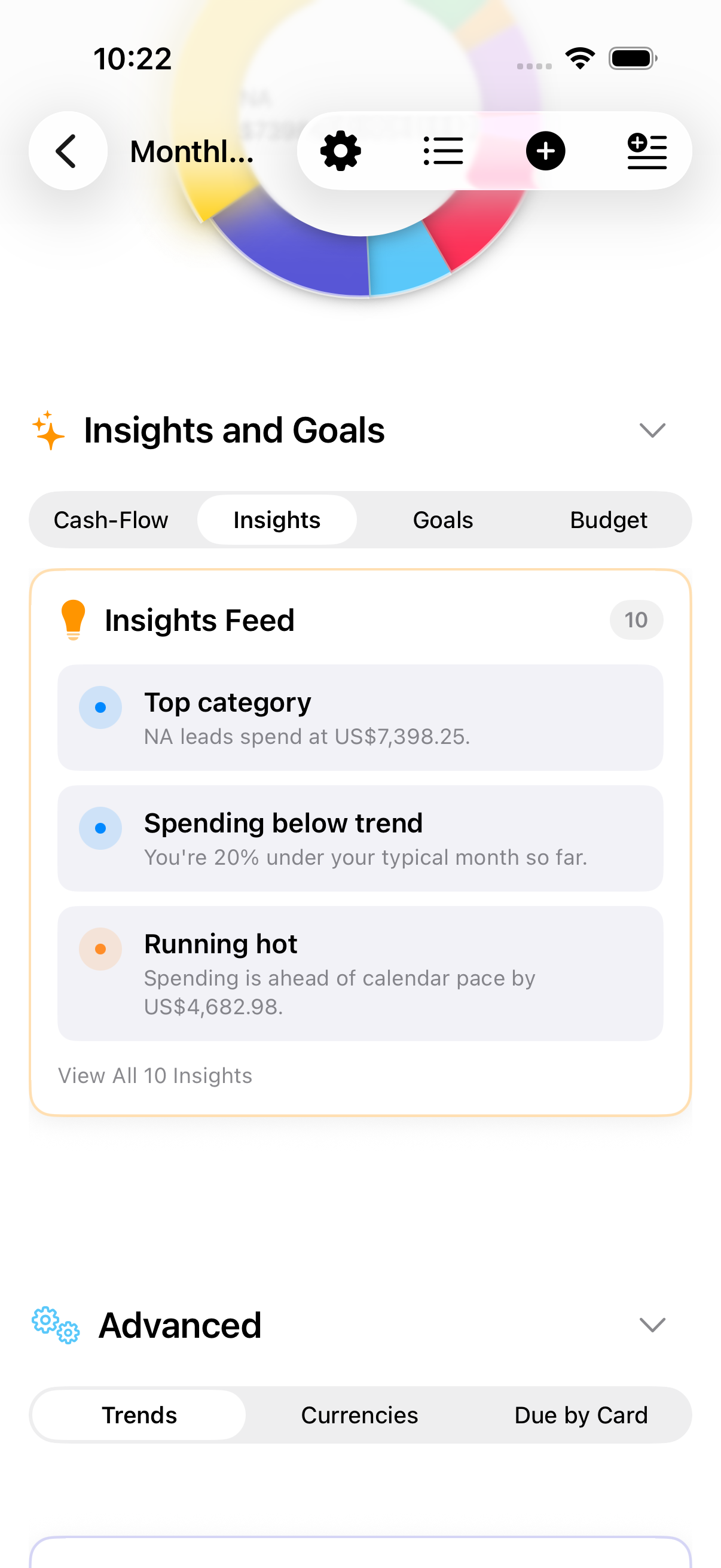
20+ insight types including spending pace, income volatility, category spikes, bill coverage ratios, and risk assessment.
Highlights transactions that stand out against your recent spending, helping catch errors or unexpected charges.
Reading the report is free. This tier is for turning it into a document you can send, file, or open in a spreadsheet.
Export straight from the report using the period already on screen — no second filter step, and no chance the document disagrees with the screen.
Summaries for income, expenses, and net position by date range.
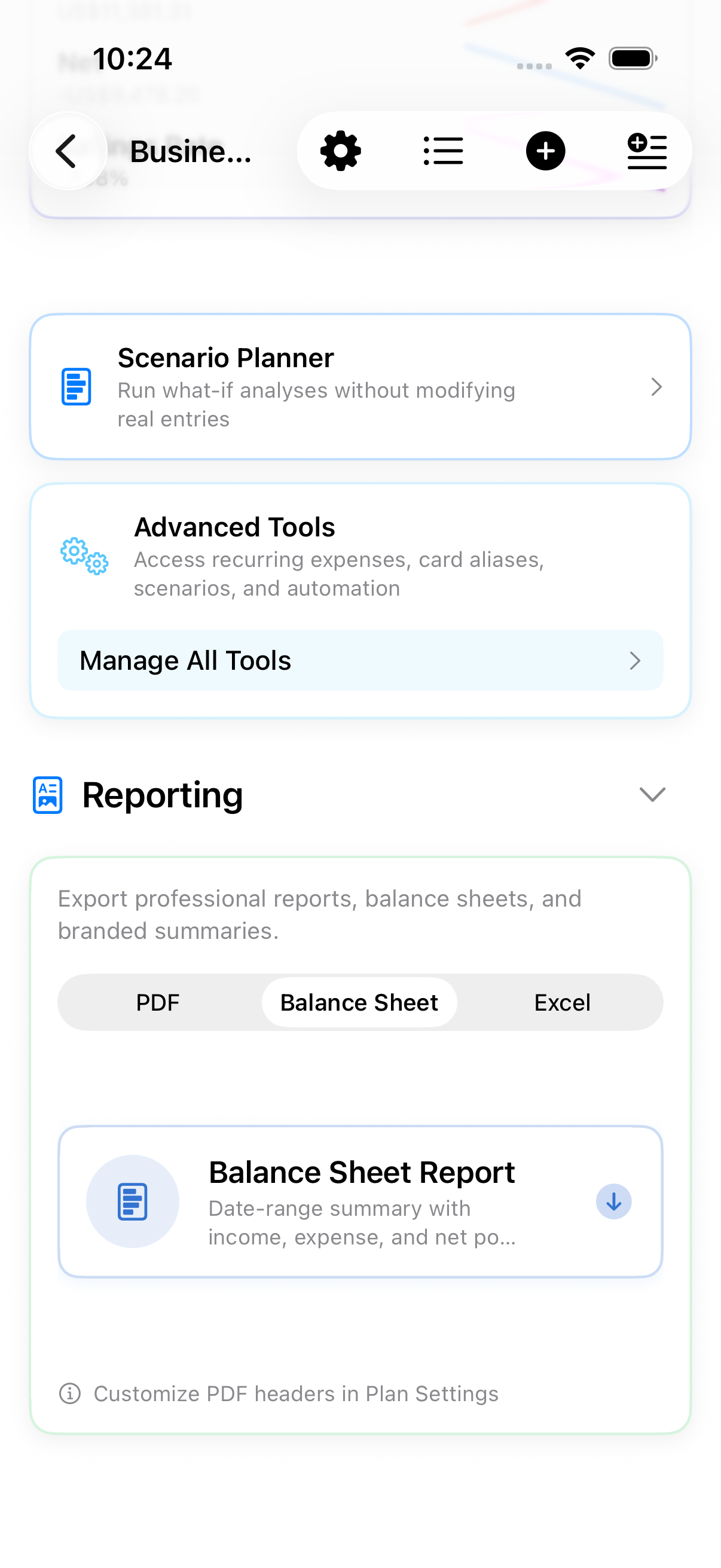
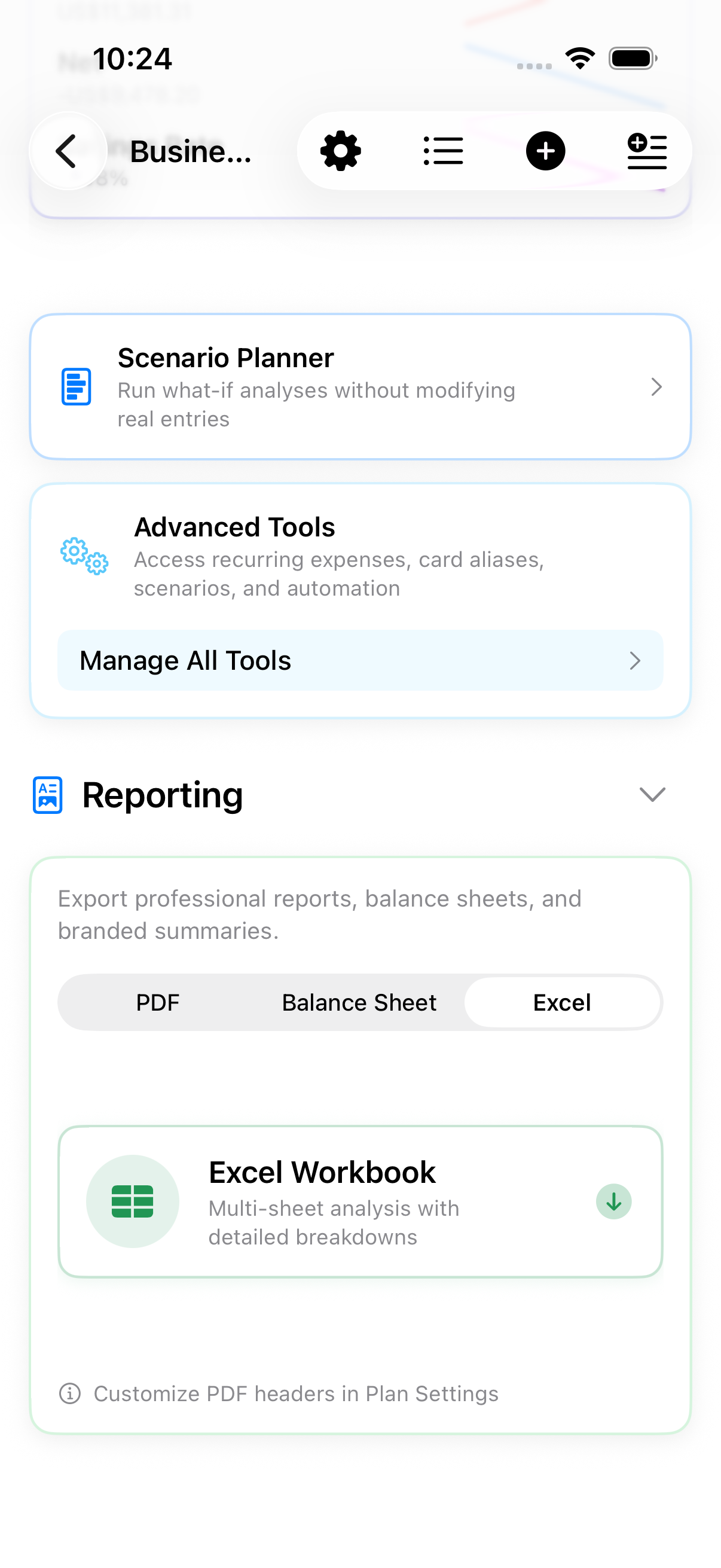
Four formats: a PDF report with charts and insights, a balance sheet, an Excel workbook, and raw CSV transaction rows. The workbook holds a sheet per topic — Summary, Entries, Monthly Trend, Categories, Budgets, Cashflow Guard, Insights, Goals, and Billing Window — behind a linked Contents page, plus a Charts sheet drawn in the same colours as the PDF.
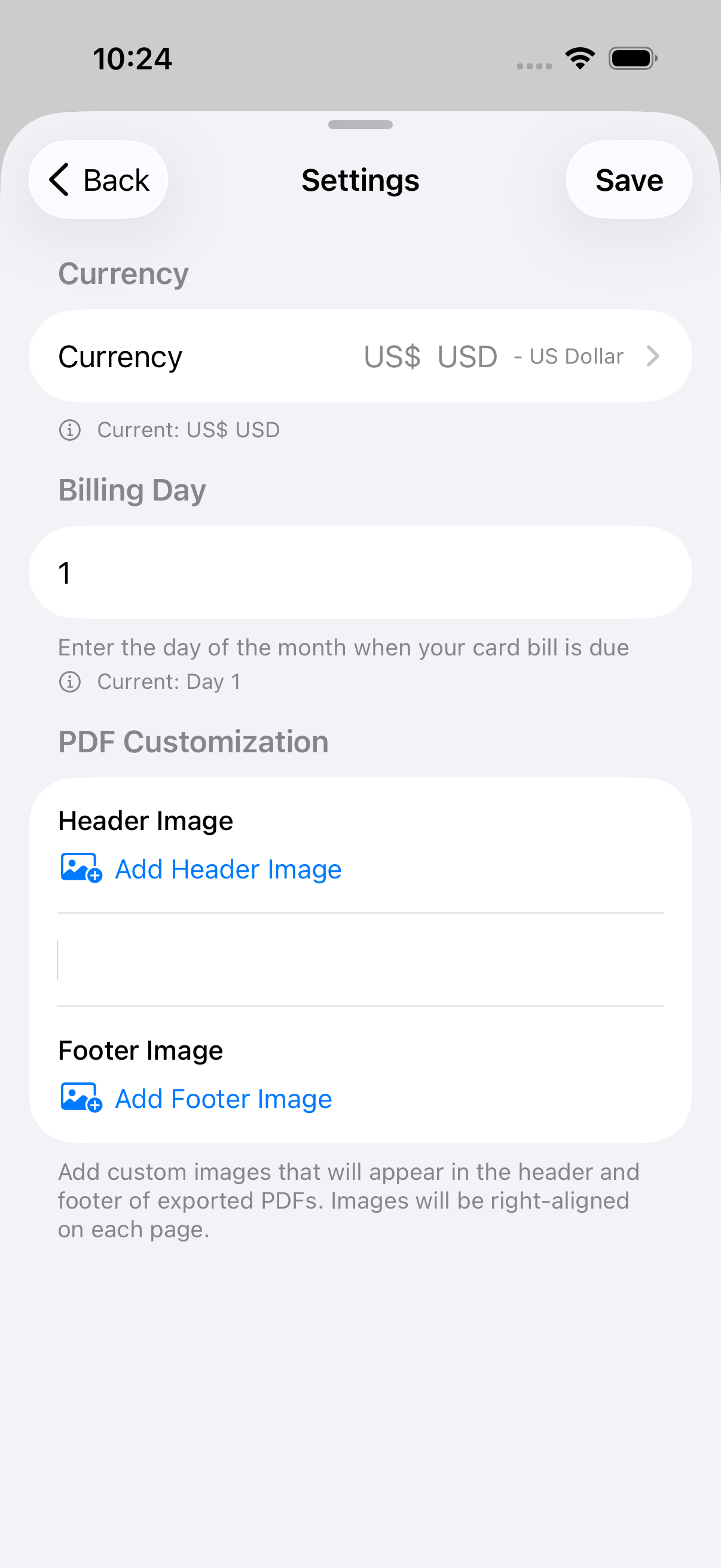
Add header and footer images for branded reports.
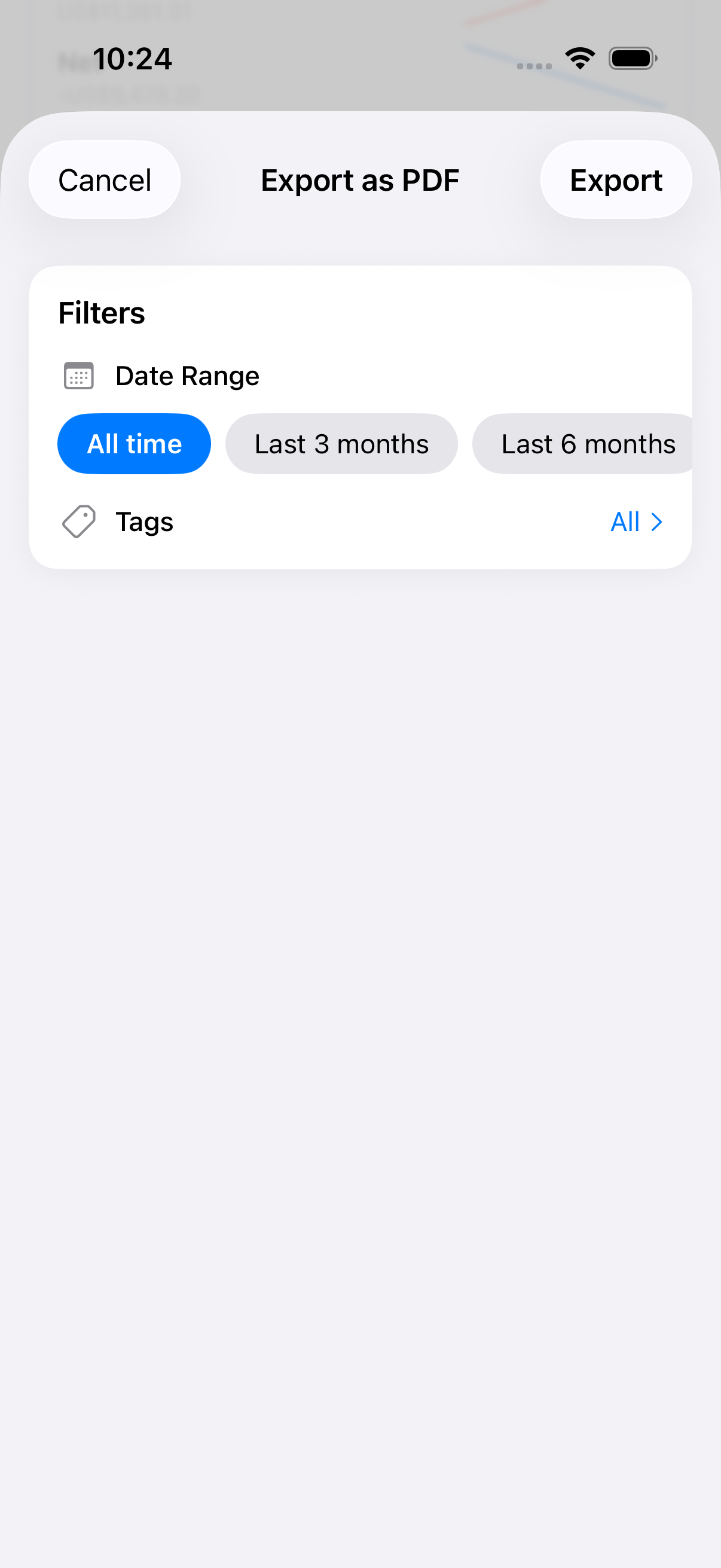
Filter by date range or tag to export only what you need.
Question your budget in plain language and get an answer from your own figures, generated on your device. Opens from the plan list on iPhone, and beside the plan on iPad. Needs a device that supports Apple Intelligence.
Track spend by card without storing sensitive card details.
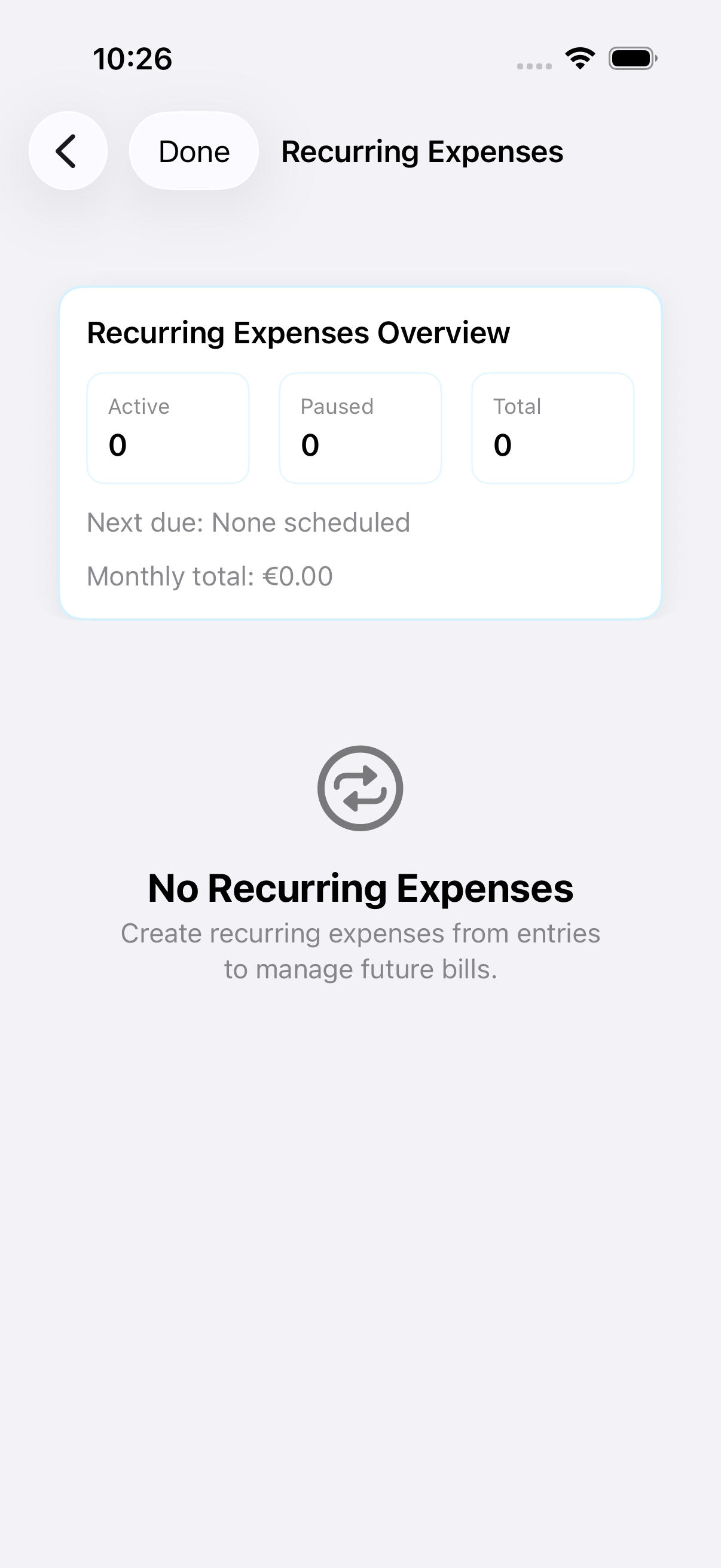
Create repeating bills with edit-all-future control.
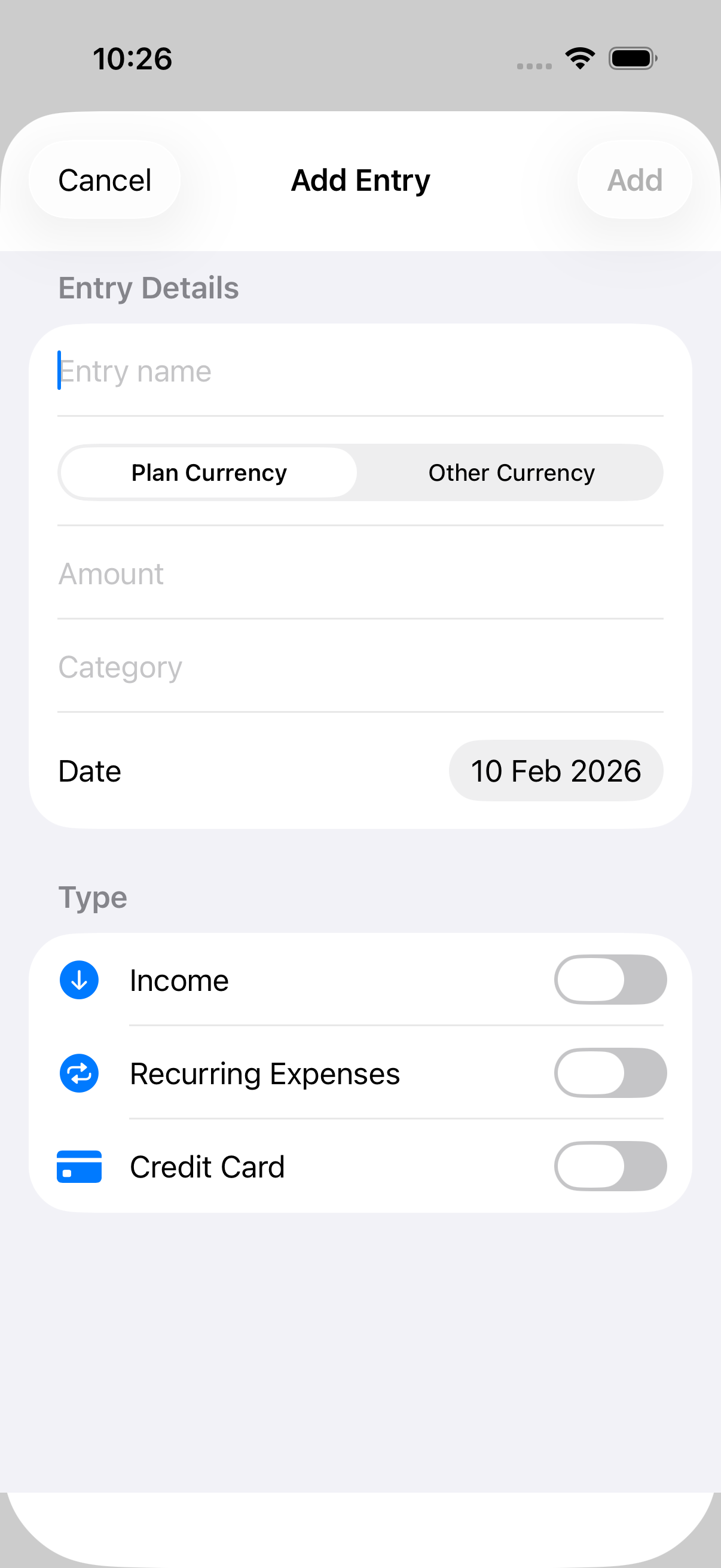
Scan or import receipts from the Add Entry screen. On-device OCR auto-fills the amount, date, and details, learns merchant patterns for future scans, and lets you review before saving. Receipt Gallery collects entries that have images attached.
Paste multiple entries at once with smart parsing and tagging.
Use the plan currency by default, switch to Other Currency for FX entries, and view totals by currency.
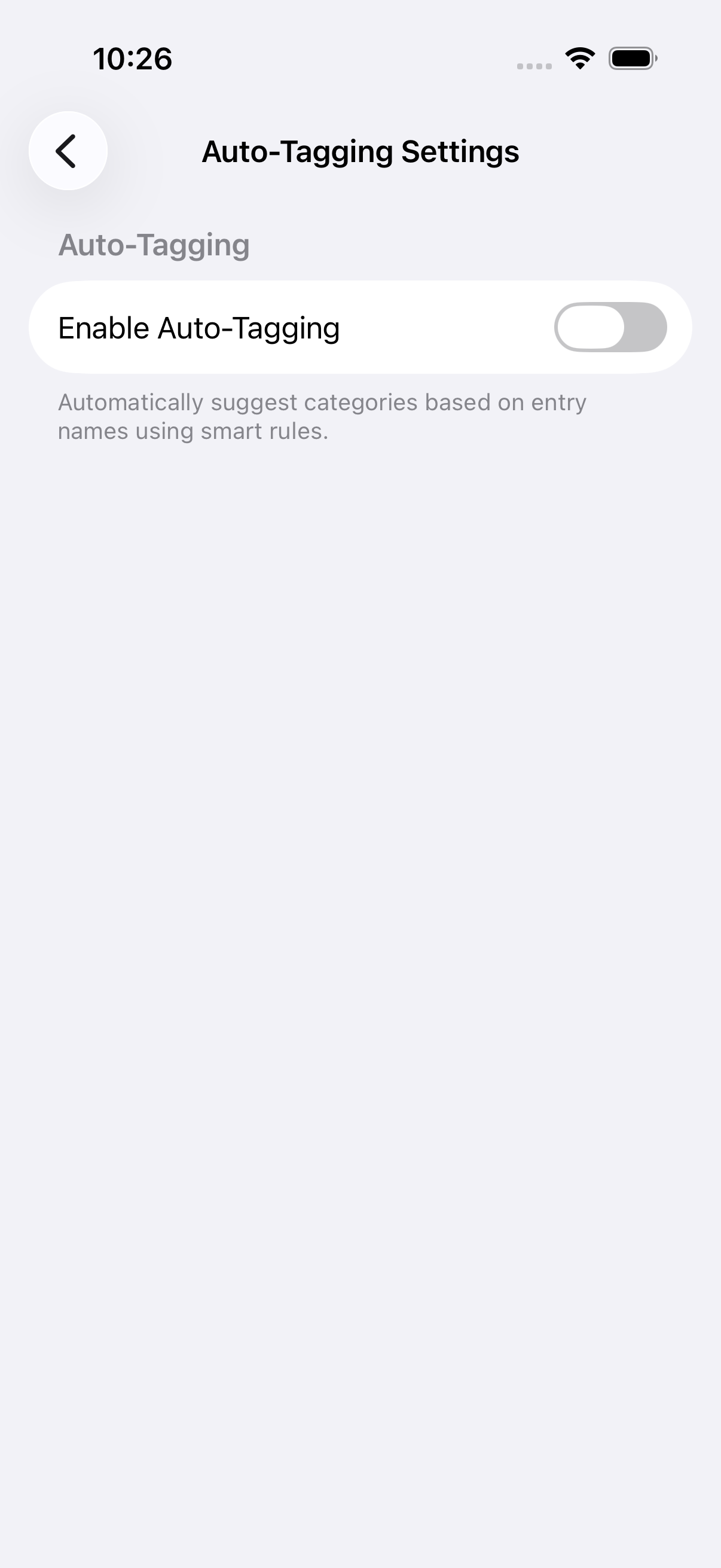
Suggestions and rules help classify repeated entries. Supports exact match, contains, starts/ends with, regex patterns, and amount-based filtering.
Track recent months with sparklines for income, net, and savings rate across 3/6/12-month periods.
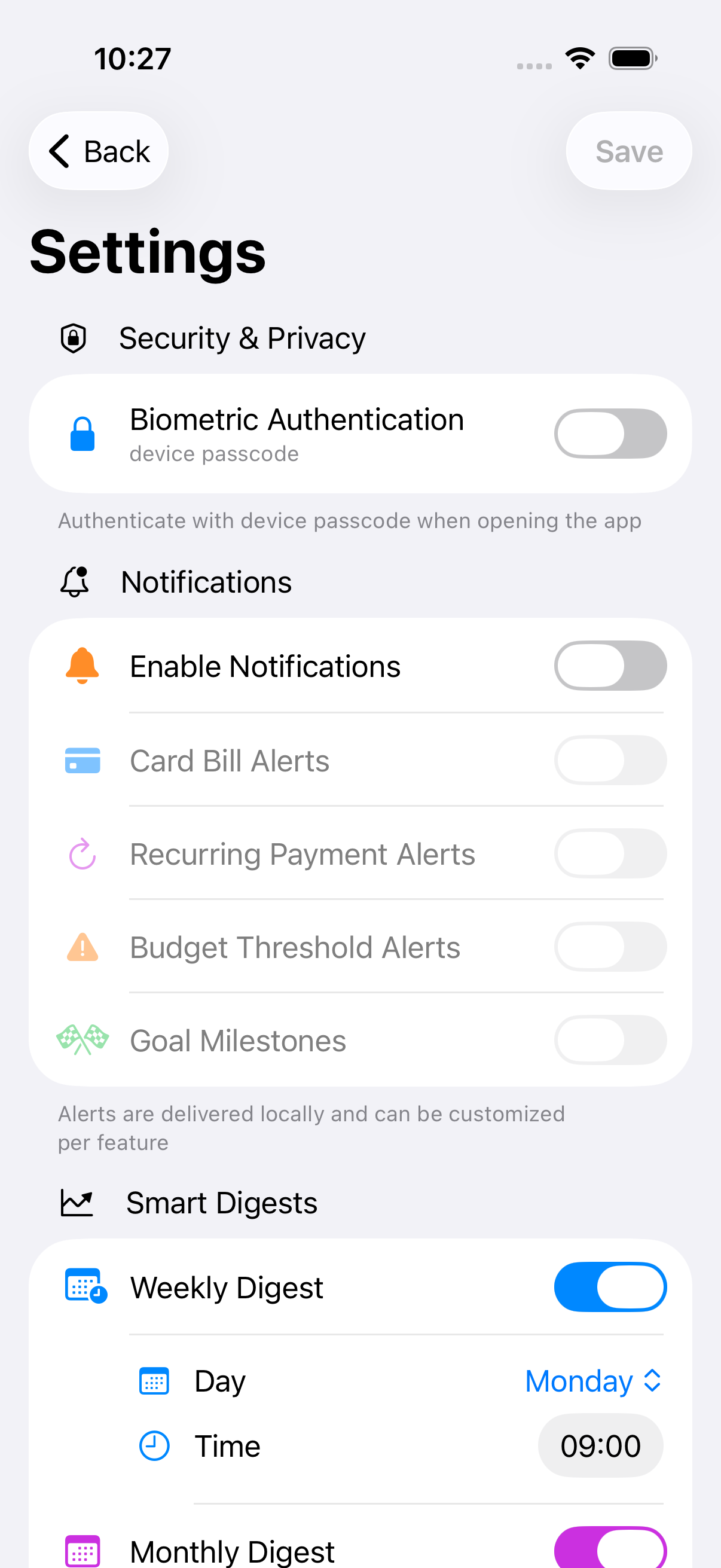
Comprehensive notification system for budgets, card bills, recurring payments, and goal milestones. Weekly/monthly digests summarize budget health, goal health, and spending trends on-device.
Enable Face ID or Touch ID for secure app access.
Review sync warnings and data validation messages in Settings.
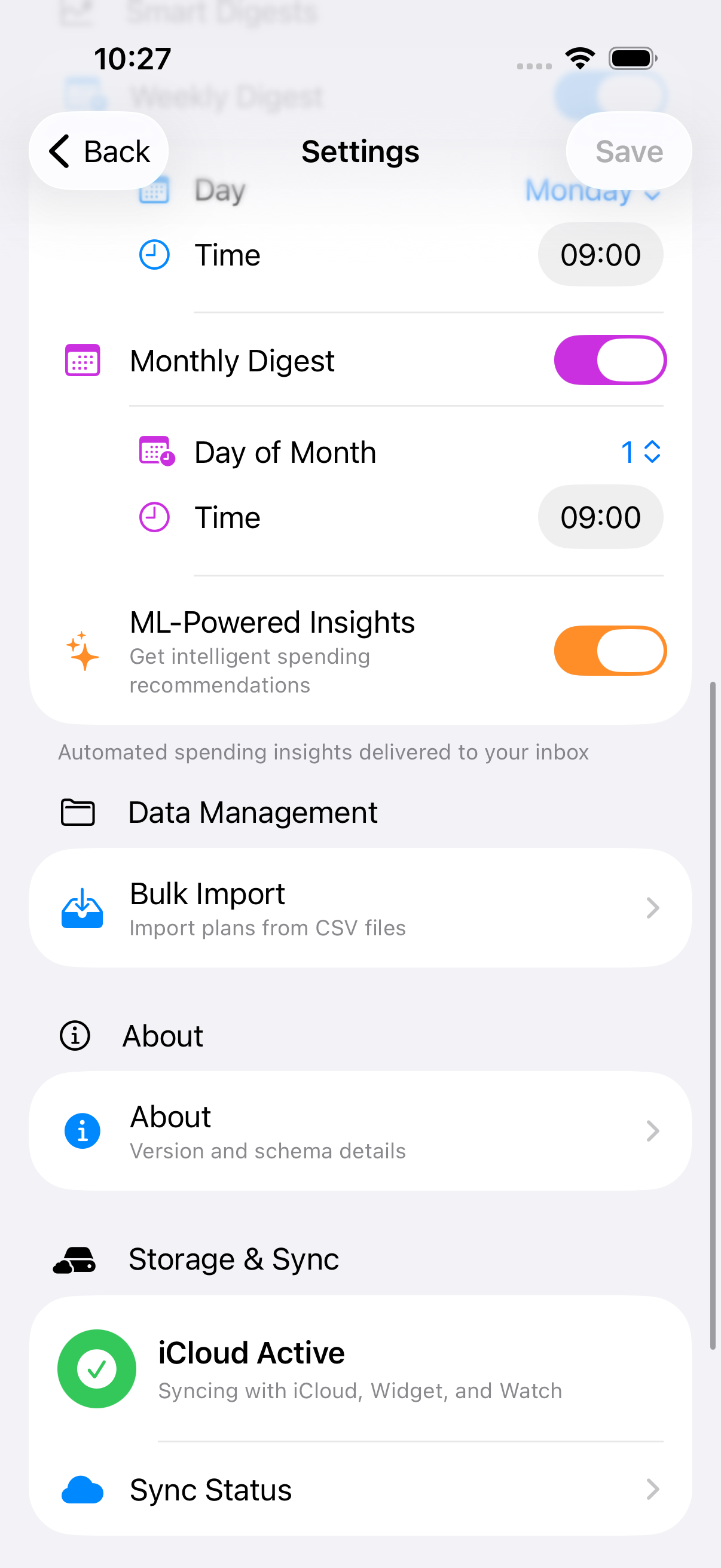
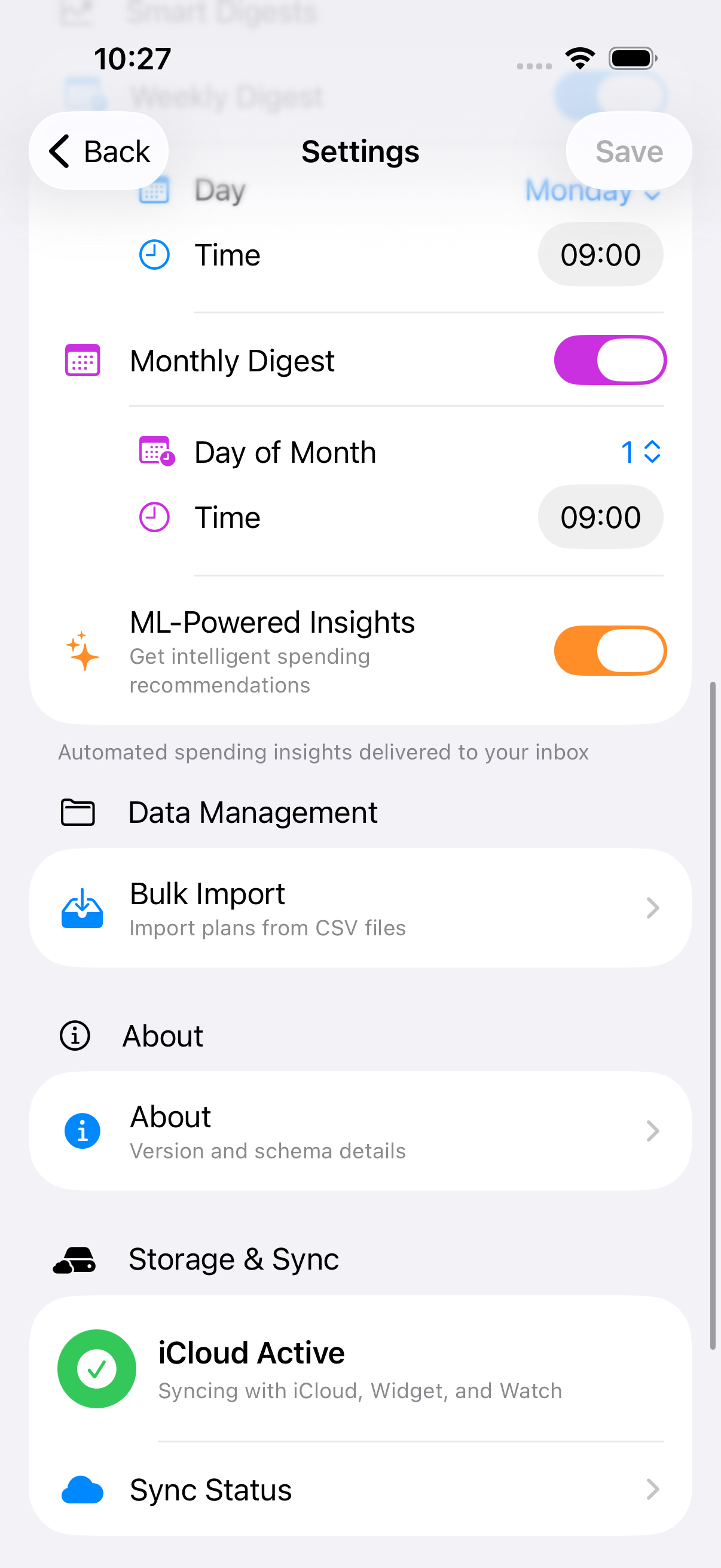
Sync budgets across iPhone and iPad automatically, then share selected plans with trusted iCloud participants. Their changes reach your totals, charts, and any open screen without relaunching. Stop sharing at any time — access is revoked, your plan and entries stay intact.
Check plan snapshots on your wrist.
See plan balances, budget progress, recent transactions, daily trends, category breakdowns, and a large calendar view without opening the app.
Choose a one-time upgrade or subscription as your planning needs grow.
One-time unlock
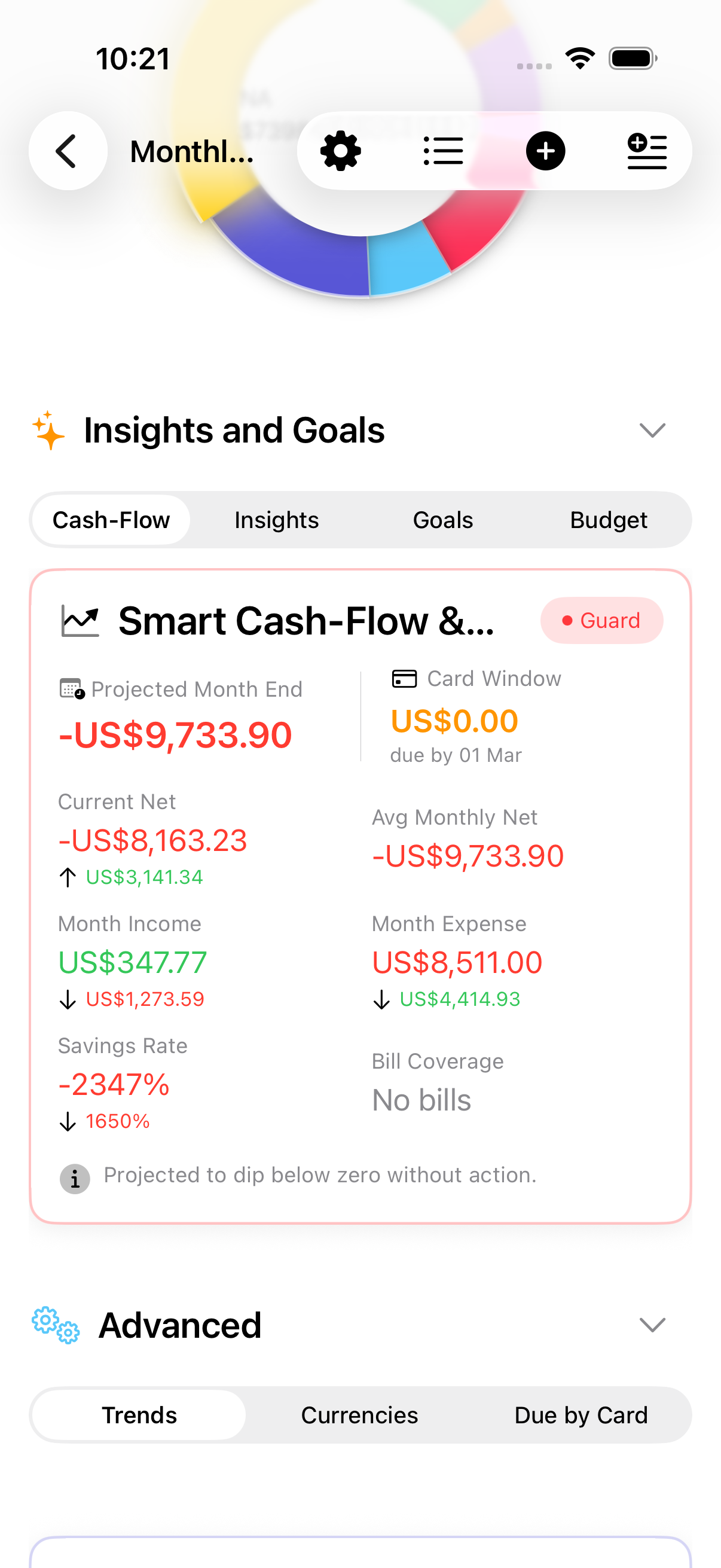
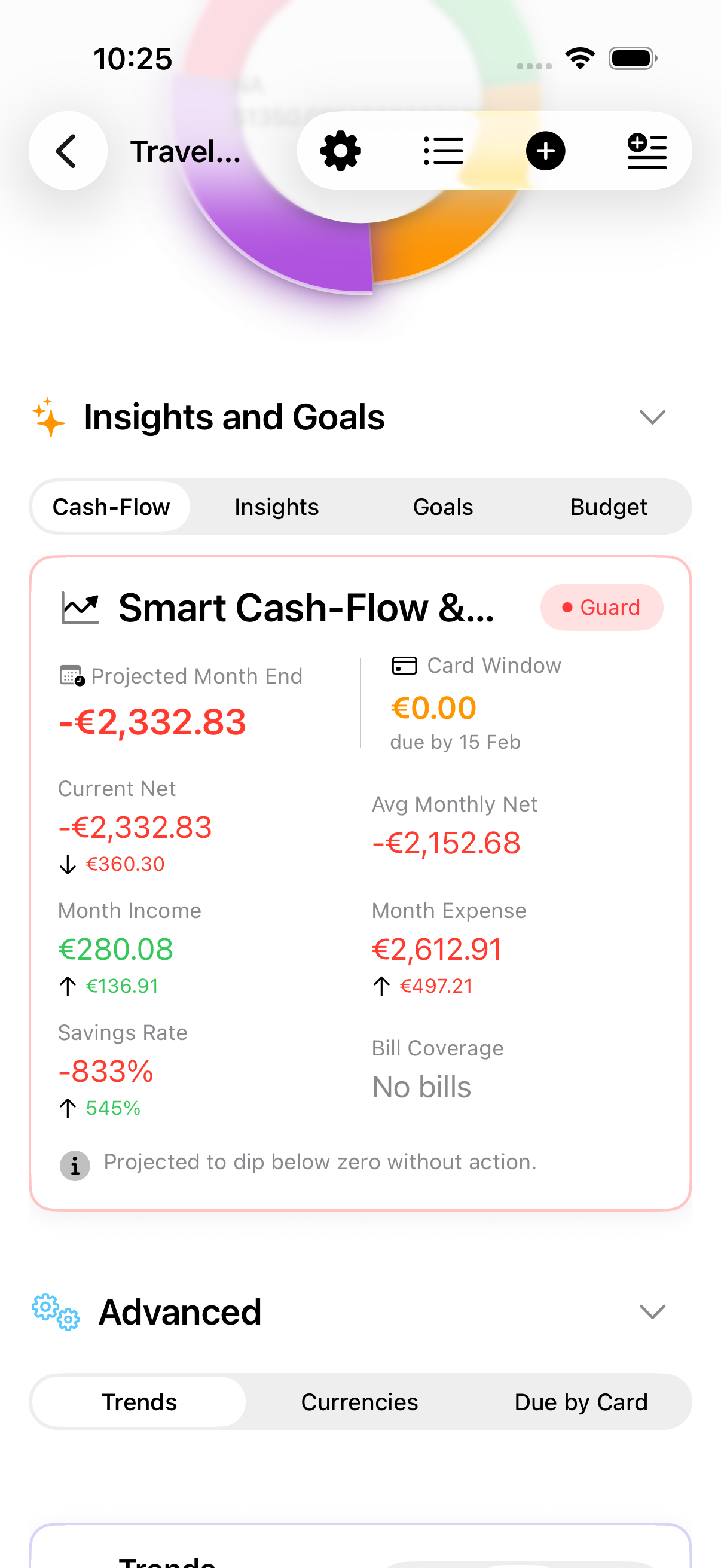
Safe to Spend and cash-flow outlook
Goals and trend insights
Subscription tier
Export the free report as PDF, Excel, or CSV
Filters and branded reports
Subscription tier
Ask your budget, on device
FX, recurring, trends, alerts
Best Deal one-time purchase
Includes all premium tiers
No renewals
Unlock smarter planning with Safe to Spend, cash-flow outlooks, insights, goal tracking, and budget thresholds.
See what remains after spending pace, budget limits, and upcoming card bills.
Trend-based insights across income, expenses, and savings.
Track targets, milestone progress, and category-level budget thresholds.
20+ insight types including spending pace, income volatility, category spikes, bill coverage ratios, and risk assessment.
Highlights when transactions stand out against your recent spending history.
Reading your plan's full report is free. This tier turns it into a document — PDF, balance sheet, Excel, or CSV — with branding and filtering. Includes all Insights & Goals features.
The file covers exactly the period on screen, so the document can never disagree with the report.
Polished documents with charts, insights, and detailed entry breakdowns.
Date-range summaries with income, expenses, and net position.
A workbook with a sheet per topic behind a linked Contents page, a Charts sheet matching the PDF, or raw transaction rows for anything else.
Export by date range or tags to keep reports focused.
Add header and footer images for professional sharing.
Ask, receipt scanning, recurring entries, FX, auto-tagging, scenario planning, alerts, and digests for power users who want maximum insight and control.
Question your budget in plain language. Answers are generated on your device, every figure comes from your own entries, and each one lists its sources. Needs a device that supports Apple Intelligence.
The report's summary is rewritten on your device so it reads like a person wrote it, with the figures still calculated by the app.
Weekly/monthly summaries with budget health, goal health, and recommendations based on your historical patterns.
Suggestions and rules help classify repeated entries with smart filtering.
Track spend by card without storing sensitive details.
Create repeating bills with edit-all-future control.
Scan single or batch receipts; on-device OCR auto-fills amount, date, and details.
Paste multiple entries at once with smart parsing.
Auto-convert entries and see totals by currency.
Run what-if changes without editing real entries.
3/6/12-month sparklines for income, net, and savings rate.
Background alerts for budgets, recurring bills, card bills, and goal milestones.
One purchase that unlocks Insights & Goals, Reporting, and Advanced Tools forever.
Insights & Goals, Reporting, and Advanced Tools on this device.
Share access with your family group when enabled in App Store.
No renewals or subscription management.
Ideal if you plan to budget for years, not months.
Apple Intelligence running on device for Ask and the report summary — no server, no network call, no data leaving your device
Sentence embeddings, tokenization, and semantic similarity for intelligent auto-tagging (iOS 17+)
Robust local storage with automatic iCloud sync using NSPersistentCloudKitContainer
Modern async/await patterns for responsive UI and efficient background processing
Native iOS 17+ UI with reactive state management
Seamless multi-device experience across iPhone, iPad, and Apple Watch
Modern in-app purchases with transparent pricing and easy subscription management
Start free, then add premium features only when they fit your workflow.
Requires iOS 16.0 or later (some ML features require iOS 17+) • Compatible with iPhone and iPad • Apple Watch app available • iCloud account recommended for sync